Facebook group marketing is one of the most powerful strategies for growing your business, generating leads, and building brand awareness. With billions of active users and millions of groups, Facebook offers unparalleled reach for marketers.
However, there's a catch: getting banned or blocked from groups is incredibly common, especially for those who don't understand Facebook's unwritten rules. If you've experienced this frustration, you're not alone.
In this comprehensive guide, we'll share 16 proven strategies to help you post to Facebook groups without getting banned or blocked. Follow these tips to protect your account and maximize your marketing results.
Why Do People Get Banned from Facebook Groups?
Before diving into solutions, it's important to understand why bans happen. Group admins are volunteers who work hard to maintain quality communities. They ban users who:
- Appear to be spammers or bots
- Post irrelevant or promotional content
- Violate group rules repeatedly
- Use fake or suspicious-looking accounts
- Post the same content across multiple groups
Understanding this mindset is crucial. Your goal is to appear as a genuine, valuable community member rather than someone who's only there to promote.
16 Strategies to Avoid Getting Banned from Facebook Groups
1. Match Your Profile to the Group's Demographics
If you're posting in a location-specific group, your profile should make sense for that location. For example, posting in a "Real Estate New York" group with a profile that clearly shows you're from a completely different country raises red flags.
Pro Tip: Update your profile's location to match the groups you're targeting. Use a nearby smaller city rather than major metropolitan areas, as popular cities are commonly used by spam accounts.
2. Use Realistic Account Names
Your account name matters more than you think. Admins can spot fake accounts by looking at names that:
- Use two first names (like "Greg Charles")
- Have unusual character combinations
- Don't match the profile photo's apparent ethnicity
Choose names that sound natural and authentic for your target audience.
3. Never Spam — Post Strategically
This might seem obvious, but many marketers don't realize what constitutes spam. Posting promotional content too frequently, even if it's different each time, can still be perceived as spam.
Be mindful that group admins are specifically looking for spammers. Your content should provide value first and promote second.
4. Vary Your Content Across Groups
One of the biggest mistakes is posting identical content to multiple groups. Facebook's algorithm detects duplicate content, and admins notice too.
Best Practice: Change at least 20-30% of your message for each group. Modify the opening line, adjust examples, or rephrase key points.
If you're using PilotPoster, enable the "Unique Post" feature to automatically add variation to your messages.
5. Avoid External Messaging App Links
Links to Telegram, WhatsApp, or other messaging apps are major red flags. These links are commonly used by scammers, so posting them can result in instant bans.
Instead, direct people to your website or Facebook page where they can find your contact information.
6. Skip Affiliate Links — Use Landing Pages
Raw affiliate links look spammy and are often blacklisted by Facebook. Instead of posting affiliate links directly:
- Create a landing page on your own domain
- Redirect from your landing page to the affiliate offer
- This also lets you track conversions and build an email list
7. Build a Complete, Authentic Profile
Before joining groups and posting, make sure your Facebook profile looks legitimate:
- Add a realistic profile photo
- Include cover photos and bio information
- Have some friends and connections
- Post some personal (non-promotional) content
- Fill out work and education details
High-quality groups have admins who review new member profiles. A bare-bones account is an instant rejection.
8. Engage Authentically with Other Members
Don't just post and disappear. Active engagement makes you look like a real community member:
- Like and react to other posts
- Leave thoughtful comments
- Answer questions when you can help
- Share others' content occasionally
This engagement builds your reputation and makes admins less likely to view your promotional posts suspiciously.
9. Always Follow Up on Responses
When people comment on your posts, respond promptly and helpfully. Ignoring responses signals that you're only interested in broadcasting, not building relationships.
10. Use High-Quality, Relevant Images
Posts with images get more engagement, but quality matters. Use professional, relevant images that enhance your message. Avoid:
- Stock photos that look generic
- Images with too much text
- Low-resolution or stretched images
If you're a PilotPoster user, you can request free custom graphics for your marketing posts.
11. Optimize Your Link Previews
When you share a website link, Facebook generates a preview with an image, title, and description. Make sure these look professional by:
- Testing your links with the Facebook Sharing Debugger
- Adding proper Open Graph meta tags to your website
- Using compelling preview images
12. Follow the 3:1 Rule for Content
For every 1 promotional post, make at least 3 non-promotional posts that provide pure value. This could be:
- Helpful tips related to the group's topic
- Interesting questions to spark discussion
- Sharing relevant news or resources
- Celebrating others' successes
This ratio helps establish you as a contributor, not just a promoter.
13. Answer Membership Questions Thoughtfully
Many groups require you to answer questions before joining. Don't give generic answers. Think about what the admin wants to see:
- Show genuine interest in the group's topic
- Explain how you'll contribute value
- Be specific rather than vague
14. Post Only to Relevant Groups
Posting about watches in a furniture group is a waste of everyone's time — including yours. Target groups where your content is genuinely relevant and valuable to members.
Quality over quantity. Ten posts in highly relevant groups outperform 100 posts in random groups.
15. Respect Group Rules
Every group has rules, even if they're not always explicit. Before posting:
- Read the group description and pinned posts
- Observe what types of posts get positive responses
- Note any specific posting guidelines or restrictions
16. Time Your Posts Strategically
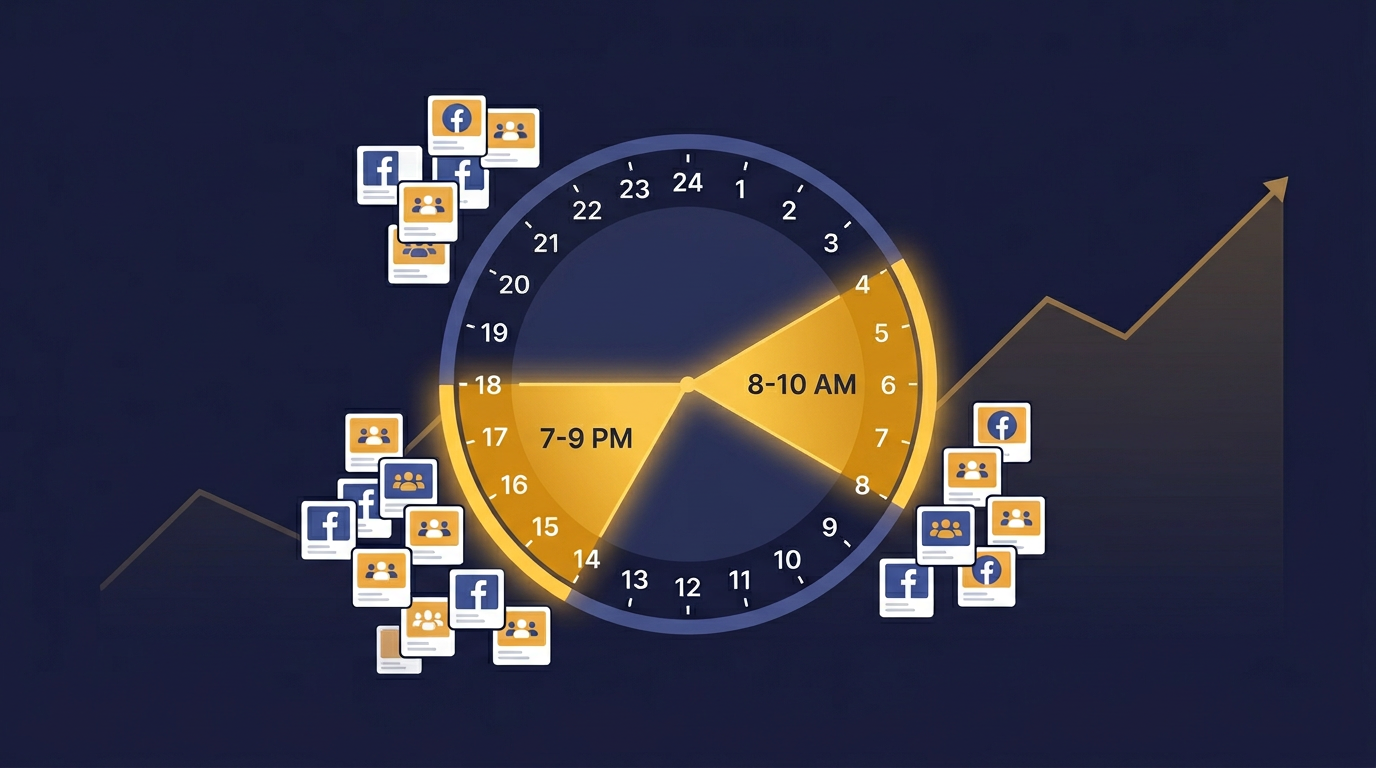
Don't flood groups with posts all at once. Space out your posting over time, and use scheduling tools to post during peak engagement hours for your target audience.
The Bottom Line: Be a Real Person
Summary: The key to avoiding bans is simple — come across as a real person who genuinely values the community and isn't just there to market. When you focus on providing value first, promotional content becomes more welcome.
By following these 16 strategies, you'll significantly reduce your risk of getting banned while actually improving your marketing results. Authentic engagement leads to better conversions than spam ever could.
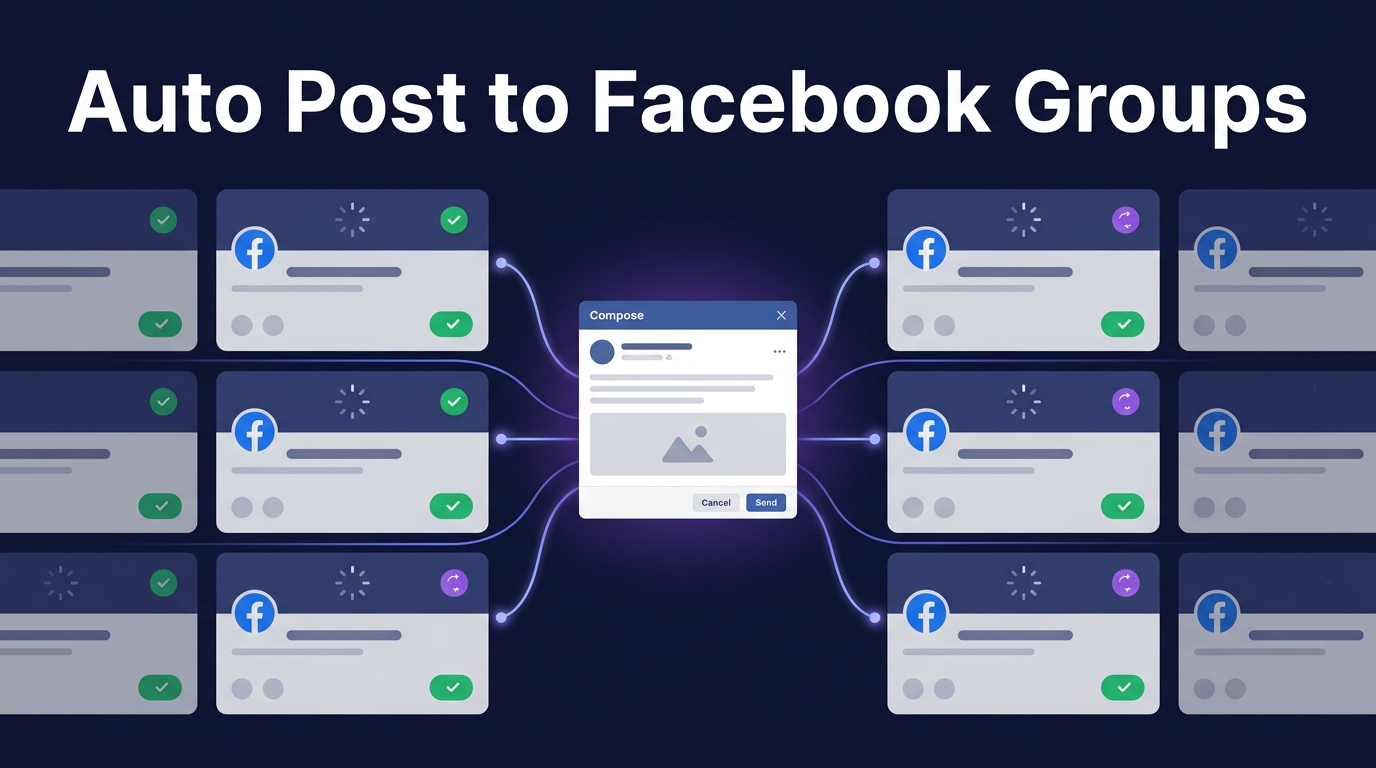
Automate Your Facebook Group Posting Safely
If you're serious about Facebook group marketing at scale, consider using PilotPoster — the #1 Facebook Group Auto Poster designed with safety features built-in:
- Unique Post Feature: Automatically varies your content
- Smart Scheduling: Human-like posting intervals
- Multiple Account Support: Spread activity across accounts
- Auto-Pause: Prevents over-posting
Get started with PilotPoster today →