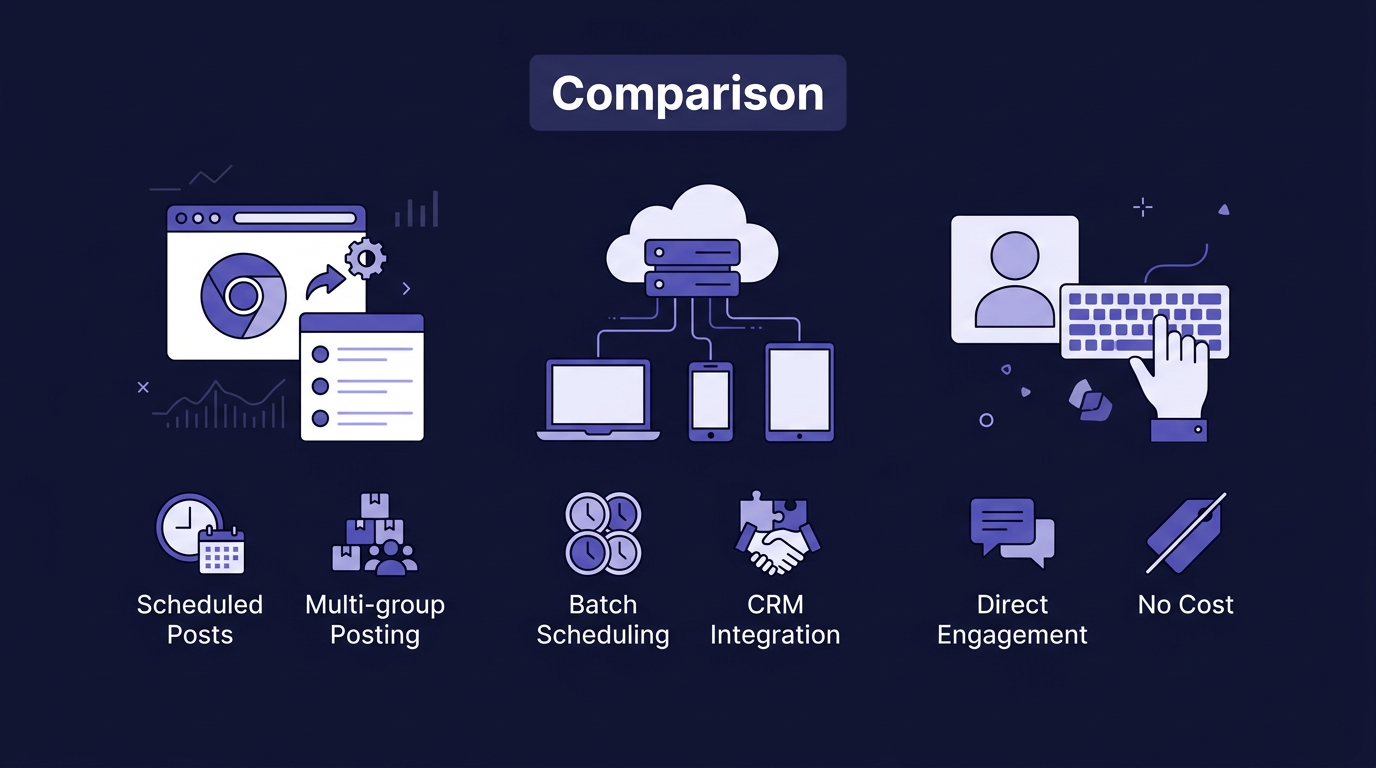
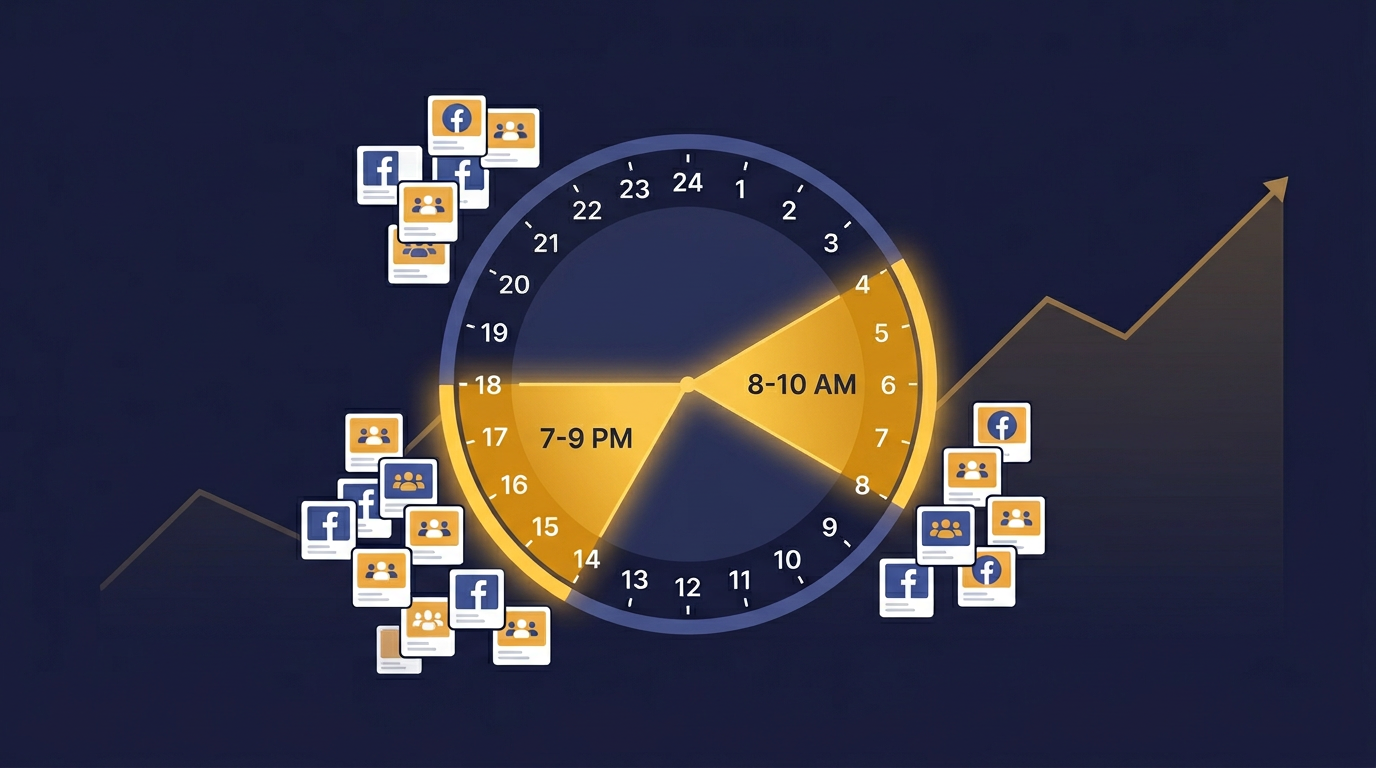
To schedule posts to multiple Facebook groups (including groups you've joined), you need a tool like PilotPoster. Facebook's native scheduler only works for Pages, and most third-party tools can only post to admin groups. PilotPoster lets you schedule posts through its web app, then its Chrome extension posts organically from your browser at the scheduled time. A campaign to 30 joined groups with 12-minute intervals runs itself over about 6 hours.
Facebook's own scheduling tools are built for Pages, not groups. If you go to a group you've joined and try to schedule a post, there's no option. The post goes live immediately or not at all.
For anyone posting to multiple joined groups on a regular schedule, that's a dealbreaker. And it's not just Facebook's interface that's lacking. Most third-party social media tools (Buffer, Hootsuite, etc.) can only schedule to Pages and groups you admin, because of API limitations. Scheduling posts to groups you've joined requires a different approach entirely.
Why Native Facebook Scheduling Doesn't Work for Joined Groups
Facebook gives Page admins a scheduling option because Pages are treated as brand publishing channels. Groups are treated as community spaces. Facebook's official stance is that group posts should be organic contributions from members, which is why the scheduling infrastructure doesn't exist there.
Group admins can schedule posts within groups they manage. But this only applies to your own admin groups. For the 50, 100, or 500 groups you've joined as a member, there's no native scheduling. PilotPoster is the only tool that fills this gap.
How PilotPoster's Scheduling Works
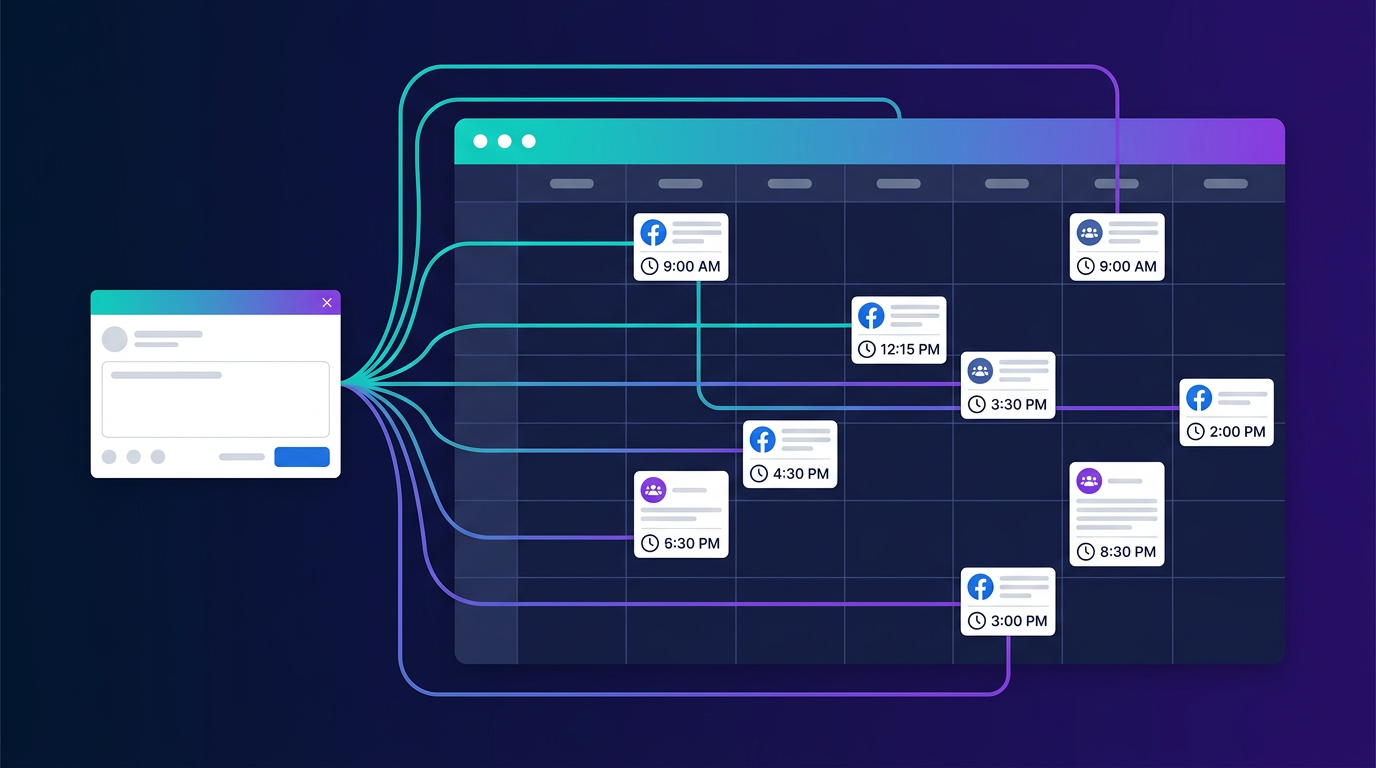
PilotPoster splits the work between two components: a web app for scheduling and management, and a Chrome extension for organic posting. Here's the full process:
- Connect your Facebook account through PilotPoster's web app.
- Import your joined groups. PilotPoster fetches all the groups you're a member of and lets you organize them into categories (by niche, region, etc.).
- Create a post in the web app's composer. Add text, images, links, and optionally set up Spintax variations for unique content per group.
- Select your target groups from your joined groups list. You can select individual groups or entire categories.
- Set a schedule: start date/time, interval between each post, and optionally a recurring schedule.
- The Chrome extension runs the campaign at the scheduled time, posting to each joined group organically from your browser. You get a log of what posted successfully and what didn't.
Because the Chrome extension posts from your own browser with your own Facebook session, every post looks exactly like you did it manually. Facebook sees organic activity from your device, not automated requests from a remote server. This is the key reason PilotPoster users don't experience the restrictions that server-based tools cause.
The Interval Setting: The Most Important Number
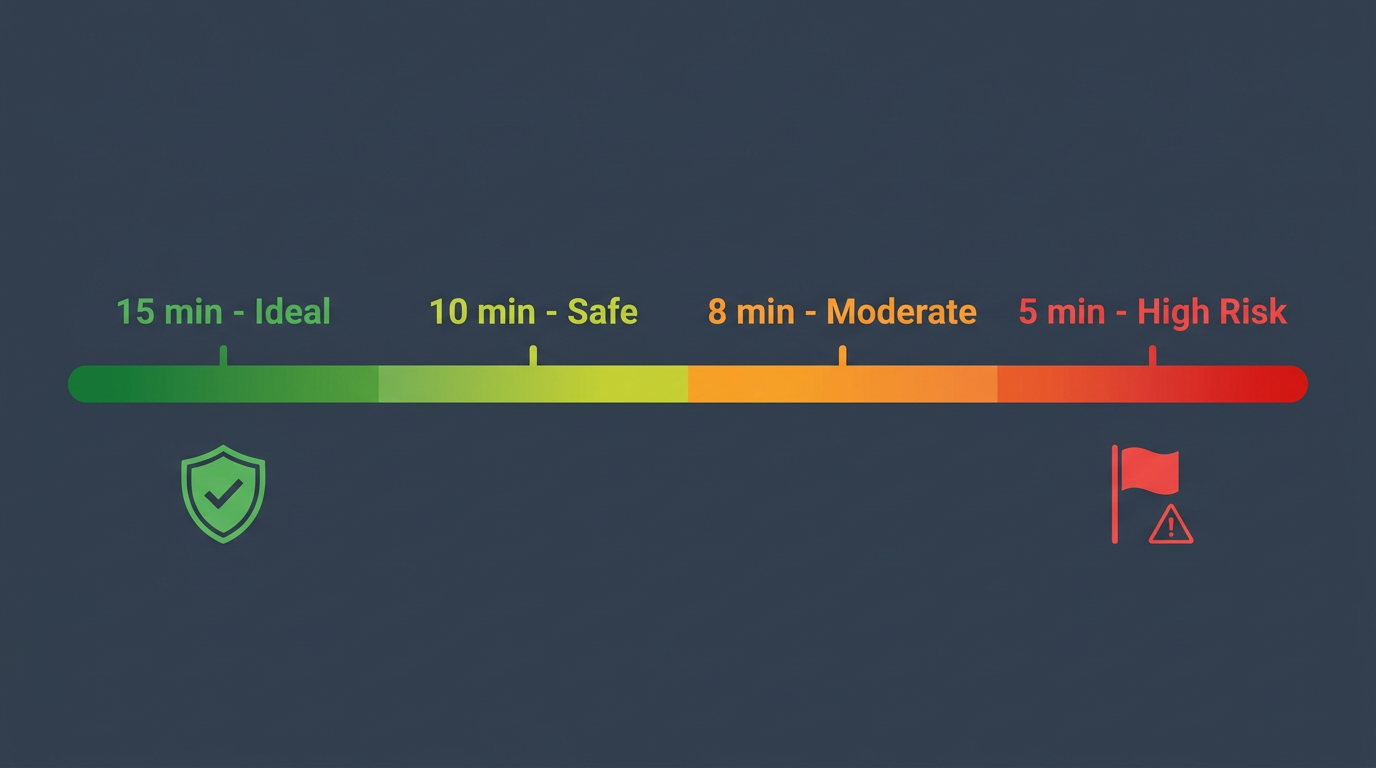
The interval between posts is the single most important configuration. It controls how natural your posting pattern looks and how many groups you can reach in a day.
| Interval | How It Looks | Groups in 8-Hour Day | Best For |
|---|---|---|---|
| Under 5 minutes | Too fast for comfort | 96+ | Not recommended |
| 5-7 minutes | Fast but possible | 68-96 | Well-established accounts only |
| 8-9 minutes | Active poster | 53-60 | Warm accounts |
| 10-12 minutes | Natural browsing pace | 40-48 | Most accounts (recommended) |
| 15 minutes | Very natural | 32 | Newer accounts |
| 20+ minutes | Completely relaxed | 24 or fewer | New accounts or conservative approach |
The sweet spot for most accounts is 10-12 minutes. That gives you 40-48 joined groups in an 8-hour posting window. Since PilotPoster posts organically from your browser, even the faster intervals look natural because the action is coming from a real browser on your own device.
Scheduling vs. Instant Posting: Which to Use
Scheduled Posting
- Set it up in advance, posts go out automatically
- Hit the right time windows for your audience
- Better for large lists of joined groups (20+)
- Can set recurring campaigns (daily, weekly)
- More predictable, easier to plan content
Instant Posting
- Good for time-sensitive content (flash sales, events)
- Works well for small batches (5-10 groups)
- You can watch posts go out to each group in real time
- Requires Chrome extension to be running right now
For regular marketing campaigns to joined groups, scheduling is the way to go. Write your posts, set your schedule, and the Chrome extension handles the rest. Instant posting is great for quick, one-off announcements when you're already at your desk.
Building a Weekly Posting Schedule
A good weekly rhythm avoids overposting to any single group while keeping your reach consistent.
Rotate Your Group Lists
You don't have to post to every joined group every day. If you have 100 groups, split them into two lists and alternate days. Each group sees you post every other day instead of daily, which feels natural to members.
Mix Content Types
Vary your content across the week. A ratio of 3-4 value posts (tips, questions, resources) for every 1 promotional post keeps group members from reporting you. Groups where you consistently add value tend to give your posts better visibility.
Use Content Variation
For recurring posts, use PilotPoster's unique post setting or write Spintax so each group gets slightly different wording. Facebook's systems compare your recent posts across groups, and unique content per group keeps everything clean.
A solid weekly rhythm: Monday and Thursday post to List A (50 joined groups), Tuesday and Friday post to List B (50 joined groups), Wednesday for high-priority groups only. That's 200+ group posts per week from one account, spread naturally across the week, all organic.
What Happens If a Scheduled Post Fails
Some groups will reject your post. This happens when a group requires you to have been a member for a certain period, when the group has paused member posting, or when admin approval is required and your post sits in a queue.
PilotPoster's post log shows each group's status: posted successfully, failed, or pending approval. Review failed groups and remove them from future campaigns if they consistently don't allow member posts. Over time, this cleans up your group list and improves your success rate.
- Facebook has no native scheduling for group posts, and most third-party tools can't post to joined groups
- PilotPoster schedules through its web app and posts organically through its Chrome extension
- 10-12 minute intervals is the recommended default for natural posting patterns
- Rotate your joined group lists and vary your content to maintain good standing
- Check your post log to clean up groups that consistently reject posts