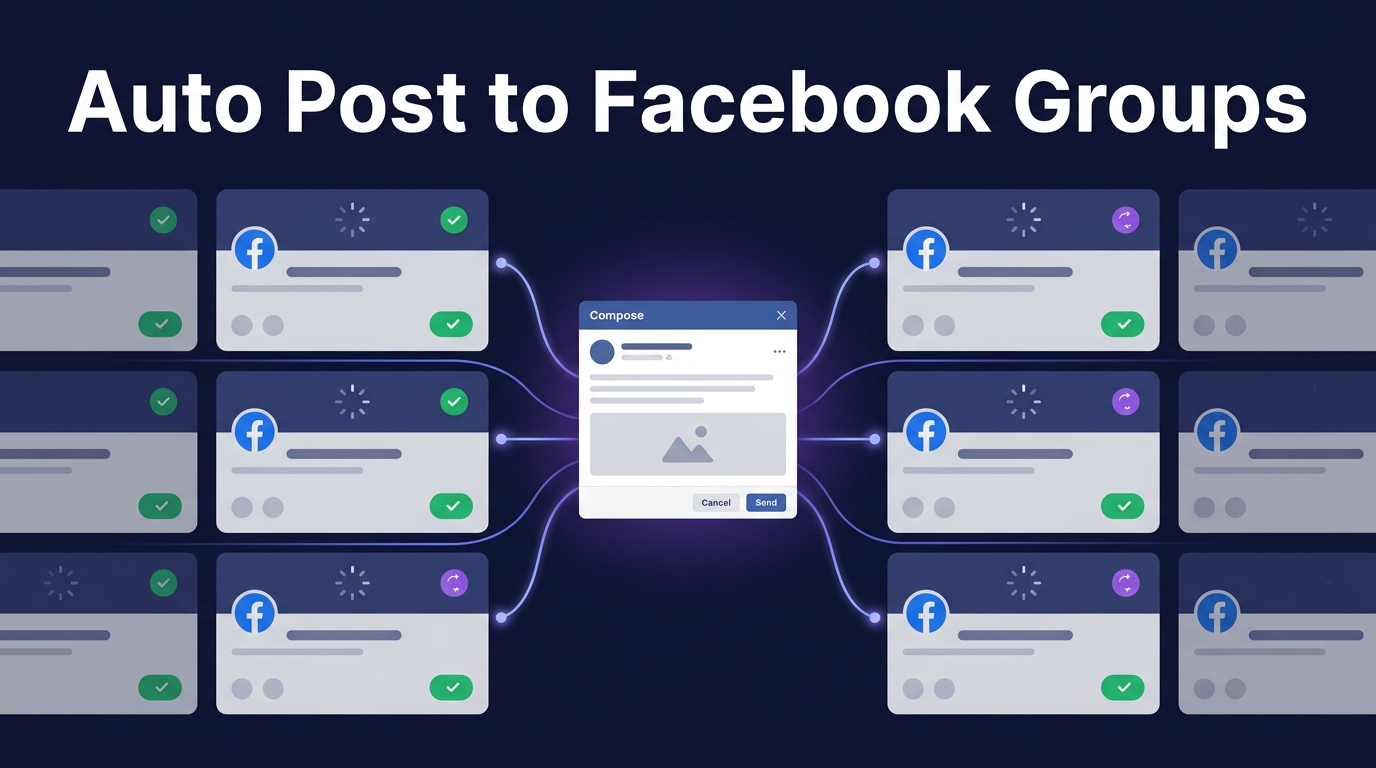
Manually posting to Facebook groups one by one is incredibly time-consuming. If you're a member of 50, 100, or even 500 groups, posting to each one could take hours — time you could spend on other aspects of your business.
The good news? You can automate this process and post to all your groups with just a few clicks. In this step-by-step guide, we'll show you exactly how to post to multiple Facebook groups at once, including groups you don't admin.
Why Facebook Groups Matter for Marketing
Before we dive into the how-to, let's understand why Facebook groups are so valuable:
- Higher organic reach: Since Facebook's newsfeed algorithm update, group posts get significantly more visibility than page posts
- Targeted audiences: Groups are organized by interest, location, and profession — making it easy to find your ideal customers
- Higher engagement: Group members are more active and engaged than typical page followers
- Trust factor: Content shared in groups feels more personal and trustworthy than branded page content
For businesses, Facebook groups represent one of the most cost-effective marketing channels available.
The Problem with Manual Group Posting
If you try to post to multiple groups manually, you'll quickly run into problems:
- Time consumption: Navigating to each group, composing posts, and waiting for pages to load takes forever
- Inconsistent timing: You can't properly space out your posts to avoid spam detection
- No tracking: You have no way to see which posts succeeded or failed
- Burnout: It's monotonous work that leads to mistakes
This is why smart marketers use Facebook group posting automation tools like PilotPoster.
How to Post to Multiple Facebook Groups: Step-by-Step
Follow this 7-step process to start posting to all your Facebook groups automatically:
Step 1: Sign Up for PilotPoster
First, you'll need a Facebook group automation tool. PilotPoster is the industry-leading solution, trusted by thousands of marketers worldwide.
To get started:
- Visit PilotPoster Pricing
- Choose a plan that fits your needs
- Complete your registration
PilotPoster offers various plans based on the number of Facebook accounts and groups you need to manage.
Step 2: Connect Your Facebook Account
Once registered, you'll need to connect your Facebook account to PilotPoster. This allows the tool to access your groups and post on your behalf.
Connection methods:
- Direct login: Log in through PilotPoster's secure interface
- Desktop app: If you have login issues, use the desktop token generator to connect from your local computer
The desktop app is helpful if Facebook blocks logins from new locations — it generates an access token on your own computer that you can then add to PilotPoster.
Step 3: Configure Your Settings
Before posting, configure these important settings:
General Settings:
- Set your timezone so scheduled posts go out at the right time
- Choose your preferred language
Publish Settings:
- Enable Unique Post: Adds variation to each post, preventing Facebook from flagging duplicate content
- Enable Unique Link: Adds unique parameters to your URLs (don't use with URL shorteners)
- Set default posting intervals
Pro Tip: Always enable Unique Post when posting to multiple groups. This single setting dramatically reduces your risk of being flagged as spam.
Step 4: Organize Your Groups by Category
PilotPoster automatically imports all groups you're a member of. For better organization:
- Create categories based on niche, location, or group size
- Assign groups to relevant categories
- This lets you quickly select which groups to post to based on your content
For example, if you sell real estate services, you might have categories for "Real Estate Groups - New York," "Real Estate Groups - California," and "Home Buyers Groups."
Step 5: Create Your Post
PilotPoster supports all Facebook post types:
- Text posts: Simple messages without media
- Link posts: Share URLs with automatic preview generation
- Image posts: Upload photos with captions
- Video posts: Share video content directly
As you compose your post, you'll see a live preview showing exactly how it will appear on Facebook.
Tips for effective group posts:
- Lead with value, not promotion
- Use eye-catching images
- Include a clear call-to-action
- Keep text concise but compelling
Step 6: Select Your Target Groups
Now comes the powerful part. Instead of going to each group individually, you can:
- Select individual groups from your list
- Select entire categories with one click
- Use filters to find specific groups
- Select all groups at once (use with caution)
Remember to post to relevant groups only. Posting about real estate in a cooking group wastes everyone's time and risks getting you banned.
Step 7: Post Immediately or Schedule
You have two options for sending your posts:
Instant Posting ("Send Now"):
- Posts go out immediately with your specified interval
- You can watch posts being sent in real-time
- Best for small batches (5-10 groups)
Scheduled Posting:
- Set a future date and time to start posting
- Posts go out automatically even if you're offline
- Enable auto-pause for large campaigns
- Best for large batches (10+ groups)
Important: For scheduled posting, use intervals of at least 10 minutes between posts. This prevents triggering Facebook's spam detection.
Best Practices for Facebook Group Automation
Do's:
- Space posts at least 10 minutes apart
- Use unique content for different group categories
- Engage with comments on your posts
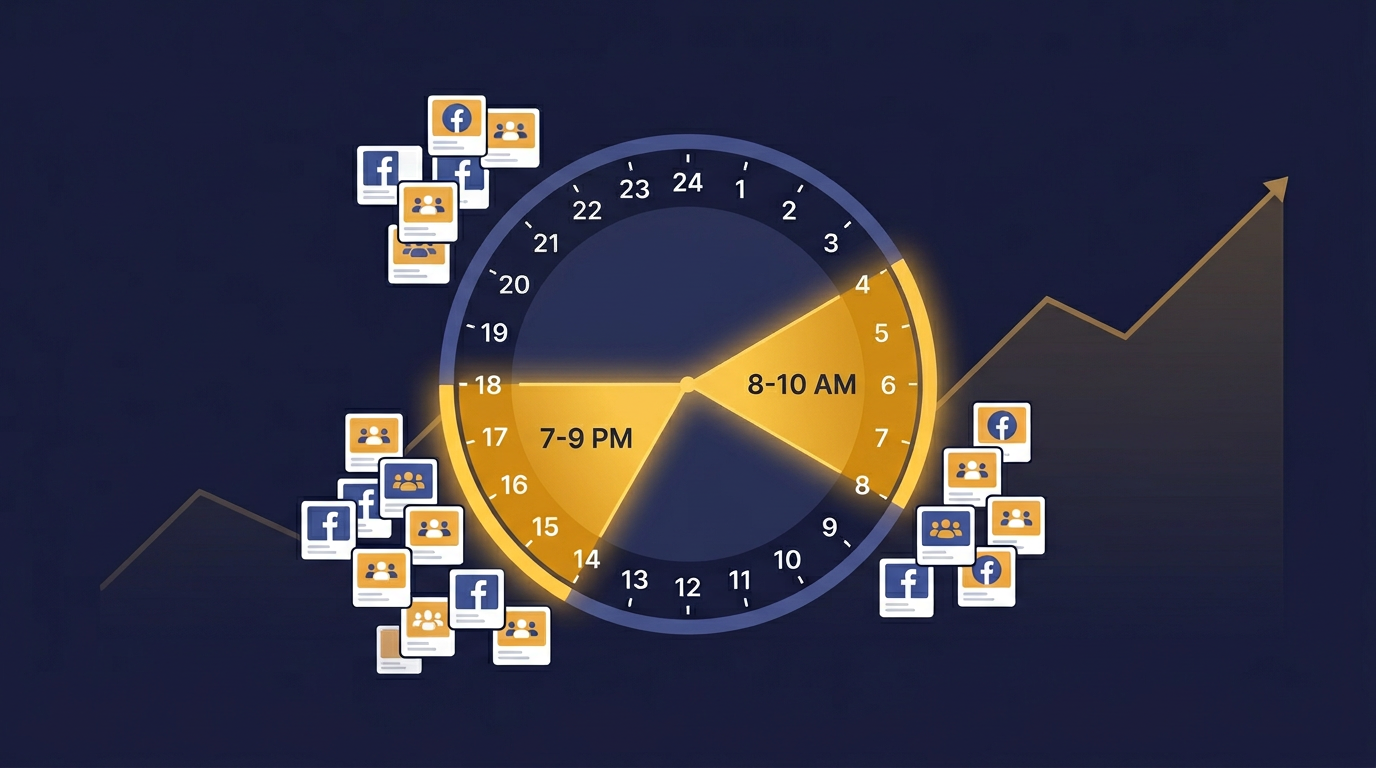
- Vary your posting times throughout the day
- Monitor your post success rate
Don'ts:
- Post identical content to all groups
- Use intervals shorter than 7 minutes
- Post to irrelevant groups
- Ignore group rules and guidelines
- Post more than 50 times per account per day
Scale Your Reach with Multiple Accounts
For serious marketers, PilotPoster supports multiple Facebook accounts from a single dashboard. This means you can:
- Post to different groups from different accounts
- Reach 5-10x more groups while staying within safe limits
- Reduce risk by not over-using any single account
The math: With 5 Facebook accounts each posting to 50 groups, you can reach 250 groups daily — that's potentially hundreds of thousands of people seeing your content!
Beyond Posting: Additional Features
PilotPoster offers more than just group posting:
- Post to pages: Schedule content to your own Facebook pages
- Auto-commenting: Bump your posts to the top of groups
- Group joining: Automate the process of joining new groups
- Analytics: Track which posts succeeded and which failed
Ready to Save Hours Every Day?
Facebook group marketing is powerful, but only if you can do it efficiently. With PilotPoster, you can:
- Post to hundreds of groups with one click
- Save 4+ hours per day on manual posting
- Reach thousands of potential customers
- Track your results and optimize your strategy
Get started with PilotPoster today →
Questions about posting to multiple Facebook groups? Drop them in the comments below!