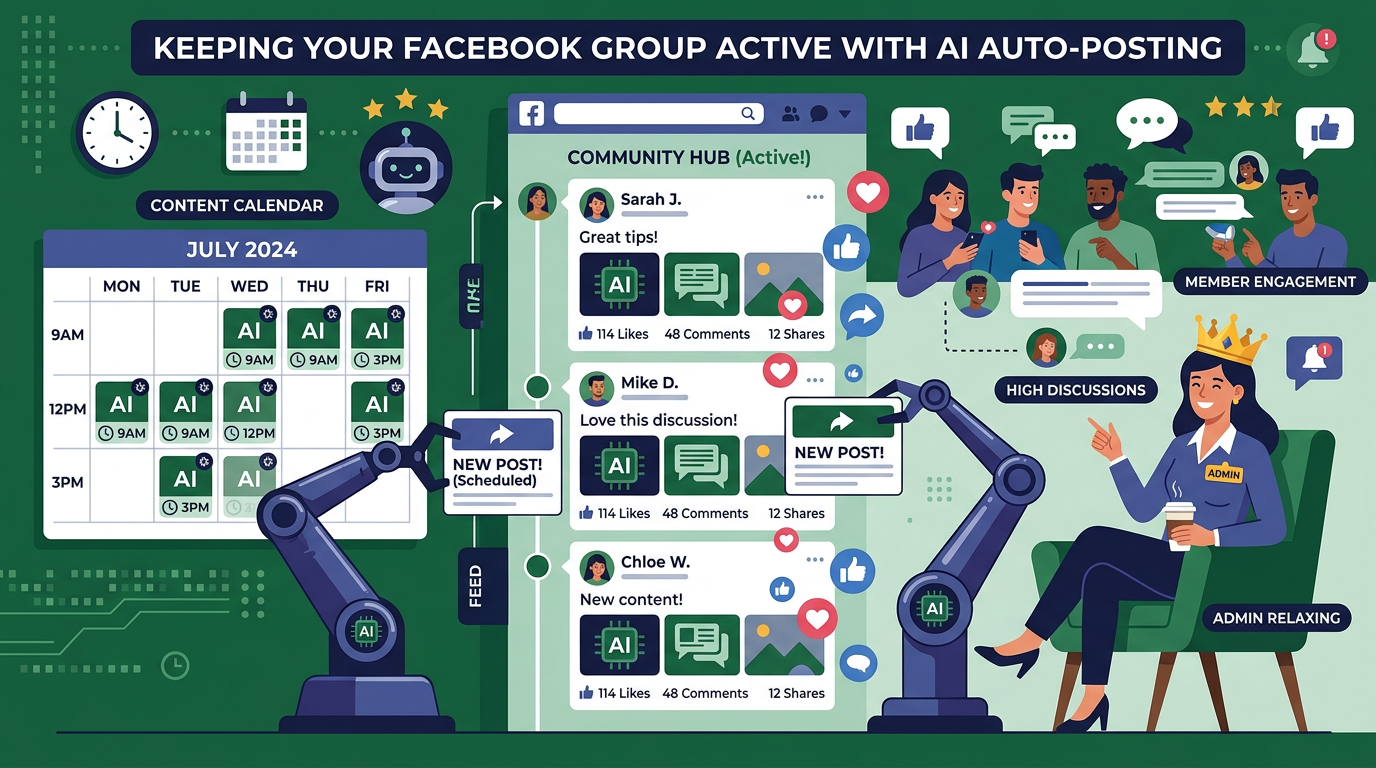
PilotPoster Auto AI is an add-on ($99/month) that automatically generates Facebook posts using AI and posts them to your profile, your admin groups, and joined groups on a schedule you configure. It includes 9 post types, AI image generation, Smart Spintax, website import, BYOK, a review queue, content calendar, feedback loop, auto first comment, and support for 13 languages.
PilotPoster started as a tool for scheduling and auto posting to Facebook groups. The base product handles scheduling, manages posting to joined groups through the Chrome extension, organizes groups into categories, and tracks post analytics.
Auto AI is an add-on that layers AI content generation on top of all of that. Instead of you writing or uploading posts, the AI generates them continuously based on your business context and posts them on autopilot. This guide covers every feature in the Auto AI add-on, how each one works, and who it's most useful for.
Who Auto AI Is For
Auto AI is for people who need to post to Facebook daily but don't want to write content manually. That describes several different use cases:
- Business owners and marketers who want their Facebook profile to be consistently active for personal brand and customer retention
- Group admins who run one or more Facebook communities and need fresh content every day to keep their groups growing
- Affiliate marketers who post to many joined groups and need high-volume, varied content without the writing bottleneck
- Agencies and social media managers handling Facebook profiles or groups for multiple clients
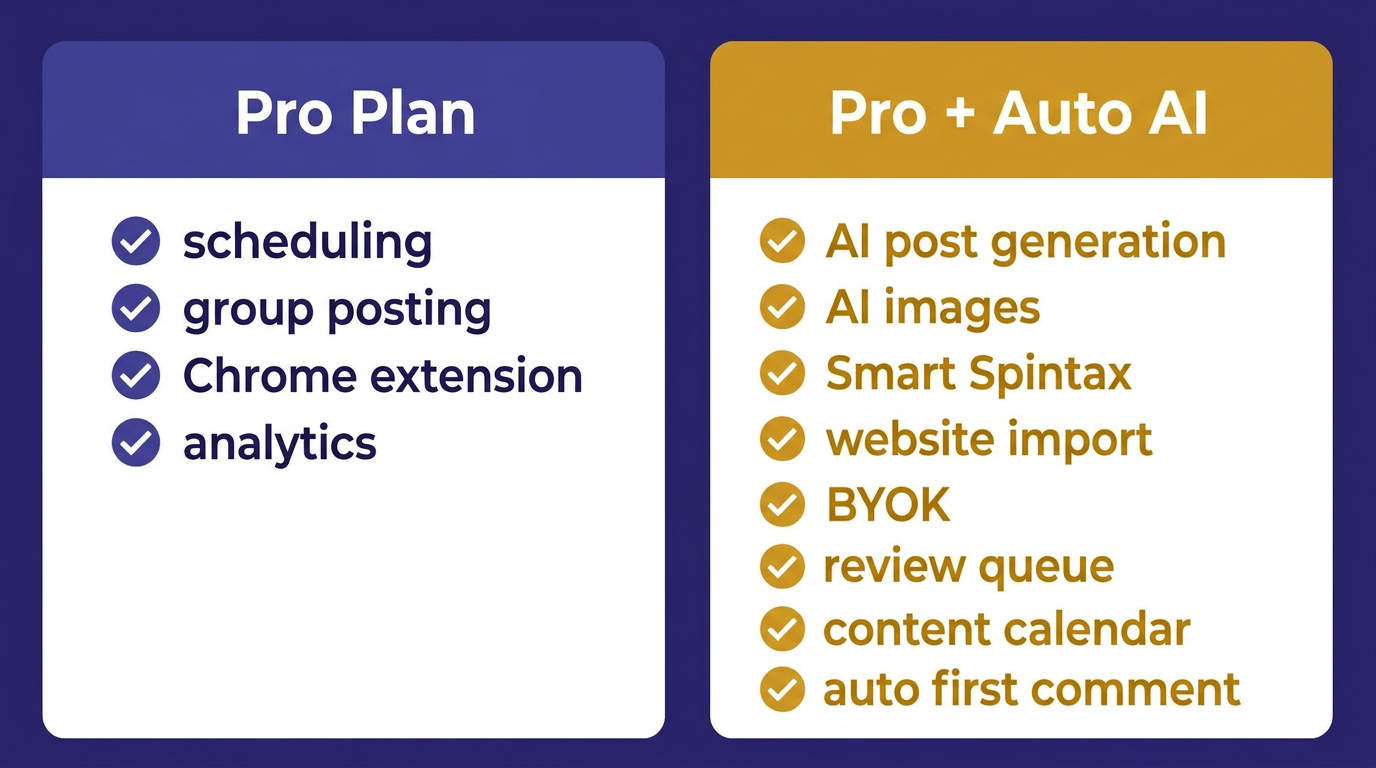
The standard PilotPoster Pro plan covers scheduling and group posting. Auto AI is the add-on for users who also want automated content generation, not just automated posting.
Where Auto AI Can Post
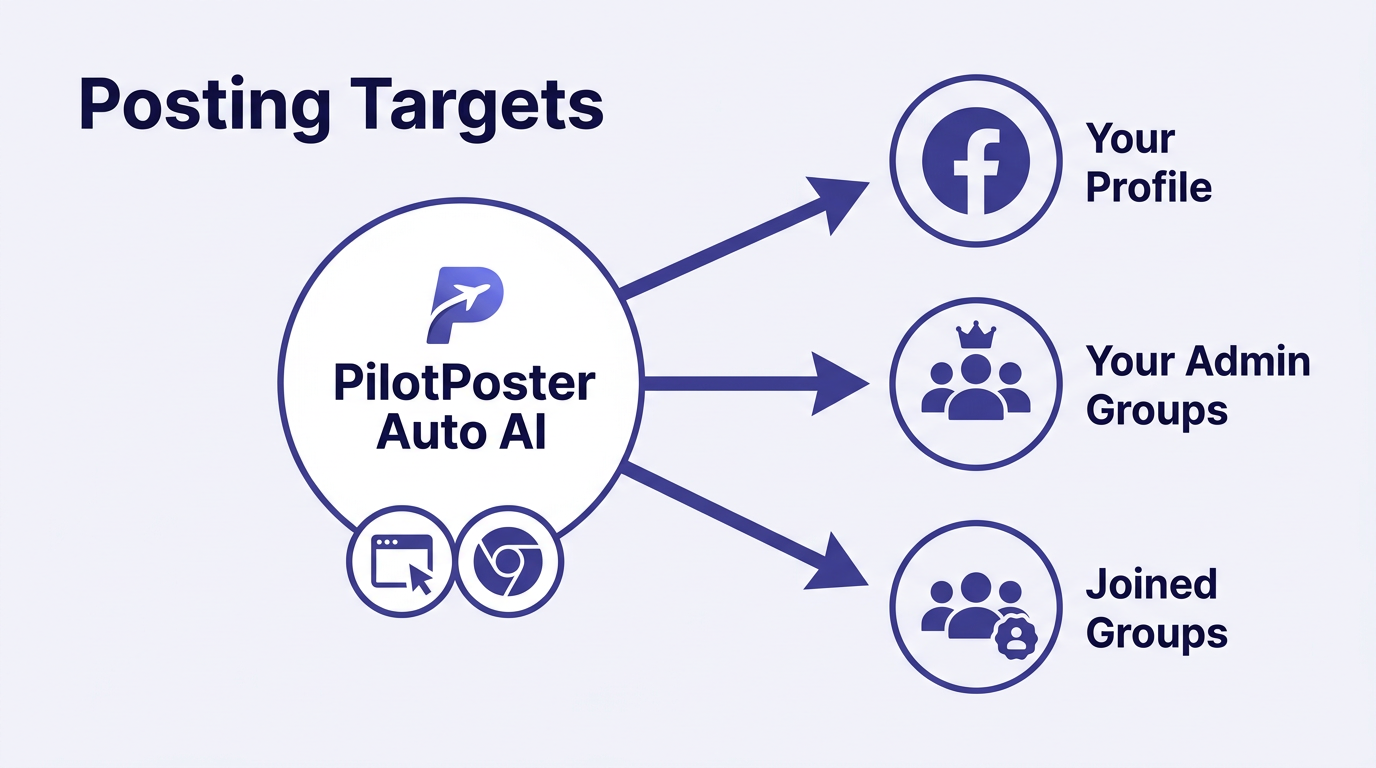
Auto AI generates content and posts to three different destinations, each serving a different marketing purpose:
Your Facebook Profile
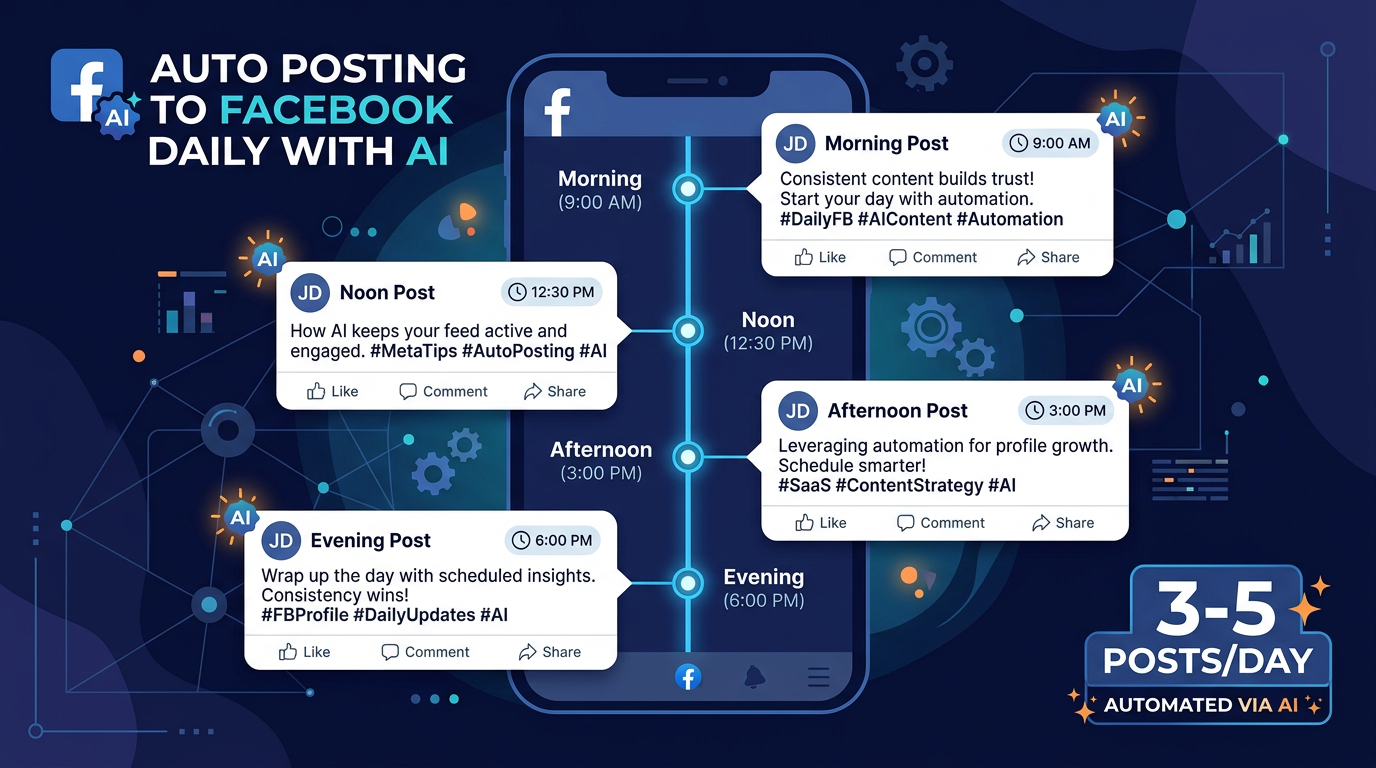
Profile posting builds your personal brand and keeps you visible to existing connections, past customers, and friends. AI generates 3-5 posts per day and distributes them throughout the day at configured times. This is the "set and forget" option for anyone who knows they should be posting to their profile daily but never actually does it consistently.
Groups You Admin
If you run one or more Facebook groups, Auto AI keeps them active with fresh daily content so the group's algorithm signals stay healthy and members stay engaged. Admins configure separate content contexts and posting schedules per group so each group gets relevant content for its specific audience.
Groups You've Joined
This is where PilotPoster's core technology matters. Posting to groups you've joined as a member isn't supported by Facebook's API, which means API-based tools simply can't do it. PilotPoster's Chrome extension posts organically from your browser, exactly as if you were posting manually. Auto AI generates the content, and the Chrome extension handles submission to joined groups, making this the only automated solution for reached joined-group audiences at scale.
Feature-by-Feature Breakdown
1. AI Post Generation (9 Post Types)
The AI generates posts in 9 different formats that mirror how real people post on Facebook:
| Post Type | Description | Primary Benefit |
|---|---|---|
| Informative | Tips, how-tos, industry insights | Authority, saves, shares |
| Soft Sell | Product/service mention in helpful context | Warm leads, non-pushy promotion |
| Hard Sell | Direct offer, price, or call to action | Conversions |
| Engagement | Question or poll for comments | Algorithm signals, community building |
| Story/Personal | Brief personal anecdote tied to business | Relatability, human connection |
| Motivational | Quote or mindset content for your audience | Shares, broad organic reach |
| Testimonial | Customer result formatted as a post | Social proof, purchase confidence |
| Hot Take | Strong industry opinion | Comments, visibility, discussion |
| Seasonal/Trending | Tied to current events, holidays, or trends | Timely relevance, reach |
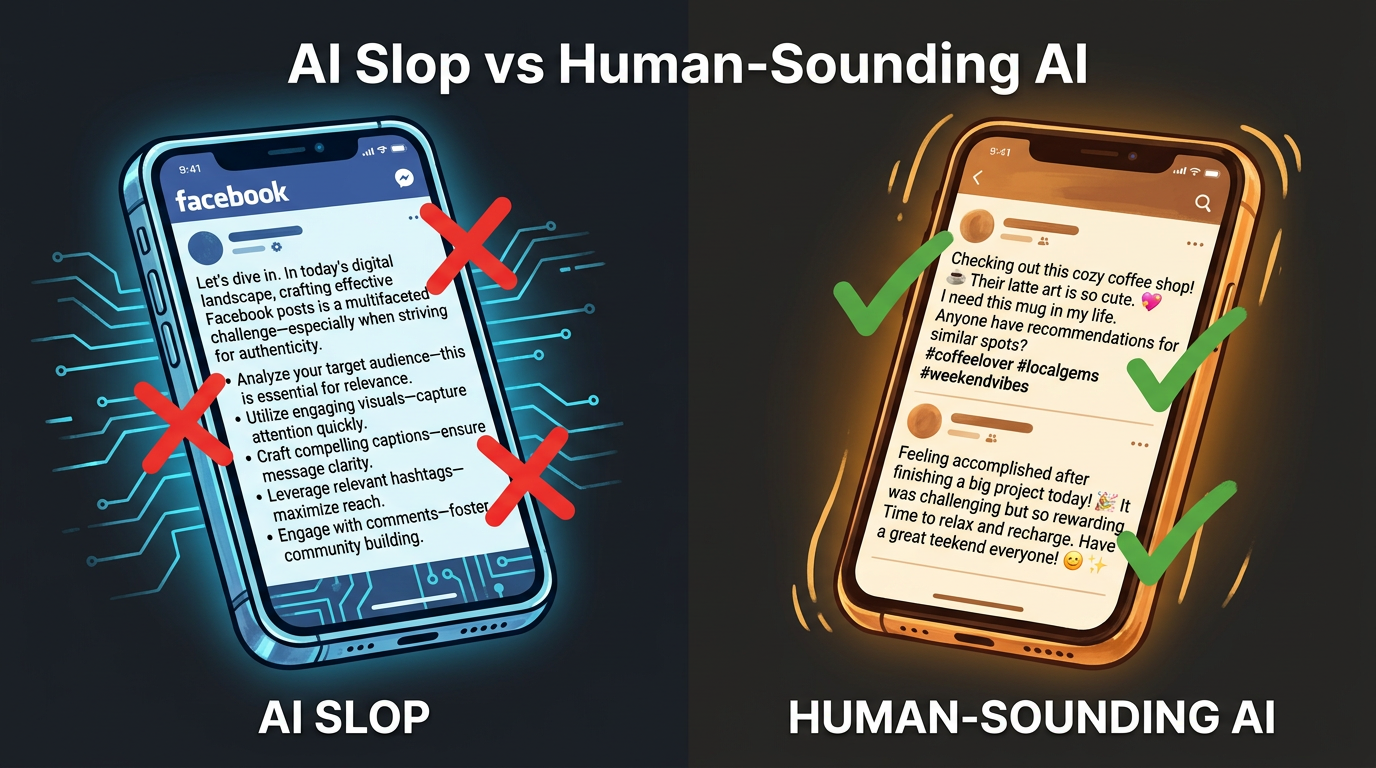
You configure what percentage of posts each type makes up. The AI then generates and schedules the right mix automatically. A feed that rotates through all 9 types looks like a real person posting, not a content machine. This variety is the main thing that prevents "AI slop" patterns from showing up in your feed.
2. AI Image Generation
Posts with images consistently outperform text-only posts for reach. Auto AI generates relevant images for each post automatically using AI image generation, so you don't need to source, resize, or upload images separately.
You can configure which post types get AI images and which don't. For engagement posts (questions, polls), text-only often works just as well. For informative and motivational posts, images add reach. Test both for your specific audience.
You can also upload a library of existing images (product photos, branded assets, real photos) for Auto AI to use alongside or instead of generated images.
3. Website Import
Instead of writing a detailed business context from scratch, you paste your website URL and Auto AI reads your pages: homepage, about, services, product descriptions, and any existing blog content. It extracts your business details, audience signals, the language you use to describe your offer, and your tone.
For most users, website import produces better initial context than a manually written description, because your website already has polished, accurate descriptions of what you do. You can edit and add to the extracted context after import.
4. Smart Spintax
Smart Spintax lets you write content templates with variable options at each decision point. When a post is generated, different combinations are selected each time, so the post reads naturally but never repeats.
Example:
{Struggling with|Tired of|Done with} {posting manually|writing posts every day|the content grind}? {PilotPoster Auto AI|Our Auto AI feature} handles it for you {automatically|on autopilot|24/7}.
This is most useful for promotional content that runs repeatedly throughout the month. Each version reads as a fresh post to your audience while you only wrote the template once.
5. Feedback Loop
Auto AI improves over time by learning from your feedback. When you review posts in the queue, posts you approve (or leave unedited) signal what's working. Posts you edit heavily or reject signal what to avoid. Over time, the AI calibrates to your specific voice and preferences.
Most users see meaningful improvement by week 3-4. By month 2, the output is calibrated well enough that many users move to occasional spot-checking rather than daily review.
6. Review Queue
Before any AI-generated post goes live, it appears in the review queue. Here you can:
- Read the full post as it will appear on Facebook
- Edit anything that doesn't sound right
- Approve it to post as scheduled
- Reject it if it misses the mark
- Regenerate a different version on the spot
Running with the review queue enabled means no AI post goes out without your say. As you get comfortable with the output quality, most users switch to a lighter review cadence or disable the queue for fully automated posting.
7. Content Calendar
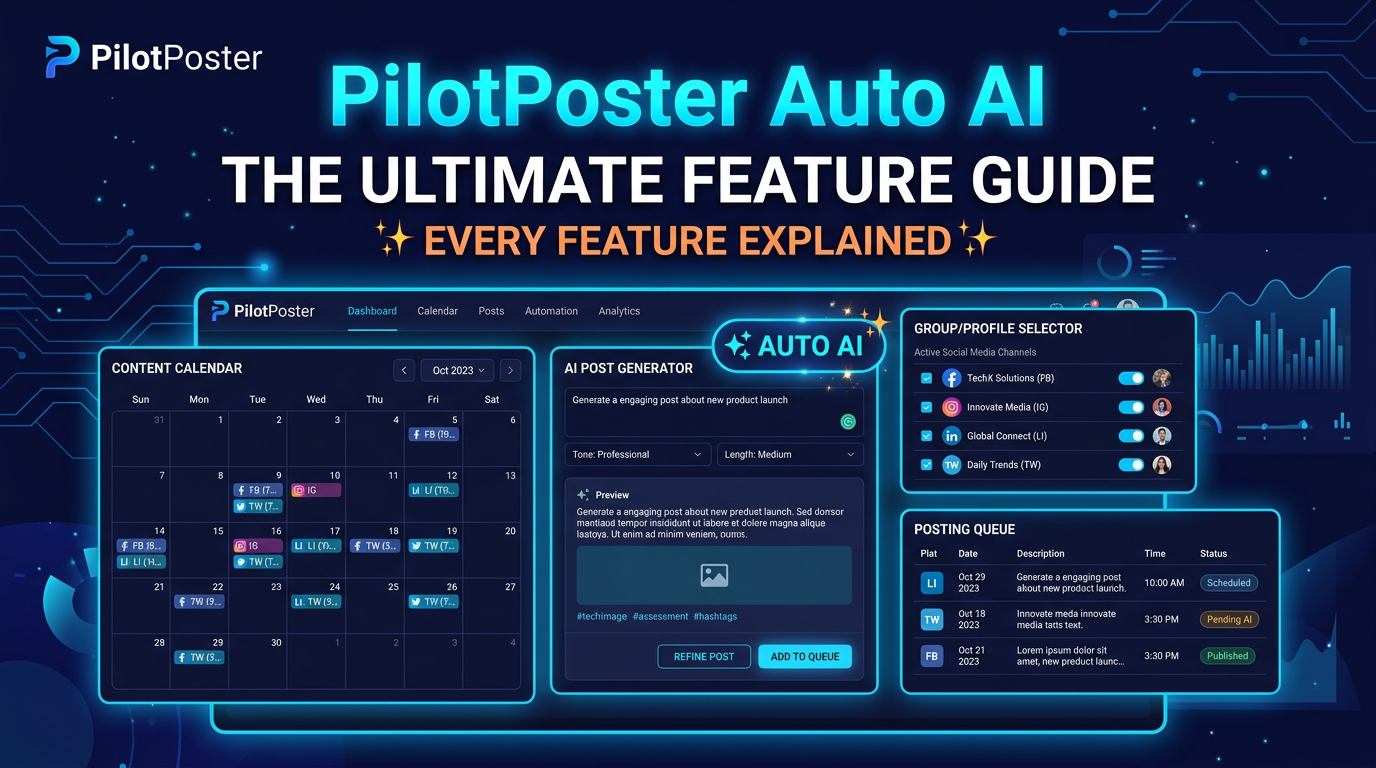
The content calendar shows your full posting schedule across all destinations (profile, admin groups, joined groups) in a visual month/week/day view. You can see exactly what's scheduled, when it goes out, and to which destination.
From the calendar you can drag posts to different time slots, delete scheduled posts, add manual posts to the queue, and plan ahead for seasonal or campaign-specific content. It's the control panel for your entire Auto AI operation.
8. Auto First Comment
When a post goes live, Auto AI can automatically add a first comment to it. This is useful for adding a link (to your website, booking calendar, or product page) without cluttering the post itself. Posts that lead with engagement-focused copy and put the link in the first comment typically get better organic reach than posts with links in the body.
You configure the first comment template per destination type. Your profile posts might link to your website. Your group posts might link to a free resource. Each is configured separately.
9. BYOK (Bring Your Own Key)
You can connect your own OpenAI, Anthropic, or other supported AI API keys to Auto AI. This gives you two advantages:
- Cost control: At high posting volumes, using your own API keys can reduce per-post generation costs significantly
- Model access: Use the latest models (GPT-4o, Claude 3.5, etc.) as they're released, without waiting for PilotPoster to update
BYOK is optional. Auto AI works without it using PilotPoster's built-in AI. BYOK is worth setting up if you're posting at high volume or want to optimize for a specific model's output quality.
If you use BYOK with OpenAI, set up a dedicated API key for PilotPoster in your OpenAI dashboard so you can track usage and set spending limits specifically for your social posting. This keeps your AI costs predictable and separate from other projects using the same OpenAI account.
10. Multi-Language Support
Auto AI generates content in 13 languages. If you have audiences in multiple countries, you can configure separate campaigns per language, each with their own business context, post mix, and schedule. Posts go out in the target language without you needing to translate anything manually.
This is particularly useful for affiliate marketers and businesses with international reach who post to Facebook groups in different markets.
11. Scheduling and Posting Intervals
Auto AI inherits PilotPoster's full scheduling infrastructure. You control:
- What time windows posts go out (e.g., 8-9am, 12-1pm, 7-8pm)
- How many posts per day per destination
- The interval between group posts (for joined groups, 10-15 minutes between each is recommended)
- Blackout periods (no posting on certain days or during certain hours)
The interval setting for joined-group posting is worth specific attention. When posting to many joined groups, posts go out one at a time with the configured interval between each. A 10-minute interval across 40 groups means the posting round takes about 6-7 hours spread across the day, which looks completely natural from Facebook's perspective because the Chrome extension posts organically from your actual browser.
12. Profile and Group Campaign Management
You can run multiple simultaneous Auto AI campaigns: one for your personal profile, one for each admin group, and one for your joined-group rounds. Each campaign has independent settings, so your profile gets different content from your groups and your different groups get content relevant to their specific audiences.
The campaign management dashboard gives you a single view of all active campaigns, their status, the content in the queue, and recent posting results.
What's Included in the Base Pro Plan (Not Auto AI)
Auto AI is an add-on to PilotPoster Pro. The base Pro plan already includes:
- Scheduling posts you create manually or upload
- Posting to joined Facebook groups via Chrome extension
- Multi-account support
- Group organization by categories
- Content variation (Unique Post setting)
- Standard Spintax
- Post analytics and logs
- Scheduling to your profile (with content you provide)
Auto AI adds the content generation layer on top. If you already have content (images, product listings, pre-written posts) and just need the scheduling and posting infrastructure, the base Pro plan handles that without needing Auto AI.
Pricing
Auto AI is a $99/month add-on to any PilotPoster Pro plan. It includes all the features described in this guide: AI post generation, AI images, website import, Smart Spintax, BYOK, review queue, content calendar, feedback loop, auto first comment, 9 post types, and 13-language support.
The math is straightforward: if writing 3-5 Facebook posts per day takes you 30-45 minutes, that's 15-20 hours per month of content writing. At any reasonable hourly value of your time, $99/month to automate that output is an easy decision. The harder question is whether the AI output is good enough for your brand. Most users find the answer is yes by week 3-4 once the feedback loop has calibrated.
How Auto AI Compares to Just Using ChatGPT
| Capability | ChatGPT / General AI | PilotPoster Auto AI |
|---|---|---|
| Generates Facebook posts | Yes | Yes |
| Posts to Facebook automatically | No (manual copy-paste) | Yes |
| Posts to joined groups | No | Yes (via Chrome extension) |
| Learns your brand voice over time | No (starts fresh each session) | Yes (feedback loop) |
| Mixes 9 post types automatically | No (you specify each prompt) | Yes |
| Content calendar | No | Yes |
| AI image generation | Separate tool (DALL-E, Midjourney) | Built in |
| Smart Spintax | No | Yes |
| Website import | Manual (paste content) | Automatic URL import |
| Multi-language | Yes but manual | 13 languages, configured per campaign |
The key difference is integration. ChatGPT generates content, but you still manually copy it, format it, add images, and post it or schedule it through another tool. Auto AI is an end-to-end system: generates content, adds images, and posts to the right destinations on the right schedule without you touching any of it after the initial setup.
- Auto AI is a $99/month add-on to PilotPoster Pro that generates and posts content automatically
- Posts to 3 destinations: your profile, your admin groups, and joined groups (via Chrome extension)
- 9 post types mix automatically for a natural-looking feed that doesn't feel like a content machine
- The feedback loop learns your brand voice over 3-4 weeks of use
- BYOK lets you use your own AI API keys for cost control and model access
- Website import trains the AI on your business without manual description writing
- The main advantage over general AI: it generates AND posts, learns over time, and handles the entire workflow end-to-end