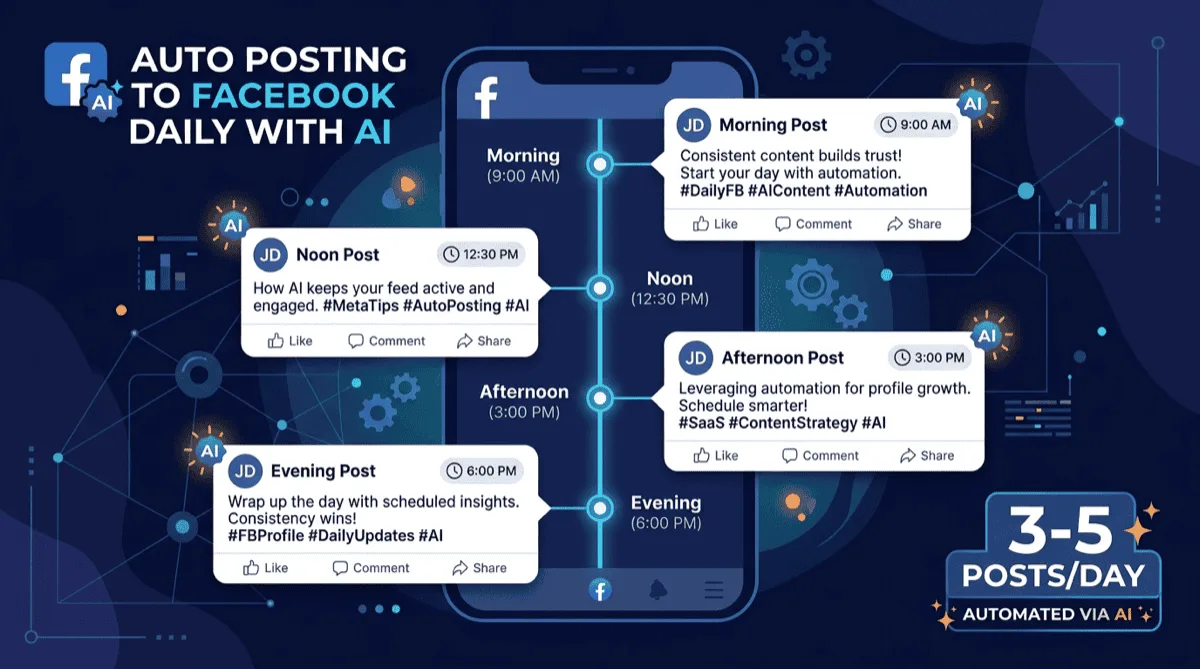
You can auto post to your Facebook profile every day using an AI content tool that generates posts on a schedule, without you writing anything. PilotPoster Auto AI generates and schedules 3-5 posts per day to your profile automatically, mixing 9 different post types so your feed stays varied and natural-looking.
Most people think Facebook profile posting is for personal updates. But for anyone running a business, a side hustle, or a personal brand, your Facebook profile is one of the most underused marketing channels you have.
Friends, colleagues, and past customers still check personal profiles. A consistent, active profile keeps you top of mind without any paid ads. The problem is consistency. Posting once a day takes discipline. Posting 3-5 times a day, every single day, while running an actual business? That's another full-time job.
That's where AI automation changes the math.
Why Should You Post to Your Facebook Profile Every Day? #
Daily posts keep you in front of the people most likely to hire or refer you: friends, past customers, and old coworkers who see your profile but would never follow a business Page. Every post is another chance for them to comment, and comments are one of the signals Facebook uses to decide what people see.
For Auto AI, we recommend 3 to 5 posts a day. That might sound like a lot, but here's what it means in practice:
- You're showing up when different segments of your audience are online (morning scrollers, lunch break browsers, evening users)
- More posts means more chances for engagement, which signals to the algorithm that your content is worth showing
- Varied post types (informative, personal, promotional) build a rounded public image rather than feeling like a broadcast channel
The businesses that do this well don't write 5 posts every morning. They've automated the content generation and scheduling side so they can focus on responding to comments and actually running their business.
Why Is Daily Posting So Hard to Keep Up by Hand? #
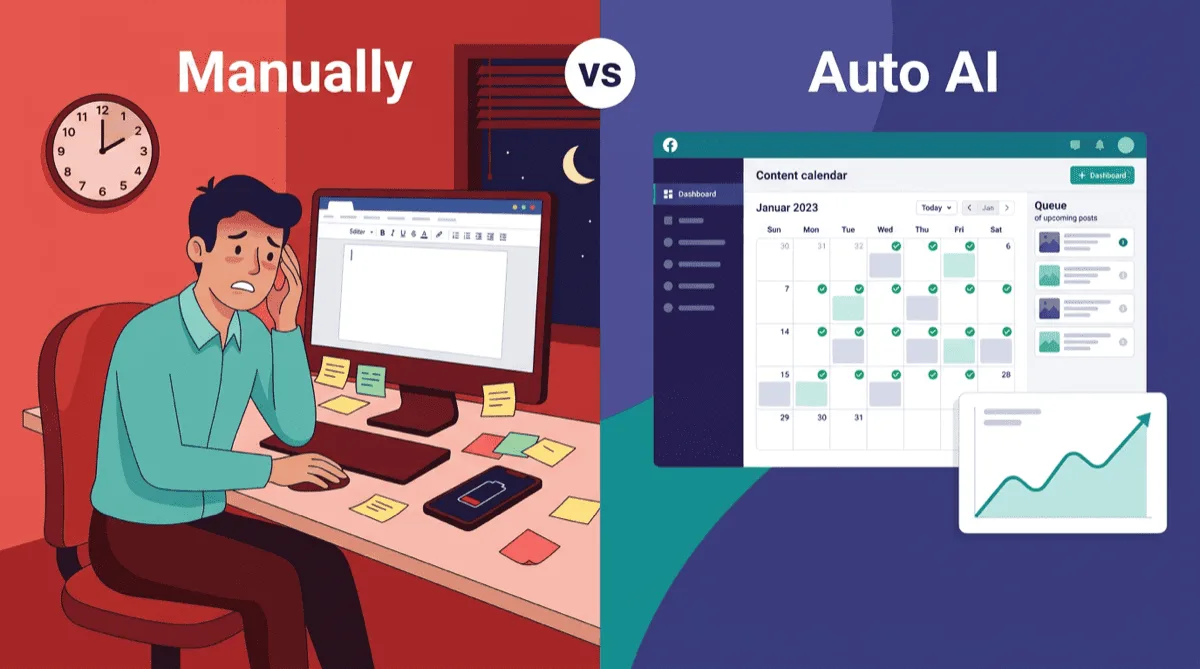
Because writing 3 to 5 good posts a day is a job of its own, and most owners already have one. The ideas run dry by midweek, the posts get shorter, and then one busy day breaks the streak. A typical first week looks like this:
Day 1-3: You're motivated, you write good posts, you get some engagement. Day 4-5: You start reusing ideas, posts get shorter. Day 6-7: You either skip posting or publish something you're not proud of just to stay consistent. Week 2: You've mostly stopped.
The consistency problem is real. Facebook profile marketing fails for most people not because they don't understand its value, but because the daily output required is too much on top of everything else.
Manual Daily Posting #
- Full control over every post
- Tone is 100% authentic
- Takes 30-60 minutes per day
- Consistency breaks down within weeks
- No posting on weekends, holidays, or busy periods
- Content quality drops when you're tired or busy
AI-Automated Profile Posting #
- Posts go out every day without exception
- Consistent volume across weekdays, weekends, holidays
- AI mixes 9 post types for a varied, natural-looking feed
- Takes minutes to set up, then runs on autopilot
- Requires initial setup and training the AI on your business
- Occasional review recommended to keep content fresh
How Does AI Profile Auto Posting Work? #
You describe your business once, set how many posts go out each day and when, and the AI writes and publishes each post to your profile on that schedule. What keeps it from feeling robotic is variety: a mix of post types that mirrors how a real person posts, not a stream of promos or quotes.
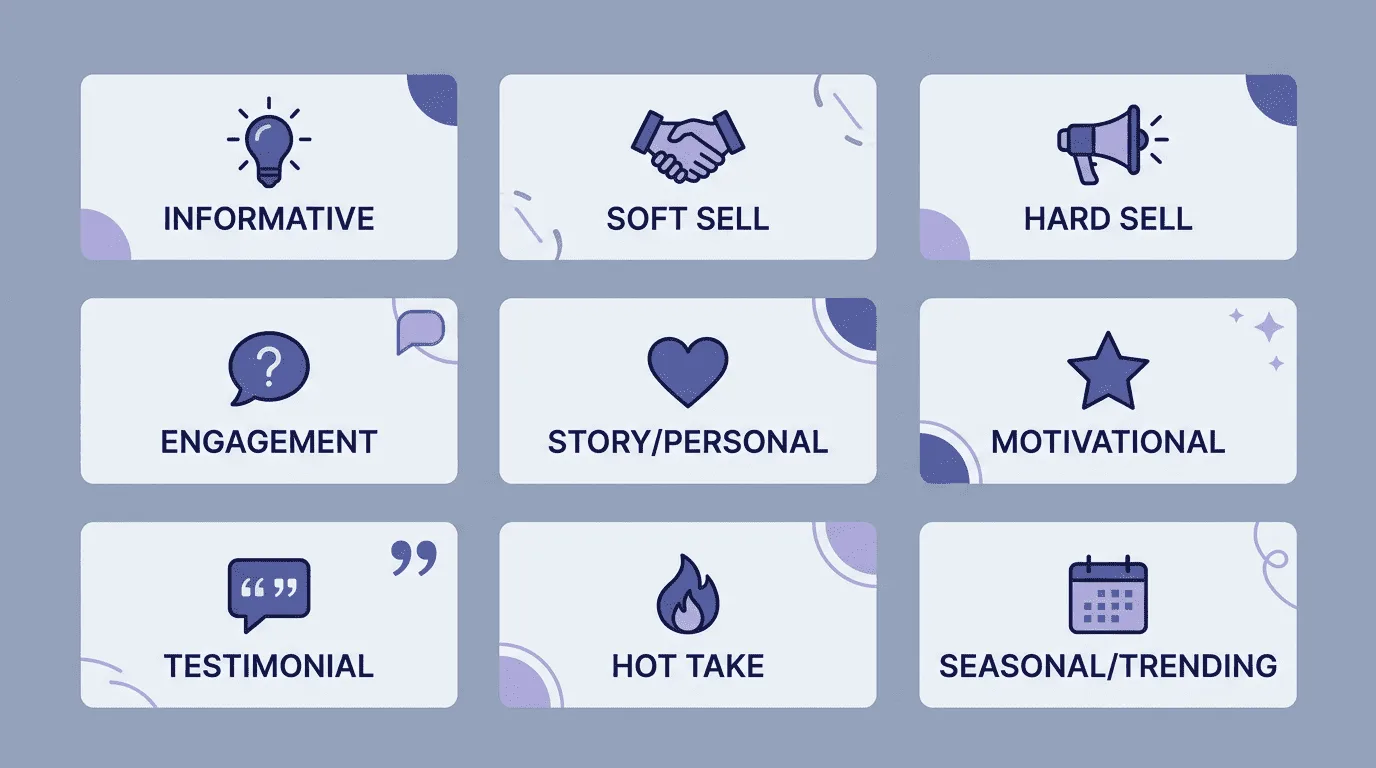
PilotPoster Auto AI handles this with 9 post types that get mixed automatically based on a schedule you configure:
| Post Type | What It Does | Best For |
|---|---|---|
| Informative | Shares a tip, fact, or insight about your niche | Building authority and trust |
| Soft Sell | Mentions your product/service in a helpful context | Warm leads, low-pressure promotion |
| Hard Sell | Direct offer, pricing, or call to action | Conversions when mixed sparingly |
| Engagement | Asks a question or prompts a poll | Comments, boosting algorithm reach |
| Story/Personal | A brief personal anecdote tied to your business | Relatability and connection |
| Motivational | Relevant quote or mindset content for your audience | Shares, broad reach |
| Testimonial | Customer result or review formatted as a post | Social proof, purchase confidence |
| Hot Take | A strong opinion about something in your industry | Comments, visibility, debate |
| Seasonal/Trending | Content tied to current events, holidays, or trends | Timely reach, relevance signals |
When these 9 types rotate through your feed daily, your profile looks like someone who's genuinely active and engaged, not like a scheduled post machine. That variety is what keeps followers engaged instead of muting you.
How Do You Set Up Auto Posting to Your Facebook Profile? #
Create your PilotPoster account, add the Chrome extension that publishes from your own browser, then turn on Auto AI and work through five settings. It takes about ten minutes, then runs on its own. Prefer to write the posts yourself? The profile auto poster schedules those too. The five settings:
1. Train the AI on Your Business #
You start by giving the AI context: what your business does, your target audience, your tone (professional, casual, direct), and the products or services you want to promote. The more specific you are here, the better the generated posts fit your brand.
You can also import your website directly. PilotPoster reads your website content and uses it to inform the AI about your business, so generated posts reflect your actual offer rather than generic industry content.
2. Set Your Posting Schedule #
Configure how many posts per day (3-5 is the recommended range) and what times they should go out. Spreading posts across morning (8-9am), midday (12-1pm), afternoon (3-4pm), and evening (7-8pm) covers the different windows when your audience is most active.
Don't post everything at identical times every day. A little variation in timing (8am one day, 8:45am the next) looks more natural than clockwork precision. PilotPoster allows time window ranges rather than exact times for this reason.
3. Configure the Content Mix #
Decide what percentage of your posts should be informative, promotional, engagement-focused, and so on. A common starting mix for business profiles:
- 30% Informative (positions you as an expert)
- 20% Engagement (questions, polls)
- 20% Soft Sell (subtle product mentions)
- 15% Story/Personal (humanizes your brand)
- 10% Testimonial (social proof)
- 5% Hard Sell (direct offers)
4. Set Up the Review Queue (Optional) #
If you want to review posts before they go out, PilotPoster's review queue lets you approve or edit AI-generated posts before publishing. Many owners review every post for the first week or two, then switch to spot-checking every few days.
5. Add AI Image Generation #
An image helps a post stand out in a busy feed. PilotPoster Auto AI can generate relevant images for each post automatically using AI image generation. You can also use a rotating image library if you prefer consistent branded visuals.
For profile posting, AI-generated images work well for informational and motivational posts. For testimonials and personal story posts, using real photos when available (of your product, your workspace, events) will outperform AI images in engagement. Mix both.
What Results Can You Expect From Daily Profile Posting? #
Expect slow, compounding results rather than an overnight spike. The first sign is usually more comments from people who already know you. Messages and repeat customers follow when you keep going for months, not days. Here is how it often unfolds:
Weeks 1-2: Existing friends and followers start noticing you're posting regularly. Engagement picks up on your more interesting post types (questions and hot takes tend to get comments early).
Weeks 3-4: A few regulars comment on most posts, and their activity can put your posts in front of their friends too.
Month 2-3: Messages, profile visits, and link clicks start to arrive without ads, and past customers begin to re-engage.
The compounding effect of consistent posting is why businesses that stick with it see results while businesses that post sporadically don't. The automation is what makes sticking with it realistic.
Should Your Link Go in the First Comment? #
Often, yes. A first comment keeps the post itself clean and conversational, and the link sits right underneath for anyone who wants it. Auto AI can add one under every post moments after it publishes: your website, a booking link, or a short product note.
It's a small detail that gives every interested reader a clear next step. See how Auto First Comment works on group posts too.
How Do You Keep Recurring Posts From Looking the Same? #
Use Spintax. You write the post once with a few interchangeable options in curly brackets, and each time it publishes, a different combination goes out. It's the simplest way to run the same promotion several times a month without readers seeing a repeat. A template looks like this:
{Looking for|Need|Want} a {faster|better|smarter} way to {grow|market|promote} your business on Facebook?
Every time that template posts, a different combination is selected. To readers, it looks like a fresh post. It's particularly useful for promotional content that you run repeatedly throughout the month. Preview your own template in the free Spintax tester before you schedule it.
PilotPoster Auto AI supports Bring Your Own Key (BYOK): connect your own OpenAI or Anthropic API key and all AI usage runs through your account, with no PilotPoster usage limits. Worth setting up if you post at high volume or prefer one model's writing.
Should You Auto Post to Your Profile or to Groups? #
Do both if you can. Your profile keeps you in front of people who already know you, and groups put you in front of people who have never heard of you. One nurtures warm contacts, the other finds new ones, and each runs on its own schedule.
Your profile is where people who already know you see your content. Consistent profile posting nurtures existing connections, builds authority, and keeps you top of mind with warm contacts.
Your group activity reaches new people in targeted communities. Auto posting to Facebook groups is how you expand your reach beyond your existing network.
Used together, profile posting and group posting cover both retention and acquisition. PilotPoster runs both from one dashboard and one calendar, and in groups it gives every group its own version of the post with AI Rewrite or Spintax.
Frequently Asked Questions #
Can you schedule posts on a personal Facebook profile? #
Facebook's own scheduling tools are built for Pages, and most social media schedulers can't publish to a personal profile because Meta's API doesn't allow it. PilotPoster can: schedule posts you write, including weekly repeats, or let Auto AI write and publish fresh posts every day.
How many times a day should you post on your Facebook profile? #
There is no official number. Once a day is plenty for most people posting by hand. A business profile with varied, useful posts can carry 3 to 5 a day, as long as each one gives friends something worth reading rather than another pitch.
What should a business owner post on their personal Facebook profile? #
Mix helpful tips from your trade, behind-the-scenes moments, customer wins, questions that invite comments, and an occasional offer. Keep selling to a small share of posts. Friends engage with you as a person first, so personal and useful posts earn the attention your offers need.
Will people know my profile posts are automated? #
Not from the post itself. Auto AI posts publish from your own browser, exactly like posts you make yourself, in the tone you choose. What gives automation away is generic wording and unanswered comments, so reply to people who comment and review the first drafts.
Does profile auto posting work when my computer is off? #
Posts publish through Chrome on your computer during your posting window. Anything due while the computer is off goes out once you're back online. You can still check the calendar and approve Auto AI posts from your phone.
- 3-5 posts per day is the sweet spot for Facebook profile reach and algorithm performance
- Manual daily posting is unsustainable for most business owners, which is why consistency breaks down
- AI auto posting works when it mixes 9 different post types to avoid looking robotic or promotional
- Import your website to train the AI on your business, so posts reflect your actual offer
- Auto first comment adds a call to action after every post without cluttering the post itself
- Profile posting (existing network) and group posting (new audiences) work best when running simultaneously


