Solutions · Recruiters & Staffing
Facebook group posting for recruiters & staffing
The best candidates are not all on the job boards, but they are in Facebook groups for their industry, their city, and their alumni network. PilotPoster puts your open roles in front of all of those groups on a recurring schedule, so your pipeline fills itself while you focus on placements. It is the most complete Facebook marketing software for recruiters who want more qualified applicants for every role.
4.5 on the Chrome Web Store · Featured 1-day trial for $0 Cancel anytime
How do recruiters use PilotPoster?
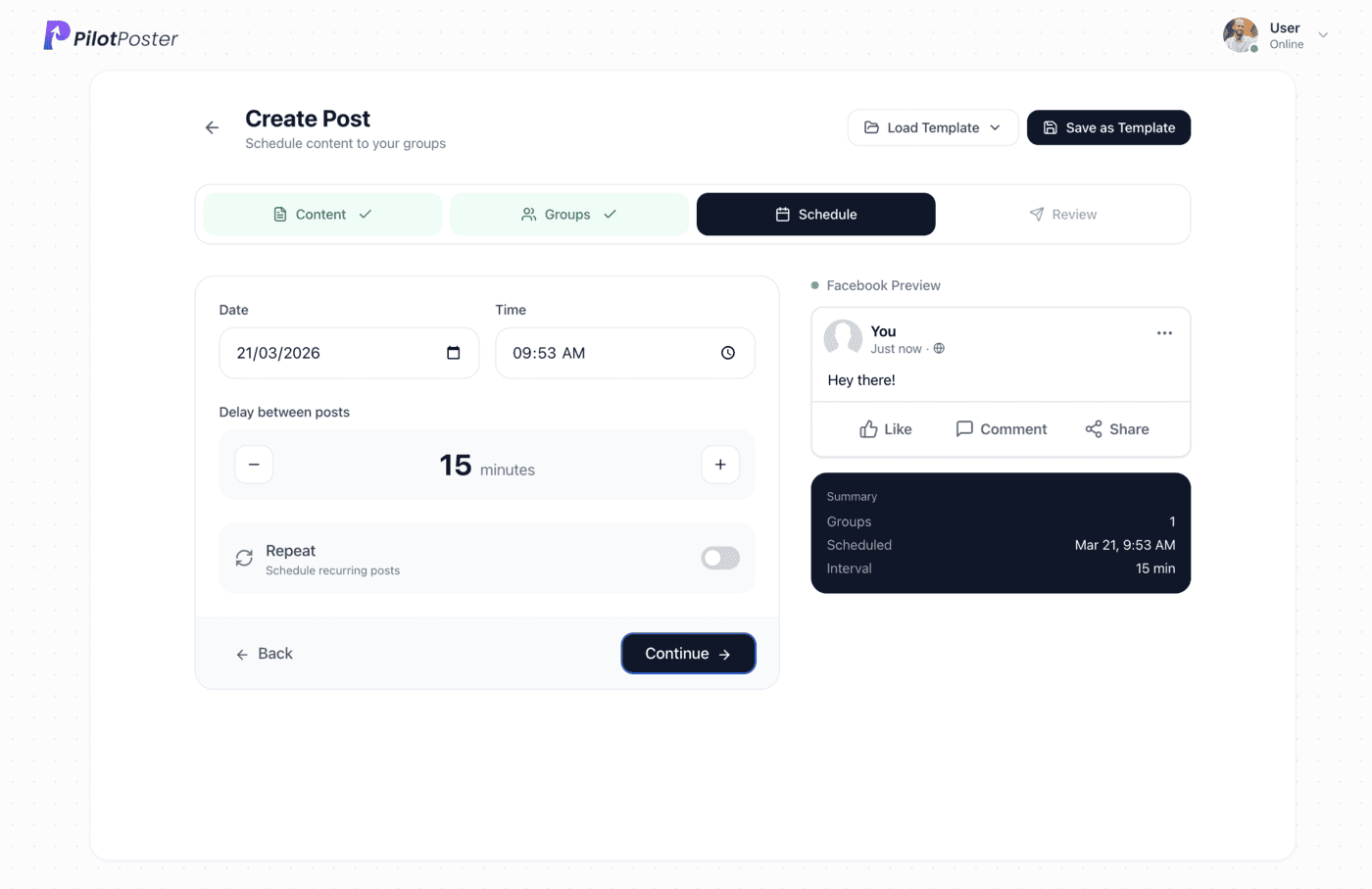
Recruiters use PilotPoster to schedule job postings across the industry, alumni, and local "jobs" Facebook groups they have joined, on a recurring weekly loop. Each group gets a unique version of the posting, and the application link sits in the first comment, so roles stay visible to passive candidates week after week.
The groups where candidates actually are
Job seekers, and the passive candidates you really want, cluster in a few predictable kinds of groups. Join the ones that match your roles and territory, then save them by role type so posting a new opening is a one-click job.
- Industry and profession groups (nurses, developers, drivers, tradespeople)
- City and regional "{city} jobs" and "{city} hiring" groups
- University and college alumni groups for early-career roles
- Networking and professional community groups for your sector
- Local community groups for high-volume, location-based hiring
Keep roles visible on a weekly loop
A job post buried yesterday is invisible today, so recurring posting is what keeps a role in front of new eyes. Schedule it once and let it resurface:
- Post each open role to its matching group list the day it opens
- Set a recurring campaign so active roles resurface weekly until filled
- Batch a "roles we are hiring for this week" round-up post
- Refresh the wording with spintax so repeat posts do not look stale
- Pause a role's campaign the moment it is filled
Job posts that get applications, not just views
The postings that convert lead with what the candidate cares about, pay range, location, and flexibility, and make applying feel easy:
- "Hiring: {role} in {city}, {pay range}, {remote/hybrid/onsite}"
- "Know someone great? Referral bonus for this {role} opening"
- "Three roles open on my desk this week, details in the comments"
- "{Company} is growing, here is what it is actually like to work there"
Apply links where they will not hurt reach
A clean job post that leads with the role gets more attention than a bare ATS link. PilotPoster puts your application or booking link in the first comment, so the posting itself stays clean and readable while the apply link stays one tap away.
High-volume posting with built-in account protection
Recruiters need volume: many roles, many groups, every week. PilotPoster delivers it with built-in account protection, human-paced organic posting and a unique version of each posting for every group, so every role stays visible everywhere and your pipeline keeps filling.
A sample Facebook group post for recruiters & staffing
A job post that answers the questions job seekers actually ask: where, which shift, what it pays and how to apply, all before the "See more" cut. Copy it, change the details to yours, and schedule it to your groups with a different version for each one.
Hiring now: forklift operators, day shift, at a distribution center in Mauldin. Monday to Friday, 6:30 to 3, weekly pay, and benefits after your first 60 days. Forklift certification is a plus, but we will certify the right person. Message me or comment "forklift" and I will send you the short application. Know someone who would be good? Tag them below.
Sample post. Names and places are examples.
Can I post the same role to many groups?
Yes. PilotPoster spins each posting into a unique version and paces delivery, so one role can reach many relevant groups without looking like spam.
How do I keep a role visible until it is filled?
Set a recurring campaign so the posting resurfaces on a weekly loop, then pause it in one click the moment the role is filled.
Where does the application link go?
In the first comment. PilotPoster adds it automatically after the post, which keeps the posting clean while candidates still get a direct apply link.
Do I need to admin these jobs groups?
No. PilotPoster posts to any group you have joined as a member with posting permission, which covers most industry, alumni, and local jobs groups.
Is it safe to post many roles per week?
Yes. A unique version for each group, natural pacing and Safety Autopilot keep a high-volume recruiting workflow looking natural.
Keep exploring
Other solutions
- Real Estate Agents Put listings, open houses, and market updates in front of every local buyer and seller group.
- Coaches & Consultants Show up daily in the communities where your ideal clients already hang out, without writing a word.
- Ecommerce Sellers Promote products to buy-sell and niche groups on a schedule that never misses a drop.





4.5 on the Chrome Web Store
Put your Facebook group posting on autopilot
Keep your business in front of every group you’ve joined, every week, without the copy and paste.