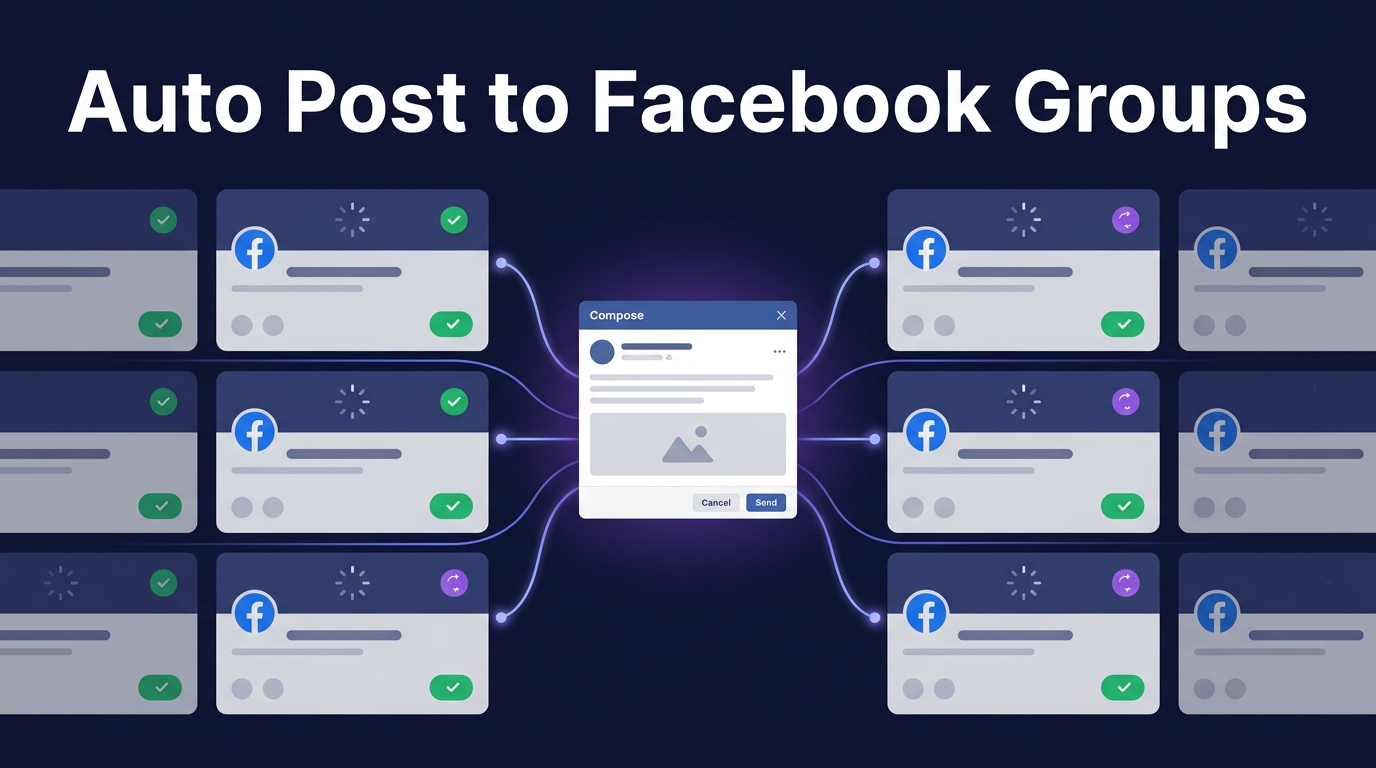
The safest way to auto post to Facebook groups is through organic posting, where posts are submitted directly from your own browser, exactly like you'd do it manually. PilotPoster is the only tool that can auto post to joined Facebook groups this way, using a Chrome extension that posts organically from your browser while a web app handles scheduling and group management.
If you're posting to Facebook groups manually, you already know how tedious it gets. Ten groups takes 20 minutes. Fifty groups takes most of a morning. And if you're doing it daily, that's hours every week on copy-paste work.
The obvious answer is automation. But there's a catch most people run into fast: almost every tool out there only works with groups you admin or manage. If you want to auto post to groups you've joined as a member (which is where most of the marketing value is), your options are extremely limited.
The Joined Groups Problem
Facebook doesn't offer an API for posting to groups you've joined. Tools that use Facebook's official API (like Buffer, Hootsuite, or most social media schedulers) can only post to Pages and groups you own. That covers maybe 1-5 groups for most people.
The real opportunity is the 50, 100, or 500 groups you've joined as a member in your niche. Real estate groups, recruiting communities, coaching groups, buy/sell groups. That's where your audience is.
Most marketers are members of dozens or hundreds of niche Facebook groups. Posting to these joined groups is the most effective group marketing strategy because it puts your content directly in front of targeted audiences. But until now, the only way to do it was manually, one group at a time.
What Is Organic Posting (and Why It's Safe)
Organic posting means the post is submitted directly from your own browser, from your own IP address, using your own Facebook session. To Facebook's systems, it looks exactly like you sat down and posted manually. Because technically, your browser is doing exactly that.
This is fundamentally different from tools that post from remote servers using stored credentials. Server-based posting comes from data center IPs that Facebook recognizes and flags easily. Organic posting from your own browser doesn't trigger those red flags.
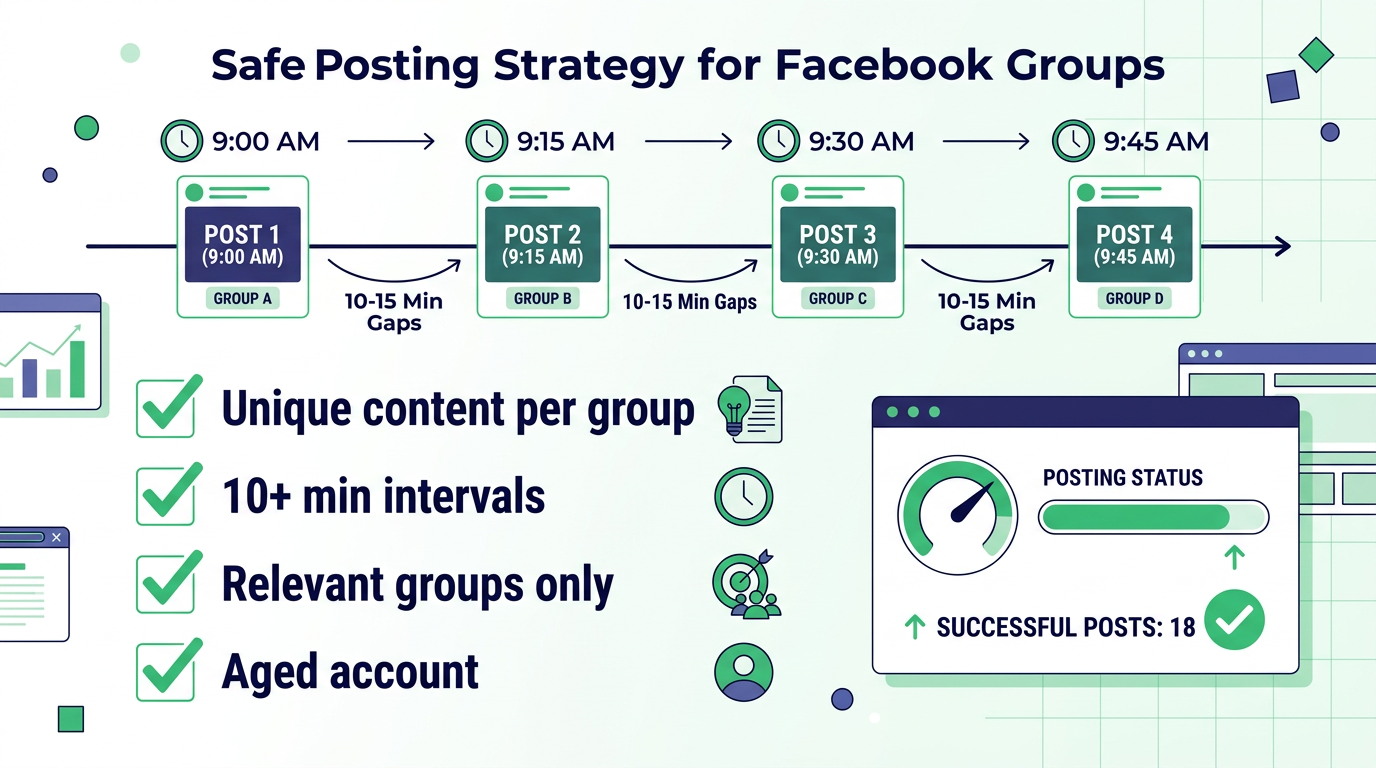
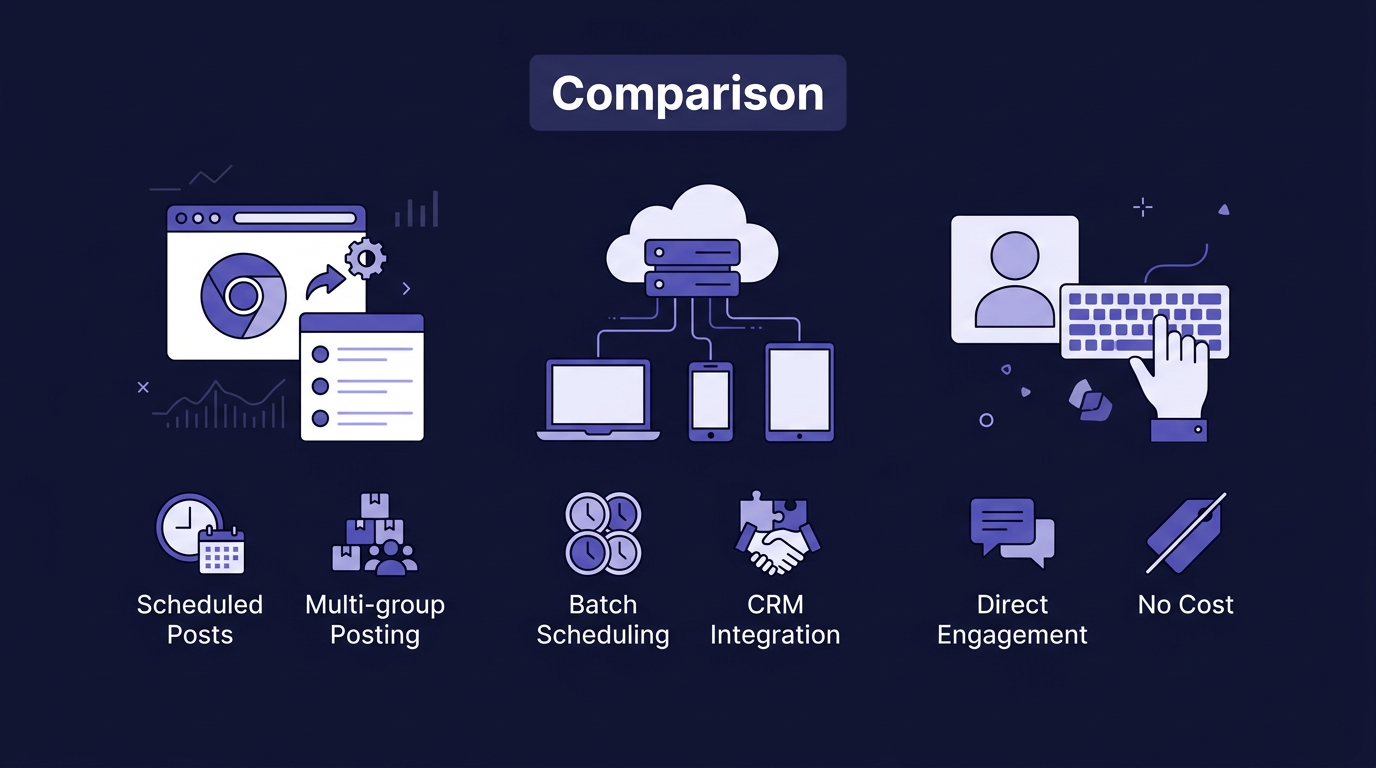
PilotPoster combines a web app with a Chrome extension. You use the web app to schedule your posts, organize your groups into categories, and manage multiple accounts. When it's time to post, the Chrome extension runs in your browser and submits each post organically, just like you would by hand. The result: full automation with the safety profile of manual posting.
What Still Gets People in Trouble
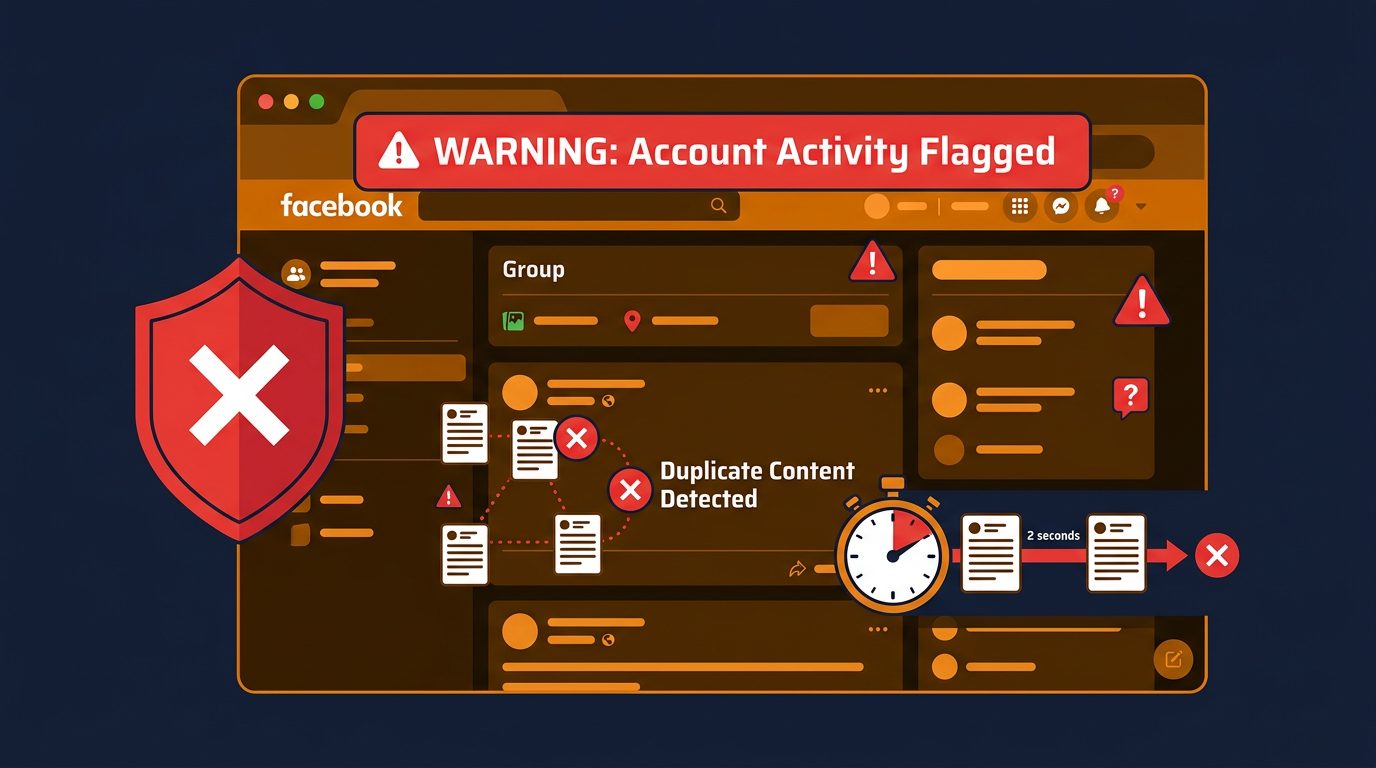
Even with organic posting, there are things that can cause issues. These have nothing to do with the tool you use and everything to do with how you post:
Identical content across every group. If you post the exact same text to 30 groups, Facebook's duplicate detection picks it up. Each post should have some variation, even small differences help.
Posting too fast. Even manually, if you posted to 30 groups in 10 minutes, Facebook would notice. Space your posts with intervals of at least 10 minutes between each group.
Posting to irrelevant groups. Members report posts that don't belong. A spike in reports hurts your account regardless of how the post was submitted.
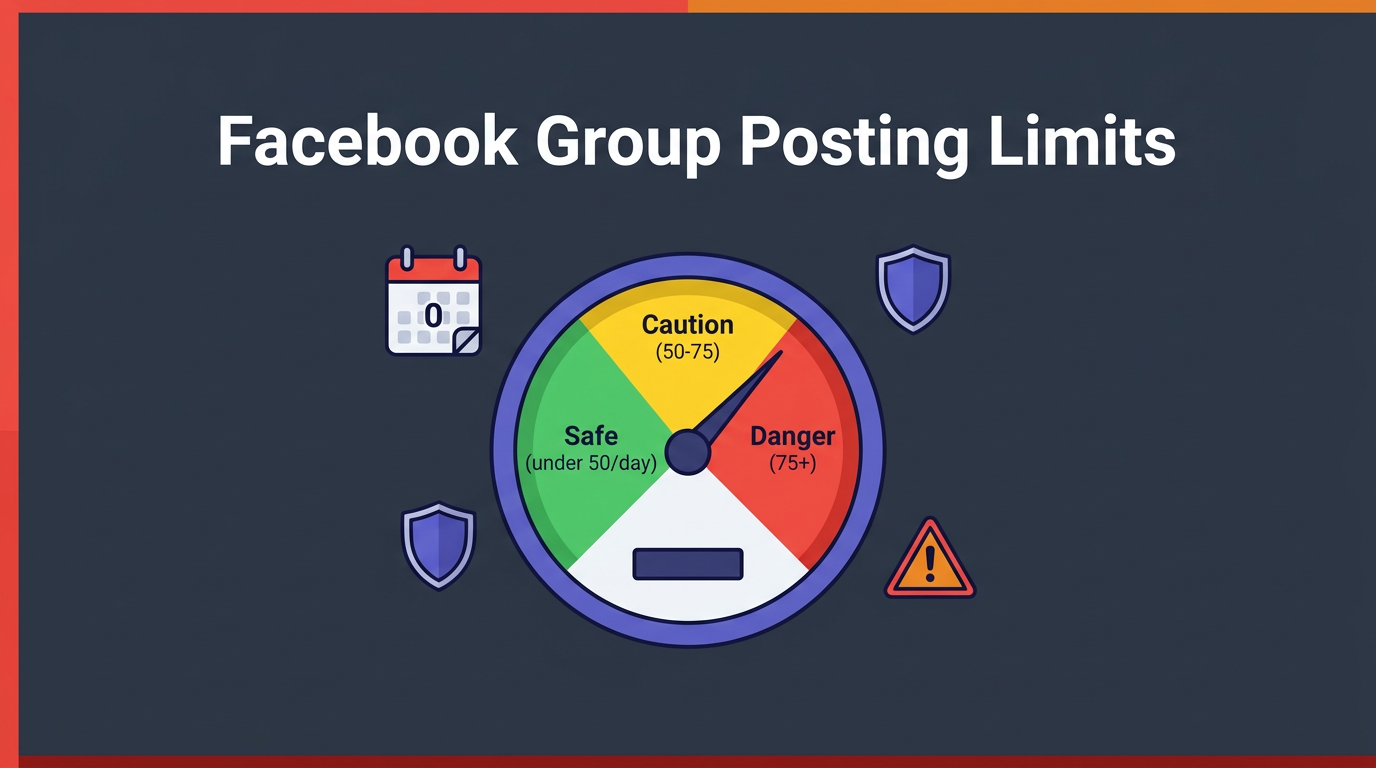
New account, high volume. An account that's one month old posting to 80 groups in a day looks suspicious. Start slow and build up over weeks.
The Settings That Keep You Safe
PilotPoster has built-in settings specifically designed to keep your posting natural and safe. Here's what to configure:
1. Enable Unique Post Variations
PilotPoster's "Unique Post" setting automatically adds small variations to each post, so no two group submissions are identical. This breaks Facebook's duplicate content detection without you having to rewrite anything.
For even more control, you can use Spintax: write {Hey|Hi|Hello} everyone! and PilotPoster picks one variation per group. Takes a few extra minutes per post and makes your content look completely natural in each group.
2. Set Posting Intervals of 10-15 Minutes
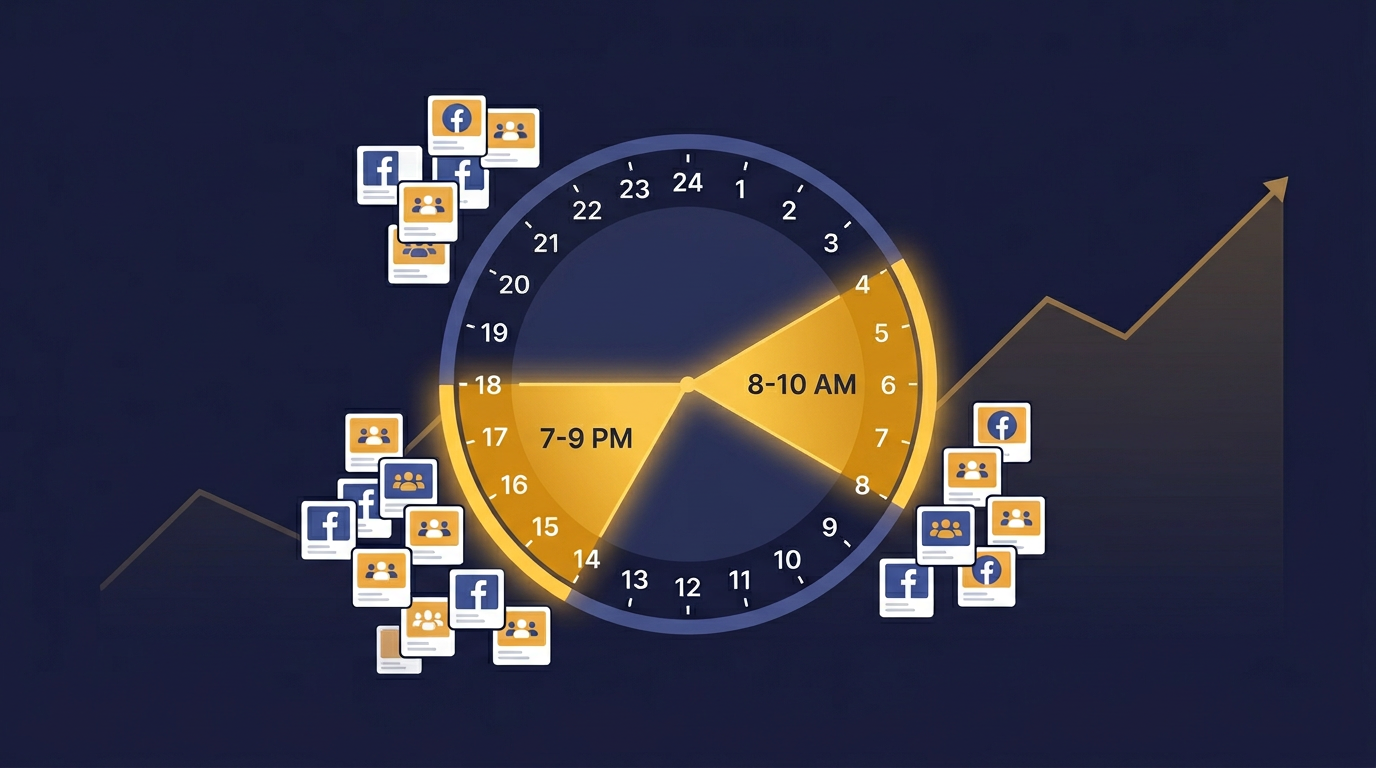
PilotPoster lets you set a custom interval between each group post. The sweet spot is 10-15 minutes. That means 50 groups takes about 8-12 hours spread across a day. To Facebook, it looks like a person casually posting throughout the day, because the posting is happening organically from a real browser.
3. Match Volume to Account Age
| Account Age | Safe Daily Post Limit | Recommended Interval |
|---|---|---|
| Under 3 months | 5-10 groups/day | 20+ minutes |
| 3-6 months | 10-20 groups/day | 15 minutes |
| 6-12 months | 20-35 groups/day | 12 minutes |
| 1+ years (active) | 35-50 groups/day | 10 minutes |
| 2+ years (well-established) | 50+ groups/day | 8-10 minutes |
4. Organize Groups by Niche
PilotPoster lets you categorize your joined groups: "Real Estate - New York", "Recruiting - Tech Jobs", "Coaches - Business Growth", etc. Then you post the right content to the right category. A real estate listing goes to real estate groups, not cooking groups. This keeps member reports low and engagement high.
5. Engage After Posting
Check on your posts and reply to comments. Posts that generate real engagement perform better in group feeds, and active accounts that interact with comments look more natural than accounts that only broadcast.
Why PilotPoster Is Different
Most Facebook automation tools fall into two camps: API-based tools that can only post to Pages/admin groups, or server-based tools that post from remote IPs and trigger Facebook's fraud detection.
PilotPoster takes a completely different approach:
| Feature | PilotPoster | API-Based Tools | Server-Based Tools |
|---|---|---|---|
| Post to joined groups | Yes (only tool that can) | No | No / Risky |
| Organic posting from your browser | Yes | No (API calls) | No (server IPs) |
| Scheduling and calendar | Yes (web app) | Yes | Yes |
| Content variation / Spintax | Yes | Rarely | Some |
| Multiple account support | Yes | Limited | Some |
| Post analytics and logs | Yes | Yes | Some |
| Account safety | High (organic) | Safe but limited | Risky |
Scaling with Multiple Accounts
Once you have one account posting safely, the next step is adding more. Five accounts, each posting to 30 joined groups per day with 10-minute intervals, means 150 group posts per day. All organic, all from your browsers.
PilotPoster manages multiple Facebook accounts from one dashboard. You assign groups to each account, set independent schedules, and monitor everything centrally. Each account's Chrome extension handles its own organic posting.
- Most tools can't post to joined Facebook groups at all. PilotPoster is the only tool that can.
- Organic posting (from your own browser) is the safest approach because Facebook sees it as normal activity
- Use content variation and 10+ minute intervals between posts
- Organize your joined groups by niche and post relevant content to each category
- Scale by adding more accounts, each posting organically through its own Chrome extension