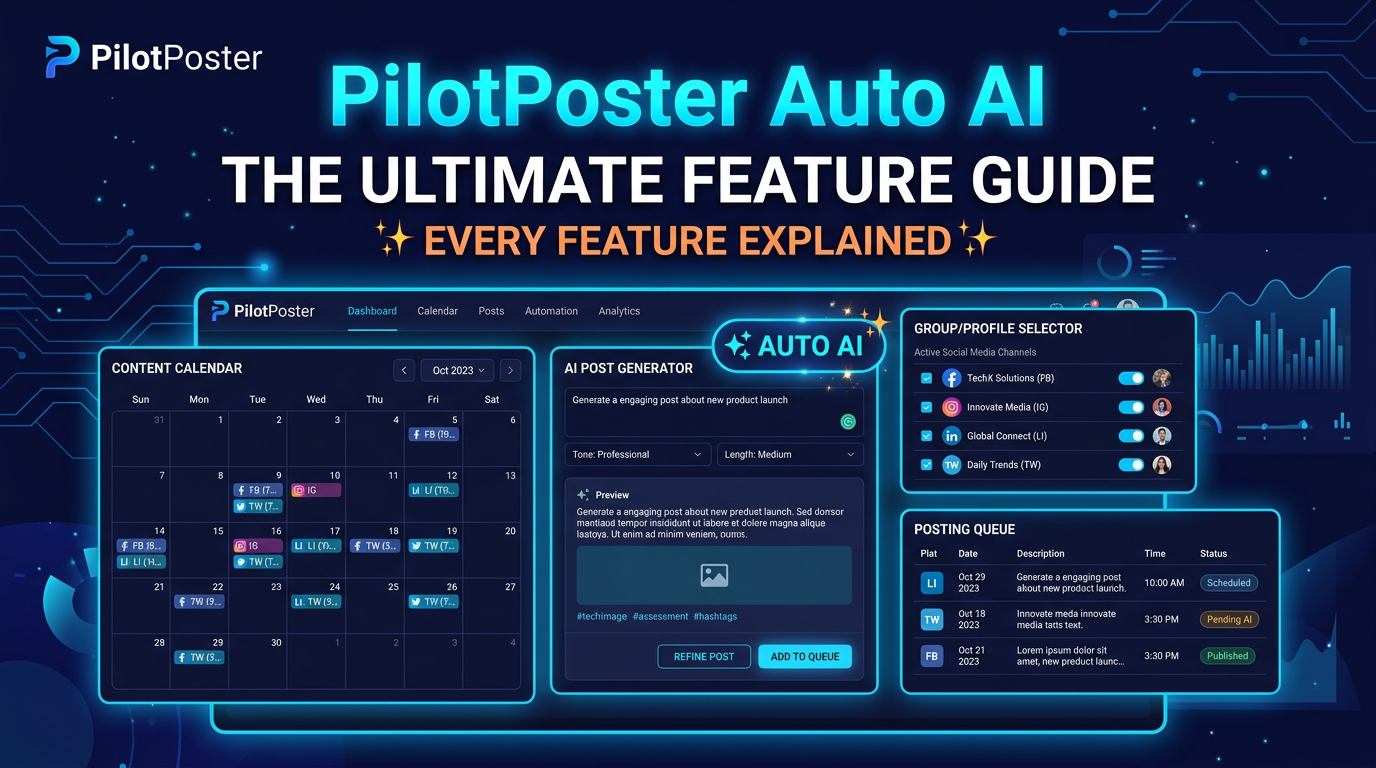
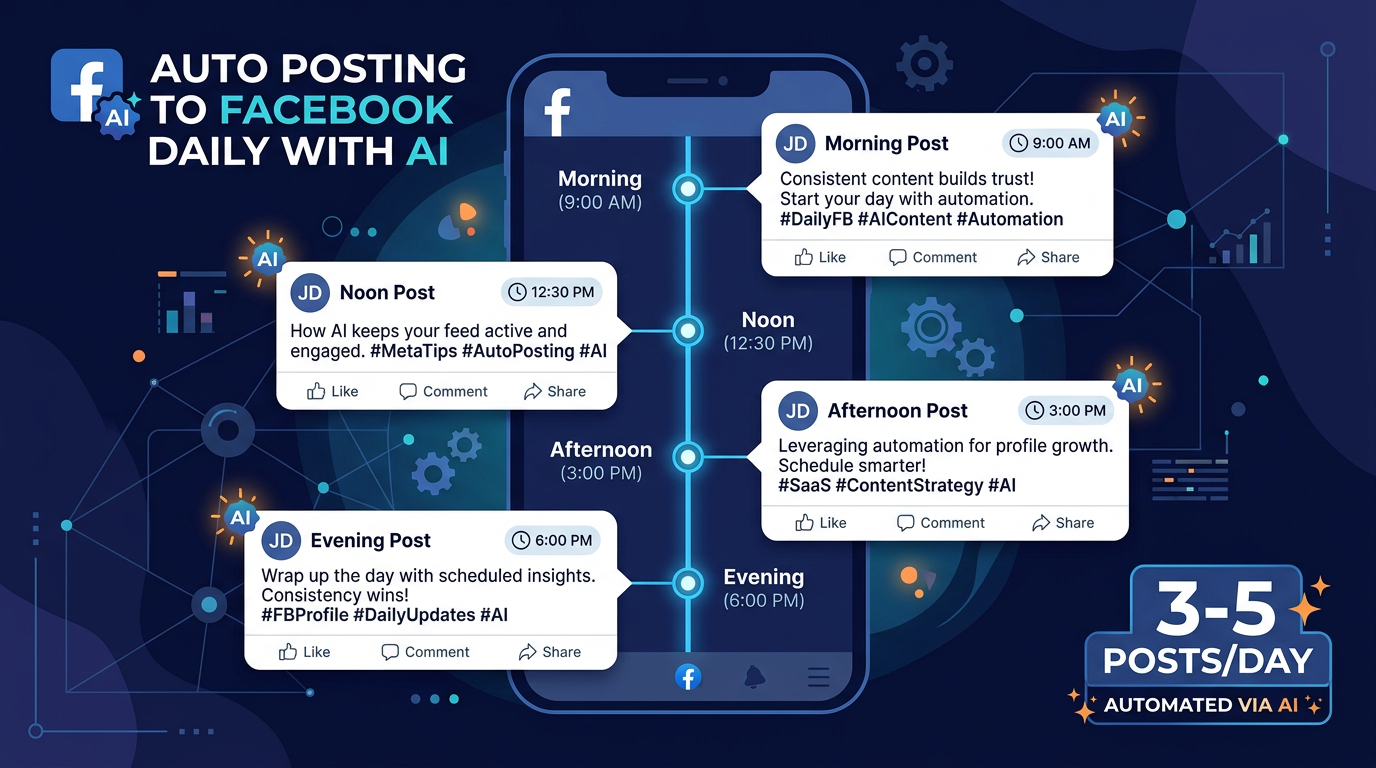
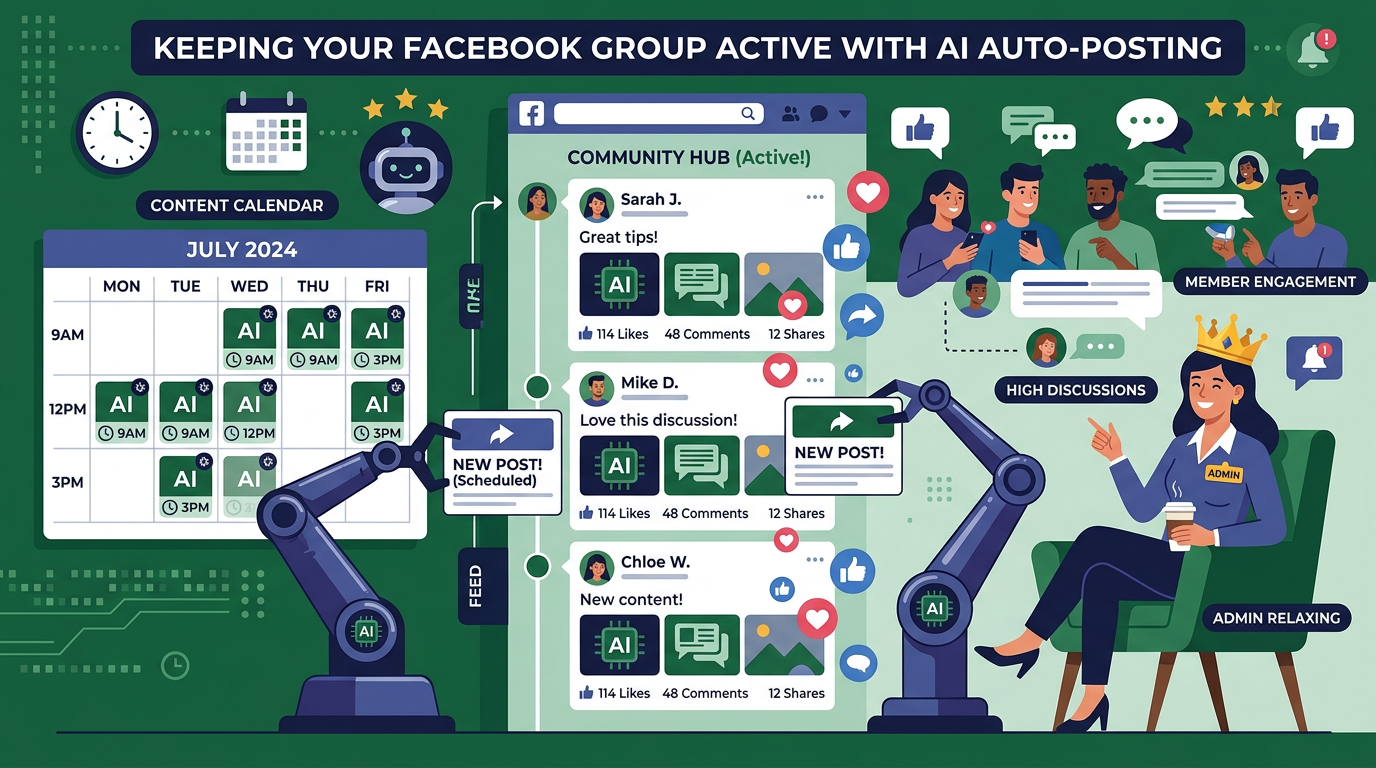
You can keep your Facebook group active using AI auto posting, which generates and schedules fresh content to your group automatically every day. PilotPoster Auto AI generates 5-7 posts per week for groups you admin, using Smart Spintax for variation and a content calendar for scheduling, so your group gets consistent content without you writing anything daily.
Running a Facebook group sounds great until you're three months in and it's Sunday night and you still need to write tomorrow's posts.
The group is growing. Members are joining. But the daily content demand is relentless. Groups that post consistently grow. Groups that go quiet for a week lose momentum that takes months to rebuild. The algorithm actively deprioritizes groups with low recent activity, which means less organic reach for new members, fewer post notifications, and declining engagement even from existing members.
Most group admins hit the same wall: the group becomes a second job, and eventually posting frequency drops, the group goes stale, and growth stops.
AI auto posting fixes the consistency problem without sacrificing content quality.
Why Consistency Is Everything for Facebook Group Growth
Facebook's group algorithm rewards active groups. "Active" means posts going out regularly, members commenting, and discussions happening. When your group goes quiet for a few days, several things happen:
- Members who haven't seen posts recently get fewer notifications from your group
- New post notifications start appearing lower in member feeds
- Facebook stops suggesting your group to people who might be interested in joining
- Members lose the habit of checking your group, even if they stay in it
The groups that grow consistently aren't necessarily the ones with the best content. They're the ones that show up every day. Consistency beats perfection, especially at scale.
The problem is that "show up every day" is unsustainable for most admins managing a group alongside an actual job or business. Which is exactly what AI auto posting is designed to solve.
What Group Admins Actually Need from Auto Posting
Before getting into the setup, it's worth being specific about what makes auto posting actually work for group management versus just adding noise to your group.
Group members can tell the difference between content that belongs in the group and filler content that was posted just to fill a quota. Auto posting that generates relevant, varied, genuinely useful content keeps members engaged. Auto posting that produces generic filler gets members hitting "turn off notifications."
The requirements for effective group auto posting:
- Topical relevance: Content should actually belong in the group's niche
- Variety: Mix of discussion prompts, tips, informative posts, and community-focused content
- Consistent voice: Should feel like it comes from the group's admin, not a bot
- Smart scheduling: Posts should go out when your members are most active
- Non-repetitive: Members shouldn't see what looks like the same post recycled
Setting Up AI Auto Posting for Your Admin Group
With PilotPoster Auto AI, the setup for your admin group takes about 20-30 minutes and then runs on autopilot from there.
Step 1: Define Your Group's Focus
The AI needs to understand what your group is about, who the members are, and what kind of content they respond to. This is the most important part of the setup. The more specific you are, the better the output.
Good group context: "This is a Facebook group for small business owners in the home services industry (plumbers, electricians, HVAC, cleaning services). Members are mostly self-employed or small team owners. They want practical business tips, marketing advice, and peer discussions about running a local service business. Tone should be straight-talking and practical, not corporate."
Vague context: "This is a business tips group."
The more specific your context, the more relevant the generated content will be to your actual members.
Step 2: Choose Your Post Mix
For group admin content, the mix should lean heavily toward engagement and informative posts rather than promotional content. Your goal is to spark discussions and provide value, not sell to your members.
A recommended starting mix for an active group:
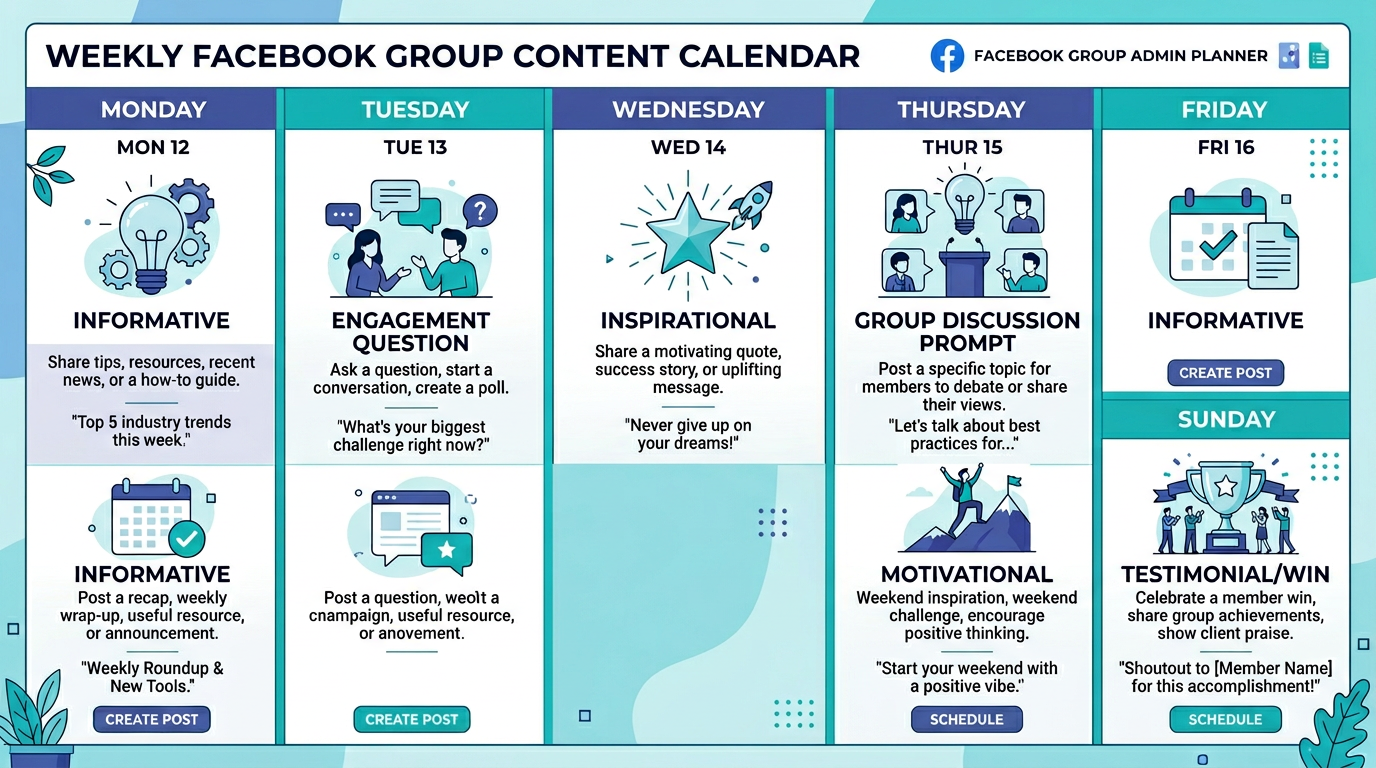
| Post Type | Weekly Frequency | Purpose |
|---|---|---|
| Informative/Tips | 3-4x per week | Builds authority, members bookmark and share |
| Engagement/Questions | 2-3x per week | Drives comments, boosts algorithm signals |
| Motivational | 1-2x per week | Gets shares, broad reach to potential new members |
| Discussion Prompt | 1-2x per week | Creates community, members connect with each other |
| Member Win/Testimonial | 1x per week | Social proof, celebrates community |
| Soft Promotional | 1x per week | Subtle mention of your product/service or affiliate |
5-7 posts per week is the recommended range for most groups. Less than 5 and the group starts feeling inactive. More than 10 and members feel overwhelmed and mute the group. For very large, high-engagement communities (10,000+ members) you can go higher, but for most groups, 1-2 posts per day is the sweet spot.
Step 3: Set Your Posting Schedule
Timing matters. Posts that go out when your members are active get more comments faster, which signals to Facebook that the post is worth showing to more members in the group feed.
Most groups see peak activity during morning commute hours (7-9am), lunch break (12-1pm), and evening scroll time (7-9pm). Check your group's insights in Facebook to see when your specific members are most active and configure your schedule accordingly.
PilotPoster's content calendar lets you set exactly when each post type goes out. You can also configure time windows instead of exact times, so posts vary slightly each day for a more natural look.
Step 4: Enable Smart Spintax for Non-Repetitive Content
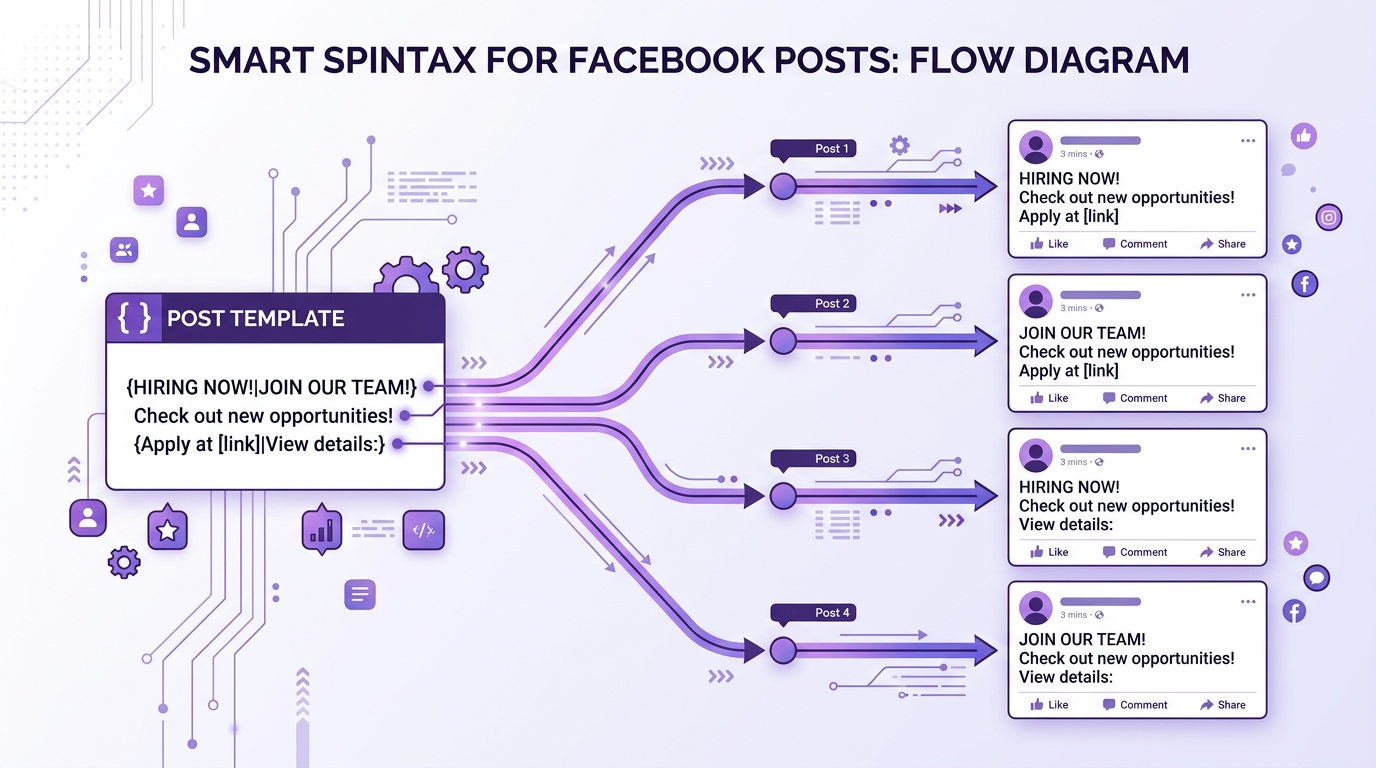
If your group is in a niche where certain topics recur frequently (weekly tips on the same subject, recurring questions, monthly challenges), Smart Spintax keeps each post version unique. You write a template once with variable options, and the AI picks different combinations each time the post goes out.
Example for a fitness group:
{Monday|Start of the week} motivation: {what's your|have you set your|share your} {fitness|training|workout} goal for this week? Drop it in the comments {below|👇|and let's hold each other accountable}.
Posted weekly, this reads naturally each time without ever repeating the exact same text. Members get the recurring community touchpoint without the sense of a recycled post.
Step 5: Use the Review Queue for Quality Control
Even running fully automated, you should spot-check posts occasionally, especially in the first month. The review queue shows you what's scheduled to go out, lets you edit anything that needs adjustment, and helps the AI calibrate faster by understanding which posts you keep versus change.
Most admins check the queue 2-3 times per week in the first month, then shift to occasional spot-checks once the AI is calibrated.
What Keeps Group Members Engaged (Beyond Post Frequency)
Auto posting handles the consistency problem. But a thriving group needs more than just posts going out regularly. Here's what separates groups that grow from groups that stagnate at the same size:
Reply to Comments
When members comment on an auto-posted discussion question or tip, reply. Even a short acknowledgment shows members they're in a real community with a responsive admin, not a broadcast channel. This is still manual, but it's much more manageable when the initial post was written for you.
Feature Member Content
Once a week, spotlight a member's win, question, or insight. This creates social proof, makes members feel valued, and gives other members a reason to post their own wins hoping to get featured. You can set this up as a recurring post type in your Auto AI schedule.
Mix AI Posts with Occasional Manual Posts
Auto posting handles the daily volume. But occasionally posting something genuinely personal (a real update, a specific opinion, something that happened this week) makes the whole feed feel more authentic. Even one authentic manual post per week among 6-7 auto posts changes the overall feel of the group significantly.
PilotPoster Auto AI can generate relevant images for your group posts automatically. For informative and motivational posts, AI-generated images add visual variety and increase reach. For discussion prompts and engagement posts, text-only posts often perform just as well. Test both formats and let your group's engagement data guide which post types get images.
Content Calendar: Planning Your Group Strategy
The content calendar in PilotPoster lets you see what's scheduled across all days and weeks, adjust timing, and see the overall content balance. For group admins, this visual overview is useful for making sure you're not clustering all your engagement posts on the same days or running too many tips in a row without a discussion break.
The calendar also handles seasonal content. You can schedule posts around relevant events, holidays, or industry-specific seasons in advance so you're not scrambling to write timely content at the last minute.
Auto Posting to Joined Groups vs Admin Groups
It's worth clarifying the difference between auto posting to a group you admin and auto posting to groups you've joined as a member, since PilotPoster supports both through different mechanisms.
When you admin a group, you have full posting rights. Auto AI generates and schedules content to your admin group's feed, keeping your community active and growing.
When you've joined groups as a member, posting is done through PilotPoster's Chrome extension, which posts organically from your browser. This is how PilotPoster reaches joined groups that API-based tools can't touch. The Chrome extension submits posts exactly as you would manually, making it the only safe way to auto post to joined Facebook groups.
Most power users run both simultaneously: Auto AI keeping their own admin groups active and growing, while the Chrome extension posts to their joined groups for external marketing reach. PilotPoster manages both from the same dashboard.
Manual Group Admin Posting
- 100% control over every post
- Fully authentic voice
- Takes 30-45 minutes per day
- Consistency breaks down during busy periods
- Group goes quiet on vacations, sick days
- Creative fatigue sets in after weeks
AI Auto Posting for Admin Groups
- Posts every day without exception
- 5-7 posts per week without writing anything
- Smart Spintax keeps content non-repetitive
- Content calendar gives full visibility and control
- Requires initial setup and context configuration
- Occasional review recommended
- Facebook's algorithm rewards consistent group activity, making daily posting critical for growth
- 5-7 posts per week is the recommended range for most groups, with 1-2 posts per day
- Lean heavily toward informative and engagement posts (70-80% of content), keep promotional minimal
- Smart Spintax prevents content from feeling repetitive when you post to the same group regularly
- Admin group auto posting and joined group auto posting serve different purposes and work best together
- Even with auto posting, replying to comments and occasional manual posts make the community feel genuine