The simplest effective Facebook group content calendar is a weekly theme framework: assign each weekday a content type (Monday = insight, Wednesday = question, Friday = story), plan 4 weeks in advance, and batch-write all posts on one day per month. Consistency matters more than creative variation. Showing up on the same rhythm trains the algorithm and your audience to expect you.
You already know what to post. You know when to post. You might even know how to vary your content with Spintax. What most group marketers are missing is the system that makes all of that happen consistently without last-minute scrambling or burnout.
Group posting that happens three times one week, once the next, and zero the week after that doesn't build an audience. The Facebook algorithm deprioritizes accounts with erratic posting patterns. And more practically, potential clients who see you in a group for the first time need to keep seeing you to form a trust relationship. Inconsistency makes that impossible.
A content calendar is the solution. Not a complicated tool, just a simple system that answers "what am I posting, where, and when" before the week starts.
The 60/30/10 Content Ratio
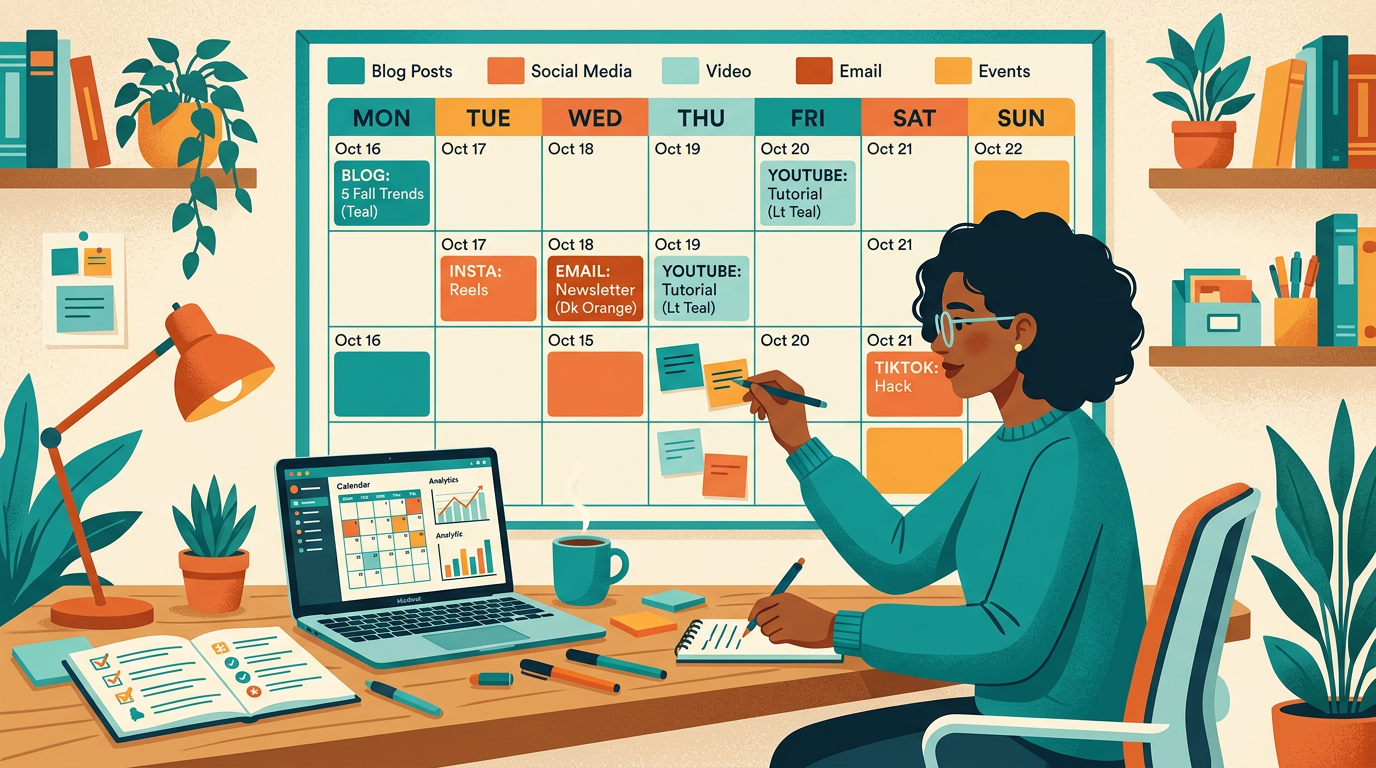
Before building a calendar, you need a content ratio. Promotional-heavy calendars get you removed from groups. Educational-only calendars build a following but don't convert. The ratio that balances community value with business results:
| Content Type | Ratio | What It Looks Like | Goal |
|---|---|---|---|
| Educational / Value | 60% | Tips, how-tos, frameworks, insights, answers to common questions | Build credibility and trust |
| Engagement | 30% | Questions, polls, "would you rather," opinion posts, community discussions | Drive comments and algorithmic reach |
| Promotional | 10% | Offers, free resources, service mentions, case studies with CTA | Convert attention into leads or sales |
If you post 3 times per week, that means roughly 2 educational posts, 1 engagement post, and 1 promotional post every 10 days or so. You don't have to be mathematically precise, but the ratio should feel roughly right across any given month.
The Weekly Theme Framework
Assigning a content type to each weekday removes the daily "what do I post today" decision. Your audience also starts to recognize the rhythm, which builds habitual engagement.
| Day | Theme | Content Type | Example Prompt |
|---|---|---|---|
| Monday | Insight Monday | Educational (tip, framework, insight) | "One thing I've learned about [topic] that changed everything..." |
| Tuesday | Community Tuesday | Engagement (question, poll) | "Quick question for the group: what's your biggest challenge with [topic] right now?" |
| Wednesday | Win Wednesday | Story / case study | "A client of mine did [specific thing] last month and here's what happened..." |
| Thursday | Tip Thursday | Educational (tactical, actionable) | "3 things you can do today to [specific outcome]..." |
| Friday | Resource Friday | Educational or Promotional | Share a tool, checklist, guide, or soft mention of your offer |
You don't need to post every day. If you're in 10-20 groups and rotating posts across them, posting Monday, Wednesday, and Friday is plenty. Use the theme as a guide for what to write, not a rigid daily obligation.
Set aside 2-3 hours on the first Monday of every month. Write all 12-16 posts for the month in one session. This works because you're in a single creative context rather than switching between "content mode" and "delivery mode" repeatedly throughout the month. Most people find they write faster and better in bulk. Schedule or queue the posts after writing them, and the month runs on autopilot.
30-Day Content Calendar Templates
These three templates are ready to customize. Replace the bracketed placeholders with your specific niche and offer.
Template 1: Service Business / Coach / Consultant
| Week | Monday | Wednesday | Friday |
|---|---|---|---|
| Week 1 | Insight: "The mistake most [clients] make with [topic]" | Question: "What's one thing you wish you'd known when you started [topic]?" | Story: Client result (specific outcome, no names) |
| Week 2 | Framework: Step-by-step process for [common task] | Poll: "Which of these is your biggest challenge?" (3-4 options) | Tip: Quick win they can implement today |
| Week 3 | Contrarian: Disagree with common advice in your niche | Community question: Ask for their experience/opinion | Soft promo: Free resource, lead magnet, or soft mention of service |
| Week 4 | Educational: Deep-dive on one specific topic | Behind-the-scenes: Your process or methodology | Story: Your own experience with the problem you solve |
Template 2: E-Commerce / Product Seller
| Week | Monday | Wednesday | Friday |
|---|---|---|---|
| Week 1 | Educational: Tip about [product category] that helps buyers choose better | Community question: "What's your biggest frustration when buying [product type]?" | Behind-the-scenes: How you source, make, or test products |
| Week 2 | Before/after: Customer result or transformation | Poll: "Would you prefer [option A] or [option B]?" | Lifestyle photo: Product in real use (no price, no link) |
| Week 3 | Educational: Common mistakes when using [product category] | Recommendation request: Ask what they've tried and found helpful | Soft promo: "We restocked [product]" or "Limited run of [product]" |
| Week 4 | Customer story: Quote or DM from a happy customer (with permission) | Question: "What's on your wishlist for [category] this season?" | Seasonal or timely: Connect your product to current events or season |
Template 3: Network Marketer / Direct Sales
| Week | Monday | Wednesday | Friday |
|---|---|---|---|
| Week 1 | Lifestyle post: Your life and how it's changed (authentic, not sales-y) | Question: "What does [desired outcome] look like for you?" | Educational: Tip about [health, wellness, finances] topic your product relates to |
| Week 2 | Testimonial: Specific result from someone you've helped | Poll: Engagement question related to your audience's interests | Behind-the-scenes: Your day, your business, your routine |
| Week 3 | Educational: Information about your product category (not brand-specific) | Community question: What would they do if [desired outcome] were achievable? | Curiosity post: "I've been using [type of product] for X weeks. Here's what happened." |
| Week 4 | Value: Tips related to the lifestyle your product enables | Story: How you got started, why you do what you do | Soft intro: Mention what you do without a hard pitch |
Managing Multiple Groups With One Calendar
When you're posting in 10+ groups, you can't post the same content in every group at the same time. Beyond duplicate content flags, it looks robotic if community members are in multiple groups and see identical posts.
The solution is a rotation system:
- Organize your groups into tiers based on engagement quality and lead conversion. Tier 1: your 3-5 best-performing groups. Tier 2: good but secondary. Tier 3: testing or lower priority.
- Tier 1 groups get your freshest, best-performing content first. Post there first each week.
- Tier 2 groups get the same content with variation: rewritten opening, different angle, adjusted for the group's specific demographic.
- Tier 3 groups get your content 3-5 days after Tier 1. By then you know if it performed well enough to continue distributing.
Once your calendar is built, the bottleneck becomes distributing posts across groups without copy-pasting 20 times manually. PilotPoster lets you post to all your joined groups from one dashboard, with AI rewriting per group for automatic variation. You run the calendar, it handles the distribution. See how it connects with scheduling in our guide to scheduling posts to multiple groups.
Tools for Building Your Calendar
You don't need dedicated social media software to run a group content calendar. Simple tools that work:
- Google Sheets: Create columns for Date, Group Tier, Post Type, Draft, Status. Filter by tier to see what goes where. Free, shareable, simple.
- Notion: More visual, supports templates, good if you want to attach images or track engagement notes alongside posts.
- Trello: Kanban board with one column per week. Cards move from Draft to Scheduled to Posted. Good for visual thinkers.
- A plain text file: Genuinely sufficient. Date, group, post. Nothing more required.
Avoid over-engineered systems. A calendar you actually use beats a perfect system you abandon after two weeks.
- Inconsistent posting fails not because of bad content but because the algorithm and your audience can't form expectations. A calendar fixes this.
- Use the 60/30/10 ratio: 60% educational, 30% engagement, 10% promotional
- Weekly theme frameworks (Insight Monday, Question Wednesday, Story Friday) remove the daily "what do I post" decision
- Batch-write all posts on the first Monday of the month. 2-3 hours covers your entire month.
- Use a tier system for groups: best content to best groups first, then distribute with variation to secondary groups
- Identical posts across groups trigger duplicate content detection. Vary openings, angles, and framing per group.
- Simple tools (Google Sheets, Notion, plain text) beat complex systems you won't maintain