To find Facebook groups for marketing, search Facebook with specific niche keywords and filter by "Groups." Look for groups with active recent posts and genuine discussion in the comments. The best groups have engaged audiences relevant to your product or service: not just large member counts. Use the Groups filter in Facebook search, then evaluate each group's recent post activity before joining.
Most marketers searching for Facebook groups to join make the same mistake: they optimize for group size. They join the biggest groups they can find and wonder why their posts get zero traction.
Group size is a vanity metric. A group with 50,000 members and posts from 2023 is worth less than a group with 3,000 members posting daily. What you're actually looking for is engagement density: real people commenting, asking questions, and sharing experiences with each other.
This guide walks through how to find the right groups, evaluate whether they're worth your time, and organize them for consistent marketing campaigns.
How to Search for Facebook Groups Effectively

Facebook's search function is more powerful than most people use it. Here's how to get better results.
Use Specific, Niche Keywords
Generic keywords return giant, often spammy groups. Specific keywords find communities where your actual audience spends time.
| Too Generic | Better Search Terms |
|---|---|
| Marketing | Digital marketing for coaches, social media for realtors, Etsy seller tips |
| Business | Women entrepreneurs Austin, small business owners Dallas, UK startup founders |
| Real estate | Moving to Nashville, first-time homebuyers Phoenix, Austin Texas community |
| Health | Keto for beginners, intermittent fasting support, women over 40 fitness |
| Finance | Personal finance for millennials, passive income ideas, side hustle UK |
Type your keyword into Facebook's search bar, then click the "Groups" filter tab. This surfaces groups only, separated from pages, people, and posts.
Search Your Audience's Language, Not Your Industry's
If you sell productivity software, don't search "productivity software users." Search "remote work tips," "work from home," "freelancers," or "entrepreneurs." Think about what your target customer calls their own situation and search for that.
A fitness coach should search "weight loss journey," "running for beginners," "meal prep ideas," not "fitness coaching clients." The group where your client already hangs out is far more valuable than a group explicitly looking for services like yours.
Location-Based Searches
For businesses with a local or regional audience, add location to every search:
- "Small business owners [city]"
- "[City] entrepreneurs"
- "Moms in [neighborhood]"
- "Moving to [city]"
These groups are often less crowded and more engaged because members share a geographic connection. A post in a 5,000-member local group often outperforms one in a 100,000-member national group.
How to Evaluate a Group Before Joining
Spend two minutes evaluating a group before you request to join. Most aren't worth the time. Here's the checklist:
Check the Most Recent Posts
Scroll through the public posts and answer these questions:
- When was the last post? Anything older than a week signals declining activity.
- Are members actually commenting on posts, or just liking them?
- Are posts from multiple members, or just the admin posting to an empty room?
- Is the content still relevant to the group's stated purpose, or has it drifted into spam?
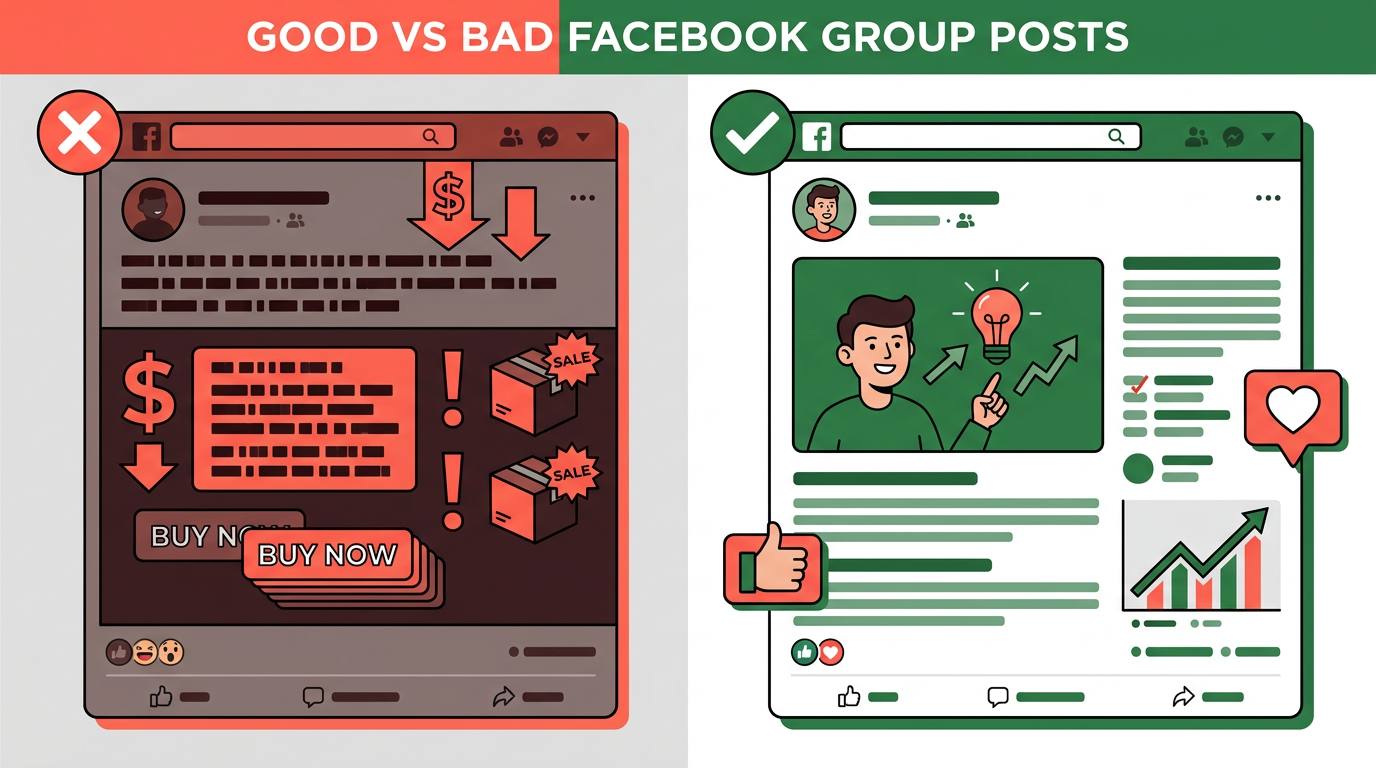
If every post in a group is someone promoting their product or service with zero comments from anyone else, that group is dead for marketing purposes. Everyone is broadcasting, nobody is listening. Posting there will get you the same result: nothing.
Member Count vs. Engagement Density
High member count with low engagement means one of two things: the group was active years ago and has coasted since, or members joined without ever participating. Neither helps you.
| Group Size | Healthy Comment Volume | What to Look For |
|---|---|---|
| Under 1,000 | 5-20 comments per post | Admin actively responding, members appearing to know each other |
| 1,000-10,000 | 10-50 comments per post | Multiple posts per day, varied content types |
| 10,000-50,000 | 20-100 comments per post | Questions getting answered, visible ongoing discussions |
| 50,000+ | 50+ comments per post | Moderation active, community feel despite scale |
Read the Group Rules
This takes 60 seconds and prevents a ban. Look for:
- Are promotional posts allowed? Some groups are strictly no-promo.
- Are there specific promo days or threads ("Self-Promotion Sundays")? If so, respect them.
- Are external links permitted in posts?
- What does the admin consider spam?
Some of the best groups for building your reputation are no-promo groups. You contribute genuine value, members visit your profile, they find your business on their own. This indirect approach often outperforms direct promotion in tight-knit communities.
Check Admin Activity
An active admin is the single biggest predictor of a healthy group. Signs of a good admin:
- Original posts with their own content, not just shared memes
- Pinned posts with clear community guidelines
- Responding to member comments and questions
- Approving posts promptly in moderated groups
A checked-out admin means spam fills the group, members stop engaging, and the group slowly dies. If the admin hasn't posted in months, move on.
Click the "Members" tab of a group. If the recent joiners list is full of accounts with no profile pictures and generic names, the group has been padded with fake accounts. Real groups have real people joining. Fake member counts mean fake engagement numbers too.
Types of Groups Worth Joining by Marketing Goal
Different businesses need different group types. Here's a breakdown by audience:
For B2C Businesses (Selling Direct to Consumers)
- Niche interest groups: Fitness, parenting, cooking, travel, pets. Find the groups where your target customer spends time socially, not groups specifically about buying things.
- Local community groups: City and neighborhood groups, buy/sell/trade groups, local parent groups. Essential for any business with geographic focus.
- Problem-specific groups: "Weight loss support," "debt free journey," "first-time homebuyers." People join these because they have the exact problem your product or service solves.
For B2B Businesses and Freelancers
- Your clients' industry groups (not yours): If you're a web designer who serves restaurants, join restaurant owner groups, not web designer groups. Your clients are there, your competitors are not.
- Small business and entrepreneur groups: Broad but active. Useful for service businesses, coaches, and consultants.
- Niche professional groups: "Shopify store owners," "Amazon FBA sellers," "virtual assistants," "real estate investors." Highly specific, highly engaged, your ideal clients in one place.
For Network Marketers and Coaches
- Your customer's lifestyle groups: Wellness, work-from-home, side hustle, women in business. The people in these groups are often already open to new income ideas or solutions.
- Motivation and personal development groups: High engagement, positive atmosphere, receptive to messages about changing your situation.
How to Organize Your Groups Once You've Joined
Once you've joined 30 or more groups, the next challenge is managing them. Posting to them consistently, one by one, takes hours every week. The solution is categorization: grouping similar groups together so you can target the right segments with the right content.
Some posts are relevant to every group you're in. Others are specific to a niche or location. If you post a real estate market update to a vegan cooking group, you'll get flagged for irrelevant content fast.
When you connect your Facebook account to PilotPoster, every group you've joined syncs automatically. You can then organize them into custom categories (local groups, investor groups, fitness groups) and target an entire category with a single campaign. New groups you join later also appear automatically, so your list stays current without manual updates.
How Many Groups Should You Join?
| Stage | Recommended Groups | Notes |
|---|---|---|
| Starting out | 10-20 | Enough to see what resonates without spreading yourself thin |
| Growing | 20-50 | Real reach, manageable if posting consistently |
| Scaling | 50-200+ | Requires automation to maintain consistent posting without burning hours daily |
Start with 20-30 groups, engage genuinely for a few weeks, and see which ones have the audiences that respond best to your content. Then focus on those and let the underperforming ones go. You can always join more once you know what's working.
Posting to 50+ groups manually is where most people give up. Fifty groups at 5 minutes per post is over 4 hours per posting session. Automating multi-group posting is what makes consistent reach at that scale realistic.
- Search with specific niche keywords, not broad terms like "marketing" or "business," to find groups your actual audience uses
- Engagement density matters more than member count. Look for active comments and recent posts.
- If every post in a group is promotional with zero comments, nobody is listening there
- Read group rules before joining. No-promo groups can be your most valuable for reputation building through helpful contributions
- Search using your audience's language and interests, not your industry's jargon
- Start with 20-30 groups, evaluate what generates results, then scale. Posting to 50+ groups consistently requires automation.
- Organize groups into categories by niche, location, or audience type for targeted campaigns