Agencies managing Facebook group posting for clients need four things a basic tool doesn't provide: separate workspaces for each client's groups and content, the ability to run each client's campaigns from that client's own Facebook account (not a shared agency account), a white-label option for branded client access, and posting logs they can share with clients as performance reporting. PilotPoster's agency and white-label setup covers all four, with client accounts isolated from each other and each posting through the client's own browser session.
The agency use case for Facebook group posting is structurally different from the solo marketer use case. It's not just doing the same thing at larger scale. There are separate access models, client isolation requirements, reporting obligations, and the practical reality that each client's posting must happen from that client's actual Facebook account, not an agency-controlled account.
This guide covers how agencies set up and manage Facebook group posting across multiple clients, the white-label model, and the security considerations that make agency-scale operation sustainable.
Why Agency Facebook Group Posting Is a Different Problem #
The core challenge for agencies isn't volume. It's account isolation and access structure.
When you post to Facebook groups on behalf of a client, those posts need to come from the client's Facebook account. They need to be a member of the groups being targeted. Their account needs to have a posting history in those groups. An agency posting from its own account to groups on behalf of a client would require the agency to join all those groups under its account, which is both impractical and creates posts that appear to come from the agency rather than the client.
This means each client has to be the one running the Chrome extension on their machine, or the client has to set up a remote environment where the extension can run with their session. The agency manages the campaign structure, content, scheduling, and reporting. The client's browser handles the actual posting.
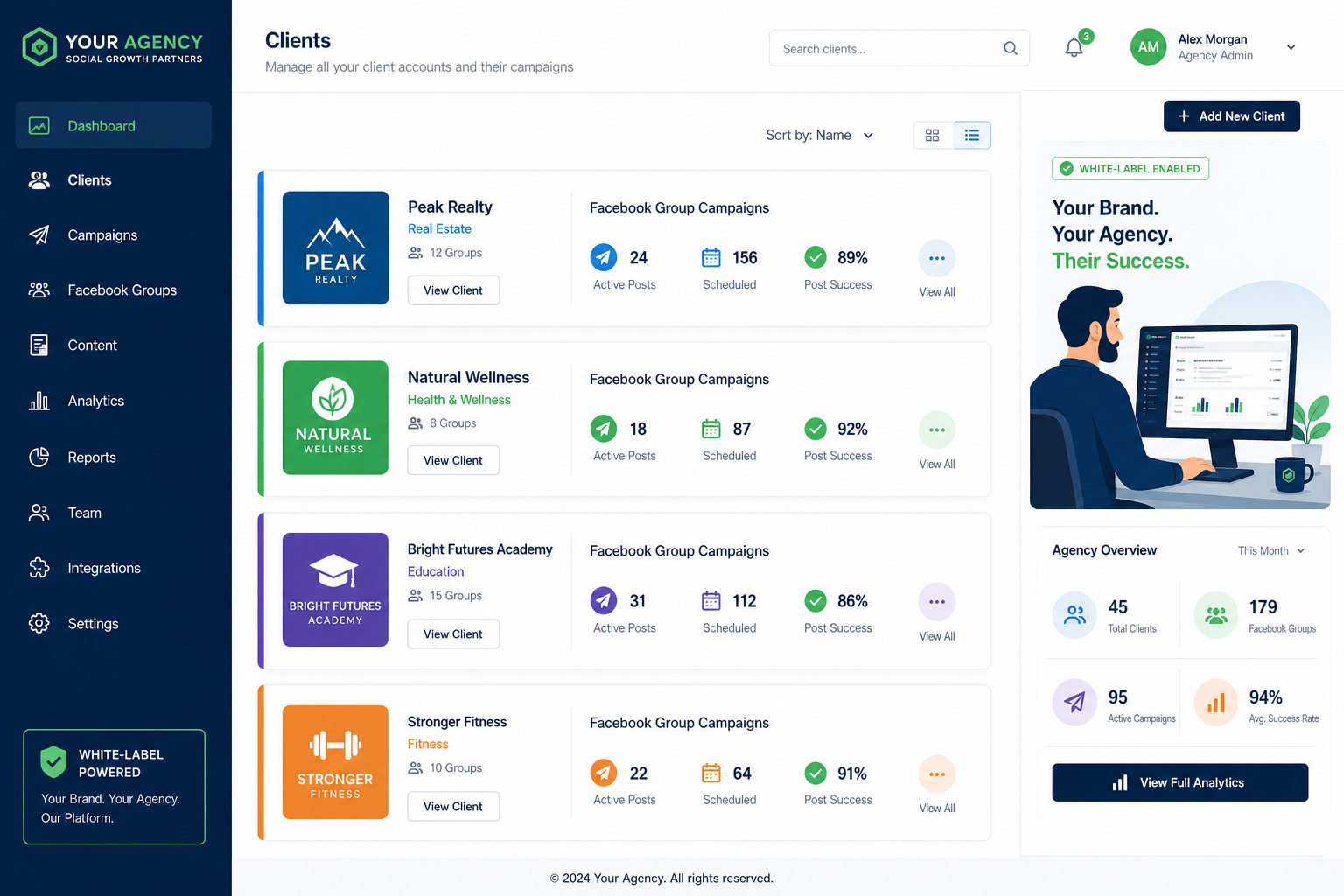
PilotPoster's agency model is built around this reality. The agency has an administrative dashboard. Clients have their own accounts with their own Chrome extensions. The agency configures campaigns, manages content, and reviews reporting. The client's extension does the posting. The accounts never mix.
Setting Up Client Accounts #
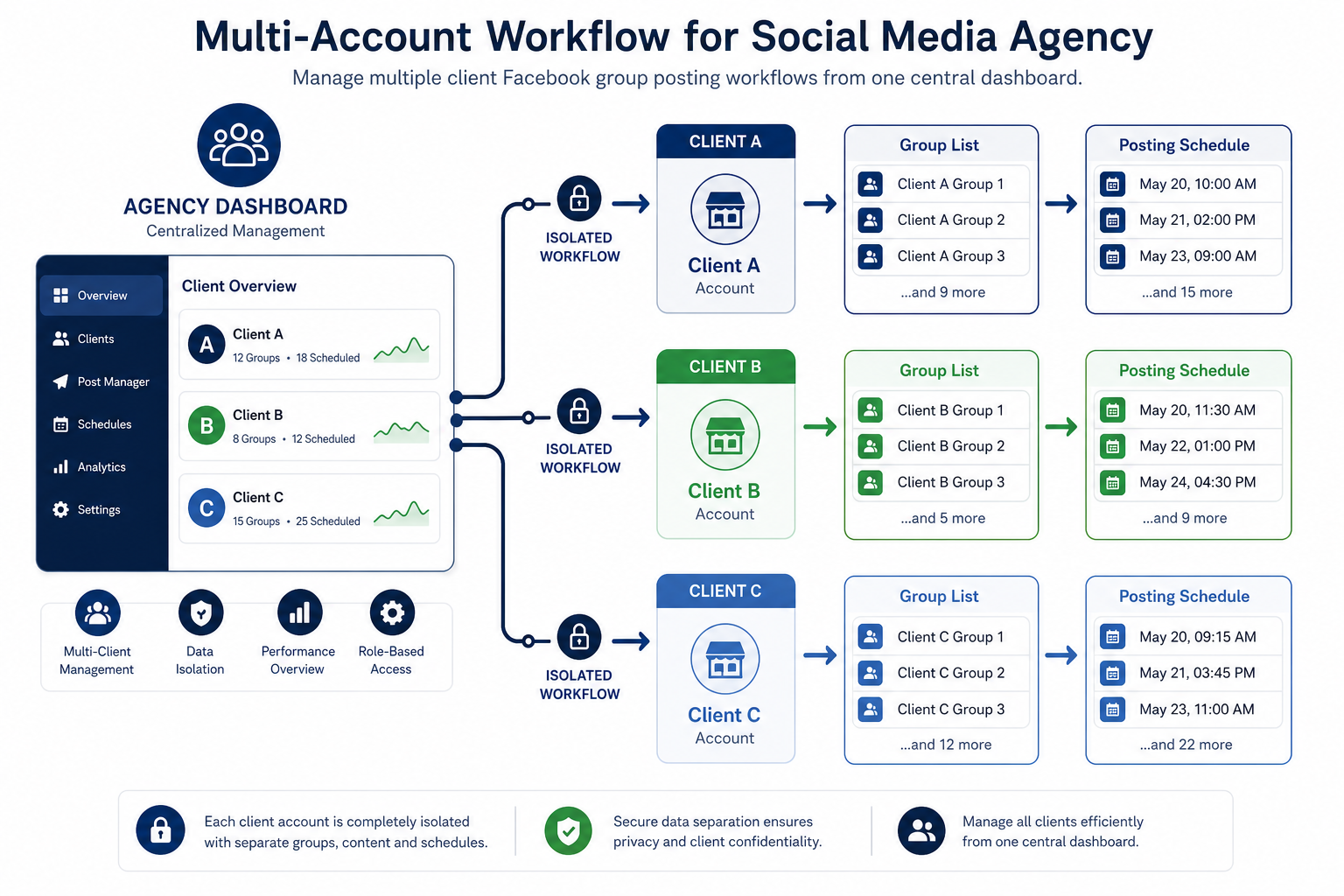
In PilotPoster's agency setup, each client gets their own account. The agency admin can see all client accounts in the agency dashboard and manage campaign configuration, but each client's Facebook session, groups, and posting logs are separate.
The client setup process looks like this:
- Create a client account in the PilotPoster agency dashboard. The client receives an invitation to set up their access.
- Client installs the Chrome extension on their machine and links it to their PilotPoster account. This is the key step: the extension runs on the client's computer, using their browser and their Facebook session.
- Group sync: The client's extension syncs their Facebook groups into their PilotPoster account. The agency can see the group list and configure campaigns against it.
- Agency configures campaigns: The agency creates content, sets scheduling windows, configures delays, enables AI rewriting, and builds the posting campaign from the agency dashboard.
- Client activates Chrome to run: The client runs the extension during posting windows. For clients who want truly hands-off operation, they can leave Chrome open during their work day and the extension handles everything within the configured window.
Organizing Groups at Client Scale #
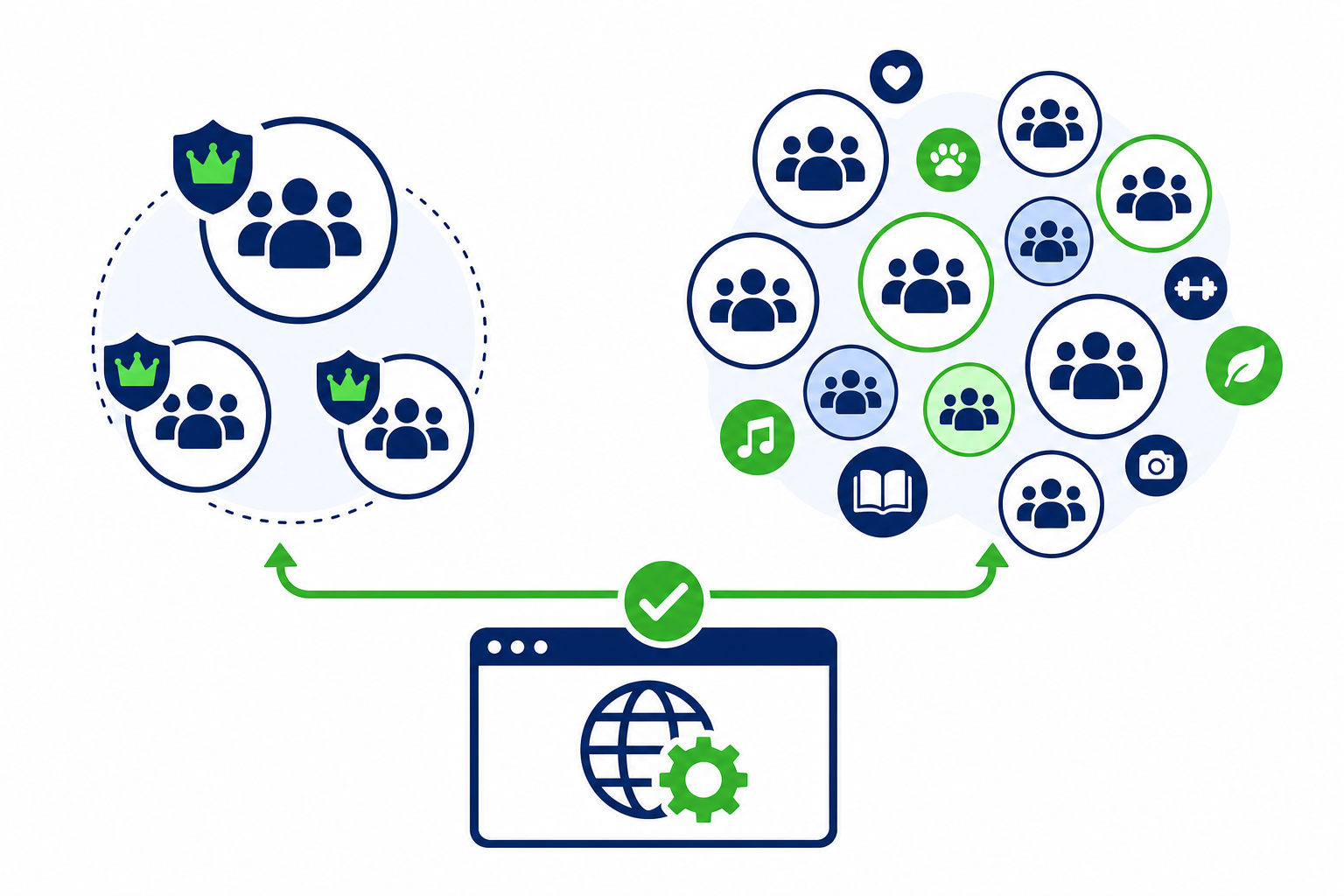
For agencies managing 5 to 20 clients, each with their own group portfolios, the organizational layer matters. PilotPoster's group categories and tagging apply per client account, so you can structure each client's groups based on their specific niche and campaign goals.
Useful organization approaches for agency clients:
- By campaign objective: Lead generation groups, brand visibility groups, customer community groups. Different content strategies for each.
- By audience segment: Local groups, national groups, niche interest groups, professional groups.
- By posting frequency: High-frequency groups (weekly), medium-frequency (bi-weekly), low-frequency (monthly). Set different campaign tracks for each.
- By content type: Groups that accept promotional content, groups where educational content works best, groups that are discussion-focused.
Building this organizational structure once per client during onboarding saves significant ongoing management time. Campaigns can then be targeted at categories rather than individual groups, and adding a new group to a client's list only requires tagging it to the right category for it to be included in the relevant campaigns automatically.
Content Management at Agency Scale #
Creating and managing content for multiple clients across multiple campaigns is the ongoing operational challenge. A few approaches that work at agency scale:
Content Calendars by Client #
PilotPoster's content calendar shows scheduled posts per account. For agencies, this means a per-client view of what's going out and when. Building the content calendar 2 to 4 weeks in advance allows batch content creation sessions rather than daily content management for each client.
AI Content Generation #
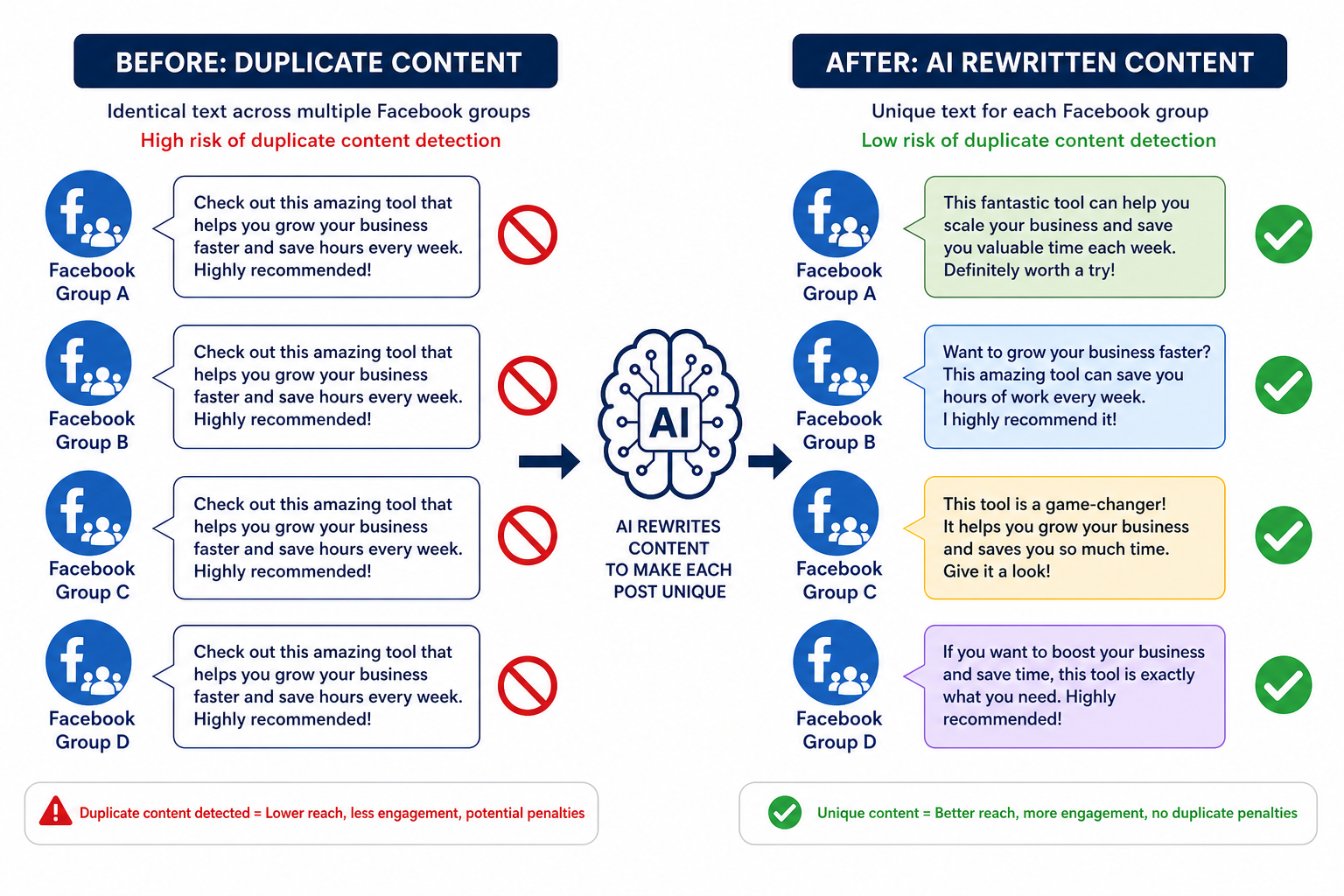
The Auto AI add-on generates fresh post content continuously from each client's business context. For clients who want hands-off content generation (not just posting automation), Auto AI eliminates the manual content creation step. The agency configures the content strategy once; the AI generates posts on a rolling basis. See how PilotPoster Auto AI works for the full feature breakdown.
Content Templates by Niche #
Agencies that specialize in specific industries (real estate, fitness, local businesses) benefit from building niche content template libraries. Once you have 10 to 15 strong post templates for a niche, new clients in that niche can be onboarded quickly with an adapted version of the existing template library.
The White-Label Option #
PilotPoster's white-label option allows agencies to present the tool under their own branding. The client sees the agency's brand name, logo, and colors in the interface rather than PilotPoster's branding.
This is useful for several reasons:
- Proprietary positioning: The tool becomes "your agency's Facebook automation platform" rather than a third-party tool anyone can buy. This strengthens your service offering and makes it harder for clients to replicate your workflow independently.
- Cohesive client experience: Clients access your reports, your dashboard, your branding. It feels like a managed service rather than a resold tool.
- Custom domain: Agencies can use a custom subdomain (e.g., automation.youragency.com) for the client dashboard.
The white-label setup is handled by PilotPoster's agency onboarding team. It's not a DIY configuration; it's a managed white-label deployment. Contact PilotPoster directly to discuss the agency and white-label options if you're evaluating this for your agency.
Reporting and Client Communication #
Clients expect to know what they're paying for. Facebook group posting campaigns produce measurable outputs:
- Number of posts published per period (daily, weekly, monthly)
- Groups reached
- Success rate (posts published vs attempted)
- Any groups with recurring failures (useful for group quality review)
PilotPoster's posting logs provide this data per account. For white-label setups, agencies can generate branded reports from the log data. A simple monthly report showing posts delivered, groups reached, and success rate gives clients the visibility they need without requiring them to understand the technical details of the campaign.
For clients who want engagement metrics (comments, reactions per post), those require manual review since Facebook doesn't provide engagement data to browser-based tools the way it does to API-connected tools. Some agencies handle this by spot-checking a sample of posts manually each week and including engagement observations in their reporting.
Security Model for Agency Operations #
The most common security concern in agency Facebook management is credential handling. The right model is clear: the agency should never have access to client Facebook passwords.
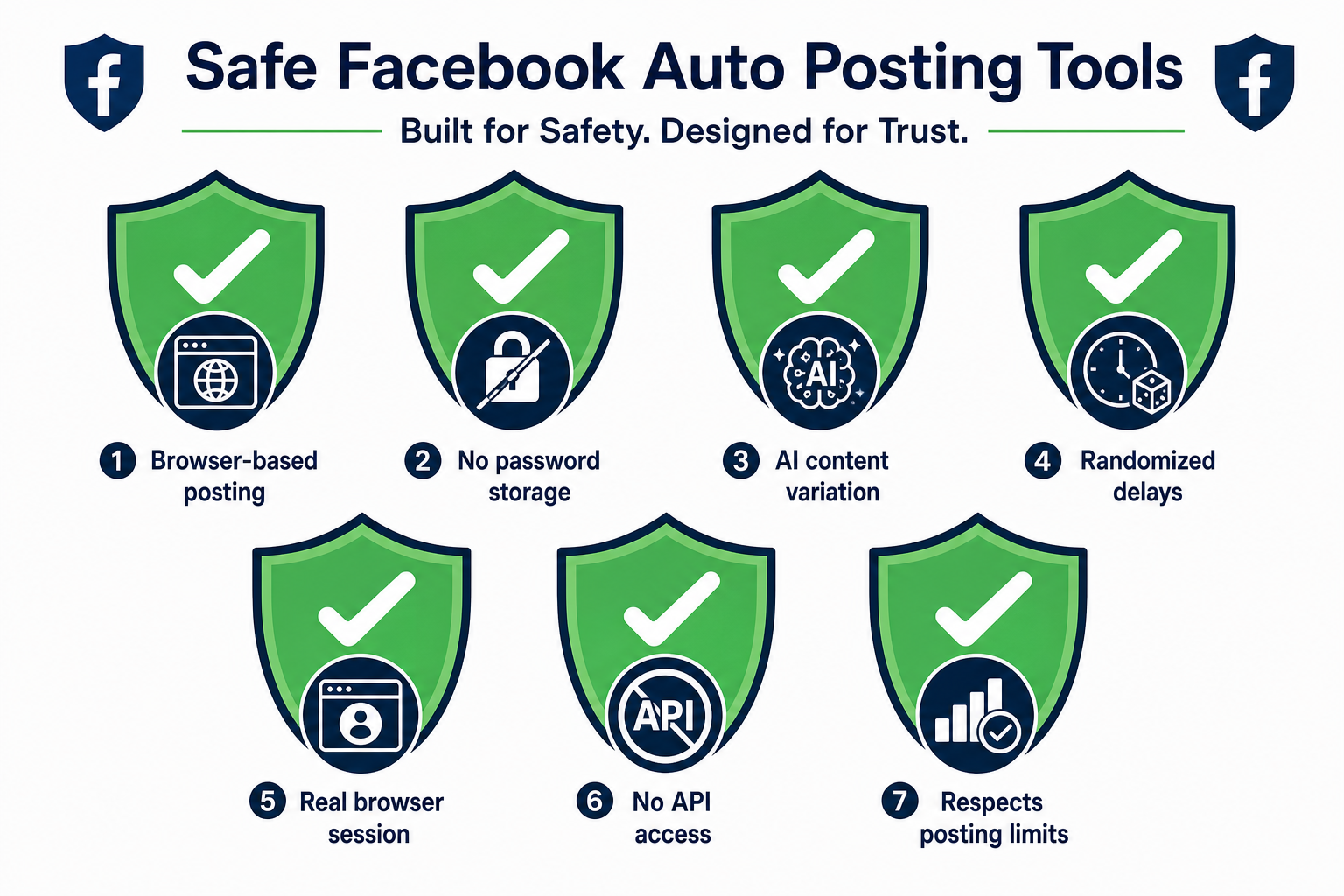
PilotPoster's architecture supports this correctly. The client's credentials are never stored on PilotPoster's servers. The client sets up their own account and installs the extension on their own machine using their own session. The agency can see campaign configuration and posting logs, but cannot see the client's Facebook login credentials or post as the client from a separate machine.
This model also protects the agency. If a client's account has a restriction issue, it's not an agency credentials problem. The client's account activity is their own; the agency's role is campaign strategy and content management.
| Agency Capability | Details |
|---|---|
| Manage multiple client accounts | Separate workspaces per client in agency dashboard |
| Configure client campaigns | Full access to client campaign settings from agency admin |
| View client posting logs | Per-client delivery logs available to agency admin |
| Access client Facebook password | No (not required or accessible by design) |
| Post as client from agency machine | No (client's Chrome extension runs on client's machine) |
| White-label branding | Available as managed white-label deployment |
| Content generation (Auto AI) | Available per client account as add-on |
Typical Agency Client Profiles #
Agencies that use PilotPoster for client management tend to serve specific client types:
- Local businesses: Restaurants, gyms, service businesses, real estate agents. These clients have joined local Facebook groups and want consistent presence in those communities without doing it manually.
- E-commerce brands: Sellers who want to maintain posting presence in niche buy/sell and interest groups relevant to their products.
- Coaches and consultants: Personal brand clients who need consistent posting in professional and interest groups to maintain visibility with their audience.
- Network marketers: Clients managing large group portfolios for MLM or affiliate marketing purposes.
For each of these client types, the value proposition is consistent: they have the group memberships and the content; they don't have the time to post manually every week. The agency manages the automation and reporting; the client's account does the posting.
- Agency Facebook group posting requires client accounts to post from their own sessions, not an agency-controlled account.
- PilotPoster's agency model gives the agency campaign management access while keeping each client's Facebook session on the client's machine.
- White-label lets agencies present the tool under their own brand, strengthening the service offering.
- The security model never requires or stores client Facebook credentials at the agency level.
- Content templates by niche and the Auto AI add-on make managing many clients' content at scale practical.