Compare · vs Post Planner
PilotPoster vs Post Planner for Facebook groups
Post Planner schedules content to Pages and other networks. Its own Facebook page notes that Facebook stopped letting apps post to groups in April 2024. PilotPoster publishes into the groups you have joined for you.
4.5 on the Chrome Web Store · Featured 1-day trial for $0 Cancel anytime
Can Post Planner post to Facebook groups?
No, not automatically. As of October 2026, Post Planner's Facebook features page says Facebook discontinued apps posting to groups in April 2024. PilotPoster posts to every group you have joined from your own browser, with spintax or AI rewrite so each group gets its own version.
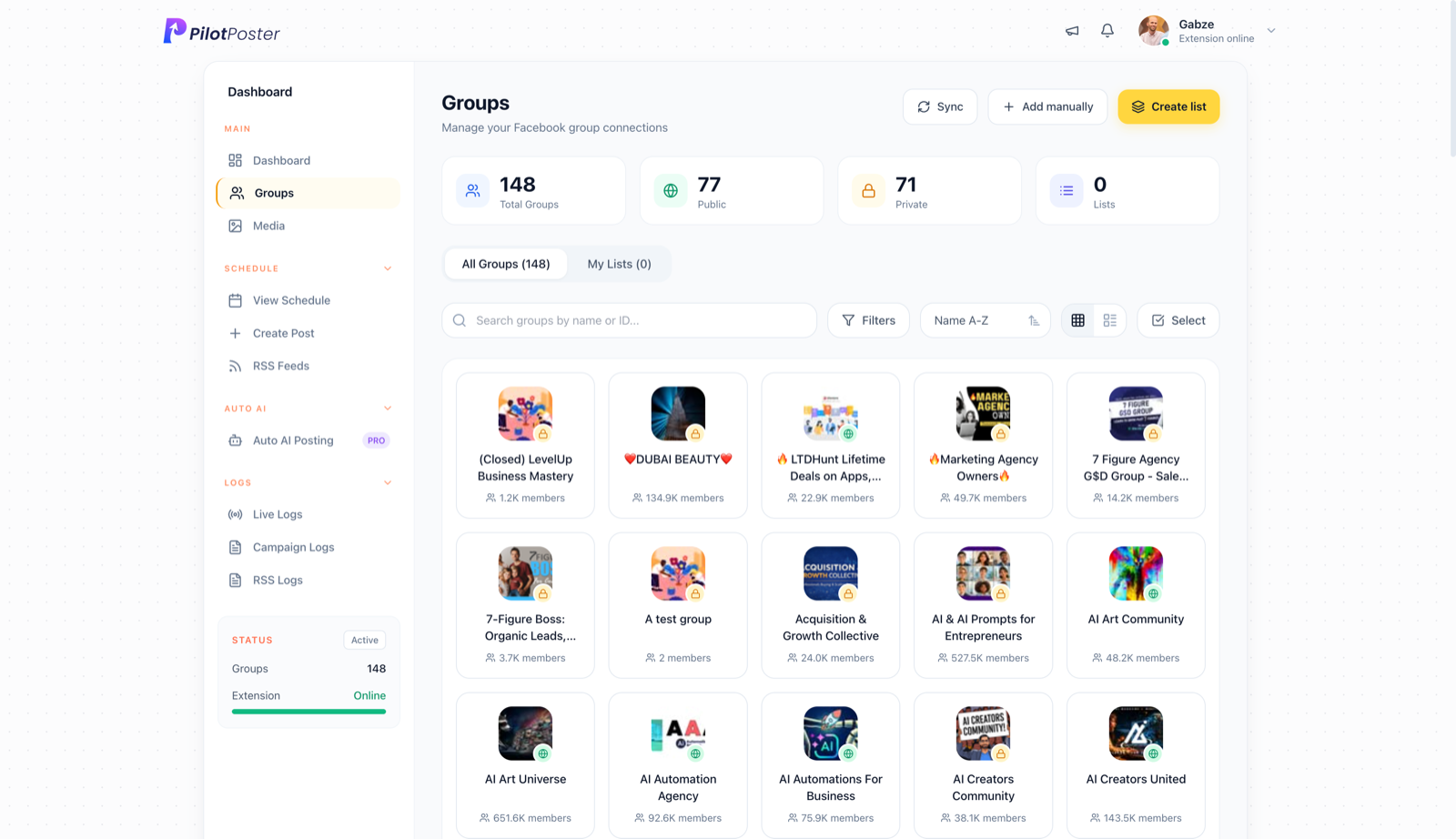
How does Post Planner handle Facebook groups?
Post Planner relies on Meta's API, which removed group publishing on April 22, 2024. See Post Planner Facebook features. PilotPoster posts organically from your own account, one group at a time, so your groups still hear from you every week.
What does PilotPoster do that Post Planner can't?
- Posts for you to every group you've joined as a member, plus your profile and groups as your Page
- Gives each group its own wording with spintax or AI rewrite
- Adds your link as the first comment, so the post itself stays clean
- Plain-language logs show every group a post reached, and follow-ups reach only the groups that missed
- Group intelligence and outcome tracking show which groups bring clicks and customers
- Safety Autopilot paces campaigns, sets posting limits and pauses groups that keep failing
How much does each one cost?
PilotPoster Pro is $47 a month for unlimited groups, or $390 billed yearly. As of October 2026, Post Planner's Starter plan is listed at $14 a month ($9 billed yearly) for 3 accounts, with a free plan for 1 account. Check Post Planner's site for current pricing.
How do I switch from Post Planner to PilotPoster?
It takes minutes. Install the extension, and every group you have joined is imported, ready to sort into saved lists. Schedule your first campaign, give each group its own version, and every post comes back with a live link or the exact reason it didn't go out. See how PilotPoster works.
PilotPoster vs Post Planner, side by side
| Feature | PilotPoster | Post Planner |
|---|---|---|
| Posts to Facebook groups you've joined | Yes, automatically, every joined group you pick | No |
| Posts to your personal profile | Yes, on a schedule | Not documented |
| How posts go out | Web dashboard; its Chrome extension posts from your own browser | Meta API |
| Different version per group | Spintax word swaps or AI rewrite | Not applicable to groups |
| Auto first comment | Yes, groups, profile and Pages | Pages |
| RSS autoposting | Yes, to groups, profile and Pages | Not documented |
| Price | $47/month for unlimited groups, 1-day trial for $0 | From $14/mo ($9 yearly) |
Published by PilotPoster. Post Planner details as of October 2026 from Post Planner Facebook features and Post Planner plans; check their site for current details.
Does Post Planner schedule posts to Facebook groups?
Not since Facebook removed group publishing for apps in April 2024, as Post Planner notes on its own site. PilotPoster schedules and publishes to every group you have joined, plus your profile and groups as your Page.
Can PilotPoster reshare my best posts to groups?
Yes. Recurring campaigns repeat your best posts daily, weekly or on any interval with an end date, and RSS autoposting shares new blog or Page posts to your groups automatically.
How much does PilotPoster cost?
PilotPoster Pro is $47 a month for unlimited groups, or $390 billed yearly. Start with a 1-day trial for $0, with a 7-day money-back guarantee, and cancel anytime.
Is it safe to auto post in Facebook groups with PilotPoster?
PilotPoster is built for it: posts go out one group at a time from your own browser at a natural pace, each group gets its own version, and Safety Autopilot pauses any group that keeps failing. It never asks for your Facebook password.





4.5 on the Chrome Web Store
Reach the groups Post Planner can't
Schedule once and reach every Facebook group you’ve joined, while you get back to running your business.