Feature · Safety Autopilot
Safety Autopilot: posting limits you set, held on every campaign
Safety Autopilot is PilotPoster’s built-in account protection for Facebook group posting. Set your posting limits once and it holds them on every campaign, keeps your pace human and pauses any group that stops accepting posts, all automatically.
4.5 on the Chrome Web Store · Featured 1-day trial for $0 Cancel anytime
Can PilotPoster slow down or pause posting on its own?
Yes. Safety Autopilot holds your posting limits across every campaign, RSS feed and Auto AI post. If a group stops accepting posts, it pauses that group automatically for a cooldown period while your other groups carry on. Every action is recorded in a clear safety log. See how PilotPoster protects your account for the bigger picture.
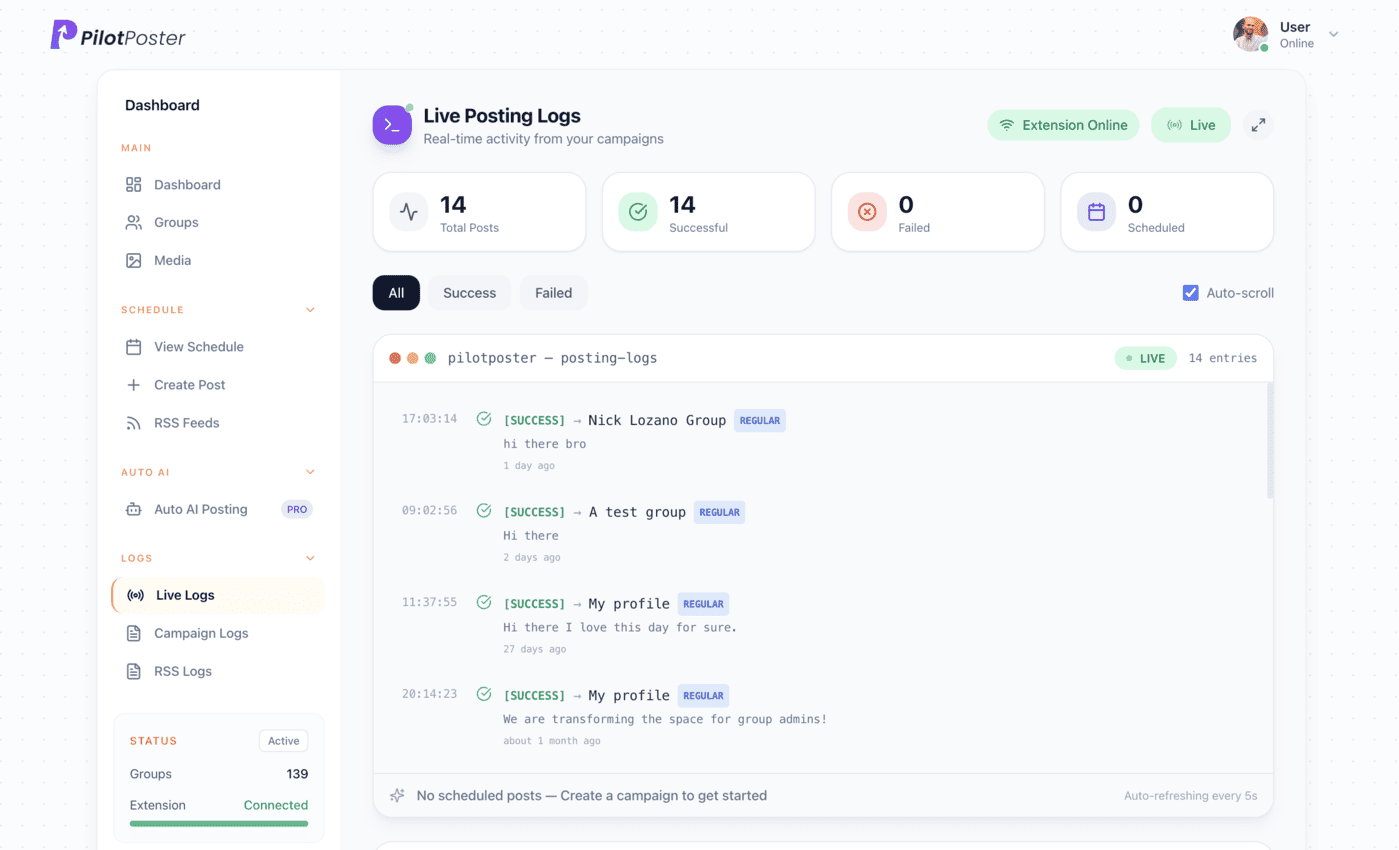
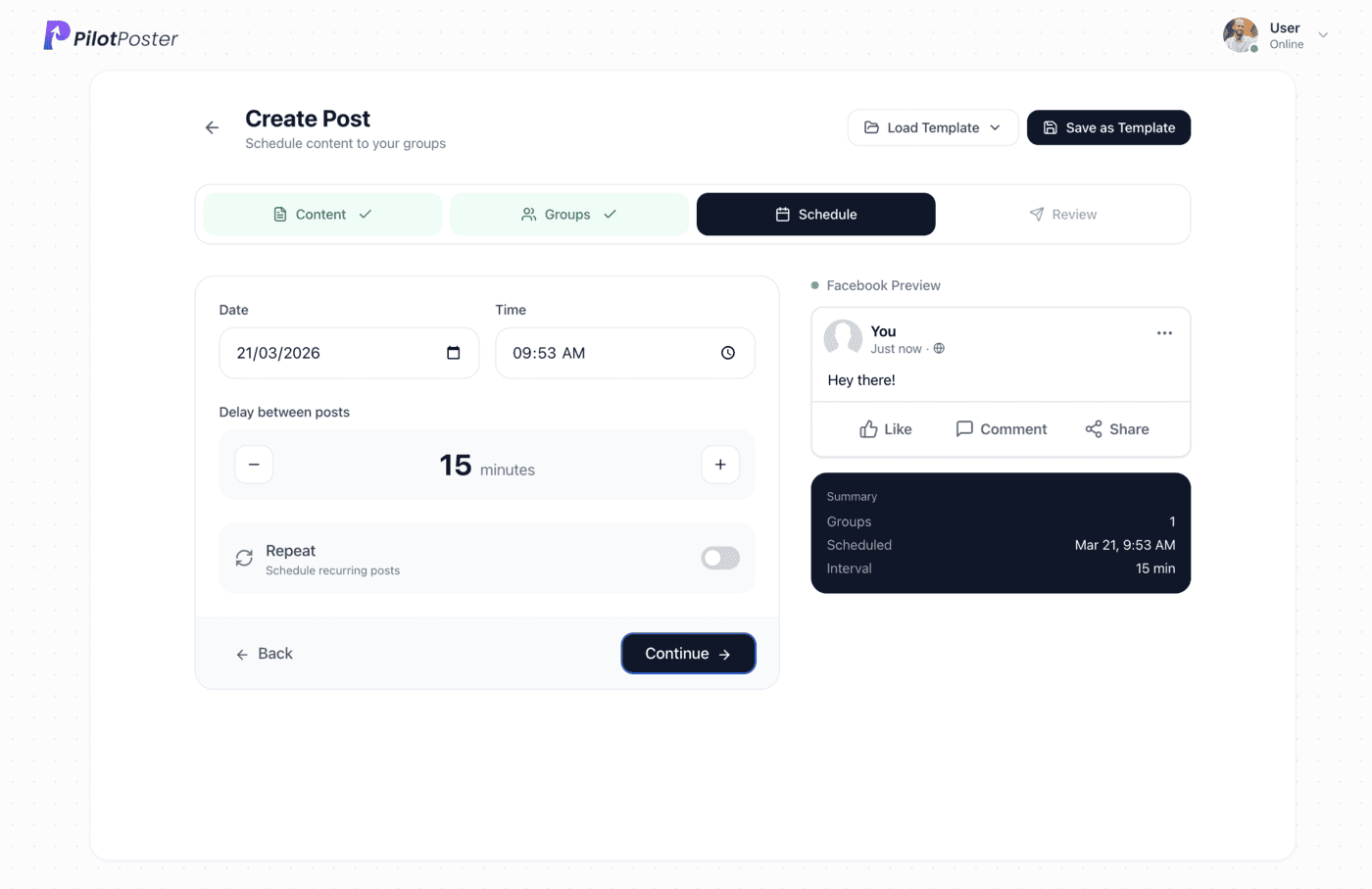
How does Safety Autopilot protect your account?
Set your posting limits once and Safety Autopilot handles the pacing for you on every campaign, whether you wrote the post yourself, it came from your blog feed or Auto AI created it. Your posting stays human-paced and consistent, even on busy days when several campaigns run at once. If a group stops accepting posts, Safety Autopilot pauses it automatically and carries on with the rest.
How many groups can I post to per day?
The right number depends on your account and the groups you post in, which is exactly why Safety Autopilot lets you set your own limits. PilotPoster’s recommended settings give you a confident starting point, and as your account builds a track record you can grow your reach step by step. Pace, relevance and following each group’s rules are what keep posting natural, and Safety Autopilot takes care of the pace for you. Our guide to Facebook group posting limits covers best practices.
When to use it
Tom Brennan runs Brennan Roofing in Toledo. He has a weekly campaign to local groups, an RSS feed that shares his blog posts, and Auto AI posting seasonal tips. On Mondays all three run at once, and Safety Autopilot blends them into one steady, natural pace without Tom lifting a finger. When a buy and sell group started turning down business posts, Safety Autopilot paused it automatically. Tom spends his Mondays on roofs, not on Facebook.
What you control
- A posts-per-hour cap across all campaigns
- A natural, human posting pace
- Recommended settings to start from
- Covers campaigns, RSS feeds and Auto AI posts
- Automatic cooldown for groups that keep failing
- Change your limits at any time
When Safety Autopilot earns its keep
It works on every campaign, but owners notice it most at the moments when posting gets busy:
- Launch week, when you send a new offer to a fresh group list
- Busy seasons like spring cleanups or the holidays, when you add extra campaigns
- Days when campaigns, RSS shares and Auto AI posts all land at once
- When a group changes its rules and starts holding or declining posts
- When you hand posting to a team member and want your limits held for them
“This is really helpful for my business! I am able to find real estate buyers from groups quite easily. Getting prospects is very easy with this, only thing I have to do is sell well. I genuinely love PilotPoster.”

Jake Boyer
Mortgage Lending NMLS
How do I choose my posting limits?
Start with PilotPoster’s recommended settings and Safety Autopilot holds them on every campaign. As your account builds a track record, raise your reach step by step.
What happens when a group gets paused?
It is skipped for a cooldown window while the rest of your campaign keeps posting. The pause and the reason are recorded in the safety log.
Why did my post go to pending or need admin approval?
That group asks admins to approve new posts. It is the group’s setting, not a problem with your account, and your log flags it so you know where a post is waiting.
Can I see why a group was skipped?
Yes. Every pause and cooldown is recorded in the safety log with the time and a clear explanation.
What if several campaigns run on the same day?
Safety Autopilot applies account-wide limits, so campaigns, RSS feeds and Auto AI posts running the same day blend into one steady rhythm within your limits.
How does Safety Autopilot keep my account protected?
It holds your posting limits, keeps the pace human and pauses struggling groups automatically. Follow the recommended settings and each group’s rules, and your posting stays natural.




4.5 on the Chrome Web Store
Post more, with built-in account protection
Safety Autopilot handles pacing on every campaign, so you can focus on your customers.