Feature · Group Intelligence
Group intelligence: see how every Facebook group you post to performs
Group Intelligence measures Facebook group performance for you: a success rate and a health score for every group you post to, based on your own posting history. It shows you at a glance which groups deliver for your business, so you put your effort where the customers are and stop wasting posts on groups that do not pay off.
4.5 on the Chrome Web Store · Featured 1-day trial for $0 Cancel anytime
How do I know which Facebook groups perform best?
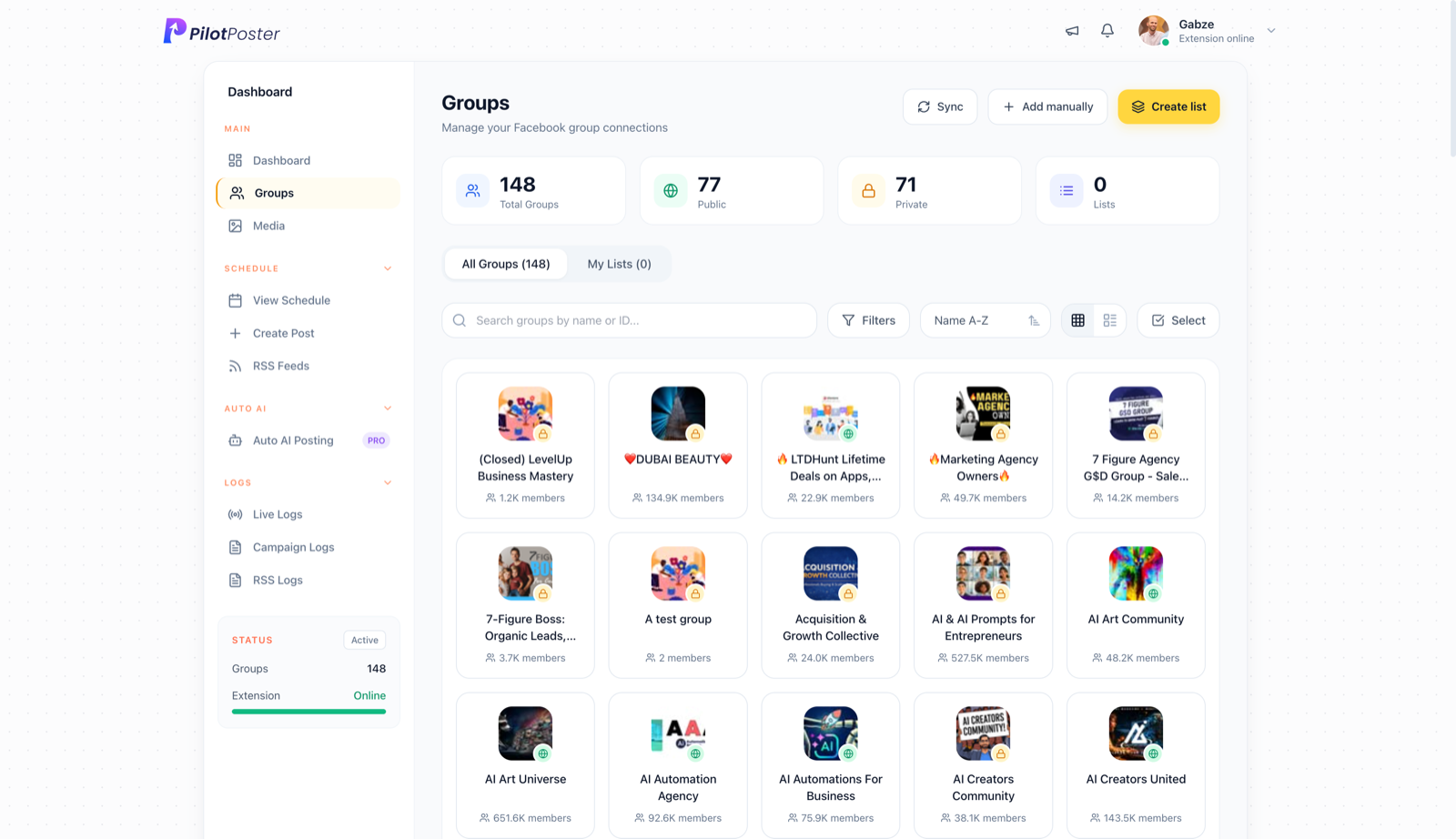
PilotPoster tracks every post attempt to every group you have joined and rolls it up into a per-group success rate and health score. Open any group’s detail panel to see its full posting history, recent failures and how it is trending, so you can double down on the groups that work for your business.
How does Group Intelligence help you reach more customers?
Every group you have joined is ready to use the moment you connect, and from your very first campaign PilotPoster starts learning which groups deliver. Each group earns a success rate and a health score that stay current as you post. Your best groups rise to the top, the weak ones stand out, and every group’s detail panel shows its full history. The result is a sharper group list every month, more of your posts landing in front of real customers and less time spent guessing.
- Success rate calculated from your own posting history
- Recent failures shown with the reason PilotPoster recorded
- Health score updates automatically after every post attempt
- Works across manual campaigns, RSS and Auto AI posts
- No extra setup: it builds itself as you post
A health score for every group you post to
Each group’s score is your own track record with that specific group: how reliably your posts go through and whether that is improving or slipping. It turns weeks of posting history into one clear signal, so you can spot your strongest groups and act on trends long before they cost you reach, without a spreadsheet in sight.
When to use it
Hannah Pierce runs Pierce Family Photography in Spokane and posts her mini-session dates to a long list of local moms, community and buy-and-sell groups. After a month she opens her Groups page. Most groups show a healthy score, but a handful have failed on nearly every attempt, several of them because an admin has to approve every post. She removes the worst ones from her “Spokane local” list and adds a few new groups to replace them. Her next round of mini-sessions books up faster, because every post now lands in a group that welcomes it.
What you can do with it
Every insight is one click from action.
- Which groups stay in your saved group lists
- Removing groups with low scores and repeated recent failures
- Opening any group’s detail panel to check its full history
- Turning on Safety Autopilot to pause posting to failing groups
- Sending a follow-up campaign only to groups that missed a post
- Applying a saved targeting preset, such as the built-in “High performers” one
Pair it with your reports and outcome tracking
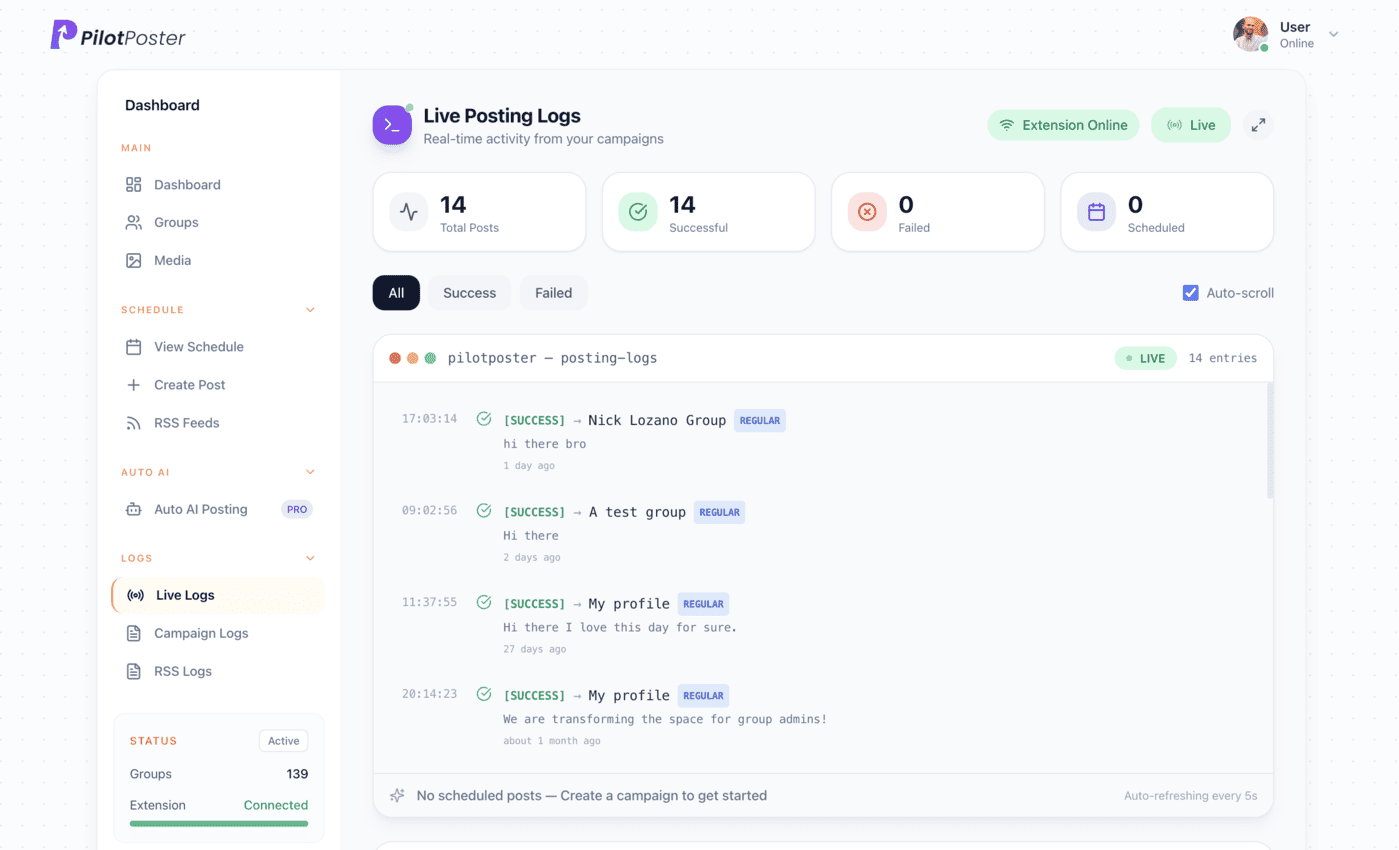
Group Intelligence shows which groups accept your posts. Your posting and delivery reports show every post that went out, and outcome tracking adds the other half: which groups send you clicks and customers.
“PilotPoster makes it easy for me to reach a large number of people easily and effectively from time to time. The pricing is unbelievable.”

Buck Goddard
Marketing Manager, Crown Books
Does Group Intelligence need any setup?
No. It builds itself from your posting activity as soon as you start running campaigns, and the scores stay current after every post. The more you post, the sharper the picture gets.
What counts toward a group’s health score?
The mix of successes and failures PilotPoster has recorded for that group across all your campaigns, including RSS and Auto AI posts, weighted toward recent activity. Your own track record is far more useful than member counts when you decide where to post.
Can I use it to decide which groups to drop?
Yes. Groups with a low score and repeated recent failures are clear candidates to swap out, and each group’s detail panel shows the reason behind every result.
Does it work with Safety Autopilot?
Yes. Safety Autopilot uses the same history to pause a struggling group automatically for a cooldown, so your campaigns stay focused on the groups that deliver.
How do I find better Facebook groups for my business?
Start with the groups where your customers already are: local community, neighborhood and buy-and-sell groups, plus groups about your trade. Join a few, read their rules, then let Group Intelligence show which ones accept your posts.
Does it show likes and comments for each group?
Group Intelligence focuses on delivery. To see which groups send people to your website, pair it with Outcome Tracking, which counts clicks by group and logs sales and bookings next to them.




4.5 on the Chrome Web Store
Stop guessing which groups still work
Know which groups bring you customers and focus every post where it pays off.