Feature · Outcome Tracking
Outcome tracking: see which Facebook groups actually drive clicks
Outcome tracking lets you track clicks from Facebook groups back to the exact post and group they came from. PilotPoster turns your links into short tracked links and connects every click, and every sale or booking you log, to the group that produced it. You see exactly which groups bring you customers, so every post works harder.
4.5 on the Chrome Web Store · Featured 1-day trial for $0 Cancel anytime
How do I know which Facebook group posts actually get clicks?
Create a tracked link in PilotPoster and use it in your post instead of your raw URL. Every time someone clicks it, PilotPoster records the click against the specific post and group it was shared in. Your Insights page then shows total clicks, your top groups, and any conversions you have logged against those same links.
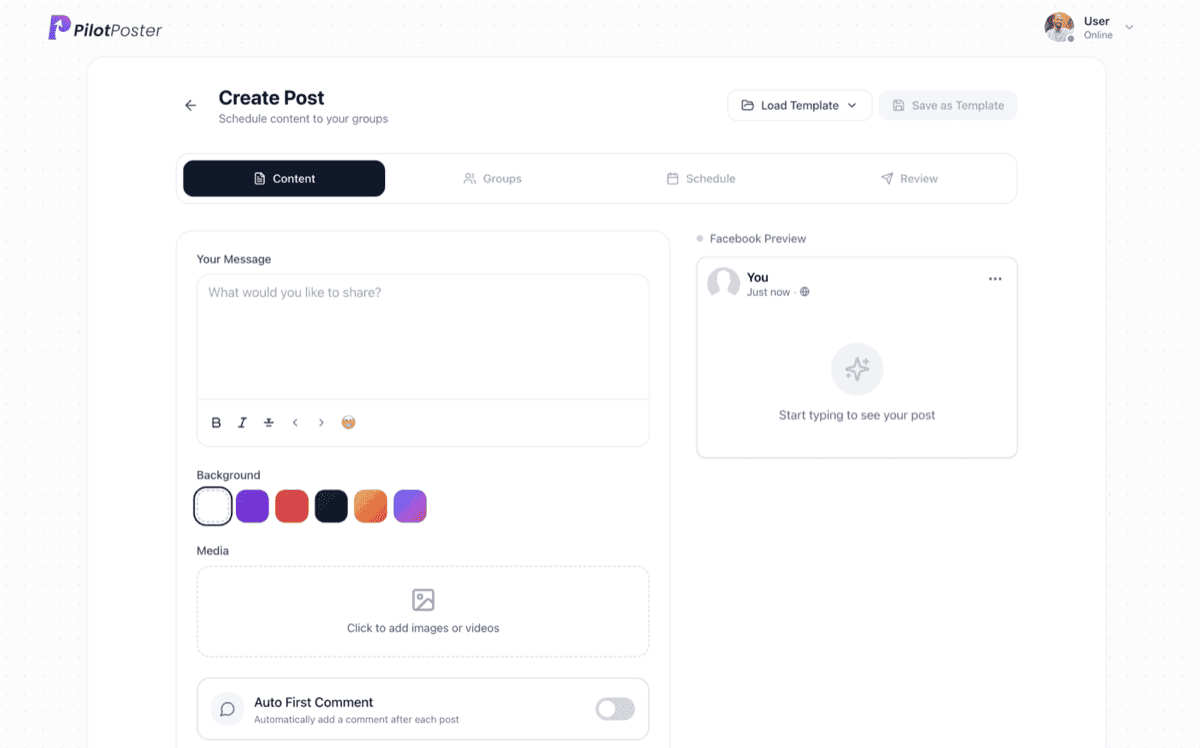
How does outcome tracking help you grow?
Knowing what works is how small businesses grow on a small budget. Create a short tracked link for your booking page, menu or offer, and use it in your post or first comment. Every click is credited to the exact post and group that earned it, and the visitor lands straight on your page. Within weeks you know which groups fill your calendar, which offers people respond to and where your next post should go. It is the clarity of paid ads reporting, for the free reach of Facebook groups.
- Short redirect links for any destination
- Every click attributed to a specific post and group
- Works in post text, first comments and Auto AI content
- Log sales and bookings in one click, or record them automatically from your other tools
When to use it
Mike Kowalski runs Kowalski Roofing outside Toledo and posts a free spring roof inspection offer to his local community and homeowner groups every week. His booking link is now a tracked link. After a month, the Insights page shows that two quiet neighborhood groups sent most of his clicks, while a big regional buy-and-sell group sent almost none. When a homeowner books, he logs it as a conversion. Next season he focuses on the groups that bring him jobs, and books more inspections from fewer posts.
What you control
You decide what gets measured, and PilotPoster does the counting for you.
- Which destination each tracked link points to
- Which posts or offers use a tracked link
- Whether the link goes in the post text or the first comment
- Logging a conversion by hand from your dashboard
- Recording conversions automatically from your other tools (an upgrade you can turn on from your dashboard)
See which Facebook groups actually convert
Your Insights page rolls up clicks by group, so you can see which communities are quiet but effective and which ones accept your posts but send no traffic. Pair it with group intelligence and you get both sides: which groups accept your posts, and which ones produce results. The delivery side lives in your posting reports.
Turn group posting into a measurable sales channel
Use a tracked link on every offer you care about and log each sale or booking as it comes in, and your Insights page becomes a clear picture of what Facebook groups earn for your business. Compare offers, compare towns, compare seasons, and put more of your effort behind the posts that pay. For a simple way to work out what your group posting is worth, read how to measure Facebook group marketing ROI.
“This is really helpful for my business! I am able to find real estate buyers from groups quite easily. Getting prospects is very easy with this, only thing I have to do is sell well. I genuinely love PilotPoster.”

Jake Boyer
Mortgage Lending NMLS
How do I track clicks from Facebook group posts?
Create a tracked link in PilotPoster for the page you want people to visit, then use that link in your post or first comment instead of the raw address. Each click is recorded against the post and group it came from, and Insights adds them up by group.
Do I have to use a tracked link in every post?
No. Use one whenever you want to measure a specific offer, such as a seasonal discount or a booking link. Every post still appears in your delivery reports.
Can I log actual sales or leads, not just clicks?
Yes. Log a conversion from your dashboard whenever a lead or sale comes in, or record them automatically from your other tools with the Automation API, a dashboard upgrade.
What does the link look like to group members?
A clean, short link that takes visitors straight to your page. It looks tidy in a post and is easy to tap on a phone.
Which businesses get the most from outcome tracking?
Any business that sends people to a page: a booking form, a menu, a quote request or an online shop. Lawn care companies see which towns book jobs, restaurants see which groups click the menu, and realtors see which listings pull buyers.
Can I add a link in the first comment and still track it?
Yes. Tracked links work in the post text, the automatic first comment and Auto AI content, and every click is still credited to the post and group.




4.5 on the Chrome Web Store
See exactly which groups bring you customers
Track clicks and sales back to the exact group they came from, and grow what works.